Lets Go Mini 4WheelsAI · Claude 3.5
Game information
AI generation prompt
Core Game Loop and Mechanics
Astro Drifters is a fast-paced 3D kart racing game where players compete against AI opponents on a looping race track. The core experience centers on:
- Racing: Players control a kart using left/right steering and an accelerator pedal, navigating a track while competing against 3 AI opponents
- Positioning: Players start in 4th place and must overtake opponents to win
- Lap System: Complete 3 laps to finish the race
- Win Condition: Finish in 1st place after 3 laps
- Lose Condition: Finish in 2nd, 3rd, or 4th place
The gameplay emphasizes smooth steering, speed management, and strategic positioning to overtake opponents. The game is designed for quick, replayable races that last 1-2 minutes.
Game Perspective
3D Third-Person Top-Down Back View
The camera is positioned above and behind the player's kart at a 45-degree angle, providing a clear view of:
- The player's kart in the lower portion of the screen
- The track ahead for navigation
- Nearby opponent karts for tactical awareness
- Upcoming turns and track features
The camera follows the player kart smoothly, rotating to match the kart's direction while maintaining the elevated back view. This perspective balances visibility with immersion, making it easy to steer while feeling the speed and excitement of racing.
Game World and Level Design
Track Design - "Cosmic Circuit"
A single looping race track set in a vibrant, low-poly space environment:
- Track Shape: Oval circuit with gentle curves and one hairpin turn, approximately 800 units in length
- Track Width: 120 units wide, allowing 2-3 karts to race side-by-side
- Surface: Smooth racing surface with visible lane markings
- Barriers: Low walls on both sides to keep karts on track (karts bounce off gently)
- Environment: Floating track in space with colorful nebula backdrop, distant planets, and stars
- Start/Finish Line: Clearly marked with checkered pattern and overhead arch
- Lap Markers: Visual indicators showing progress through each lap
Track Features:
- Gentle curves for smooth steering practice
- One challenging hairpin turn requiring braking
- Wide straights for overtaking opportunities
- Subtle elevation changes for visual interest
Edit Mode Design
Players can customize the following parameters in edit mode:
Kart Properties:
- Player kart color (RGB sliders)
- Opponent kart colors (3 separate RGB sliders)
- Kart acceleration rate (0.5 - 2.0, default: 1.0)
- Kart max speed (50 - 150, default: 100)
- Kart turning speed (0.5 - 2.0, default: 1.0)
Race Settings:
- Number of laps (1 - 5, default: 3)
- Number of AI opponents (1 - 5, default: 3)
- AI difficulty (Easy/Medium/Hard - affects AI speed and steering precision)
Visual Settings:
- Track color (RGB sliders)
- Barrier color (RGB sliders)
- Background nebula color (RGB sliders)
- Camera distance (50 - 200, default: 100)
- Camera height (30 - 100, default: 60)
All parameters have reasonable defaults that create a balanced, fun racing experience. Constraints prevent values that would break gameplay (e.g., zero speed, invisible colors).
Control Design
Mobile (Touch) - Primary Design:
Left Side - Steering Buttons: Two large buttons (96x96px minimum) in the bottom-left corner
- LEFT button: Steer left while held
- RIGHT button: Steer right while held
- Positioned at y: 1100-1200 (bottom 180px of screen)
- Buttons are 20px apart horizontally
Right Side - Accelerator Pedal: Large circular button (120x120px) in the bottom-right corner
- Hold to accelerate
- Release to coast/slow down
- Positioned at y: 1100-1220 (bottom 180px)
HUD Elements (top half of screen, above y: 640):
- Current position (1st/2nd/3rd/4th) - top-left
- Current lap (1/3, 2/3, 3/3) - top-center
- Speed indicator - top-right
Desktop (Keyboard/Mouse) - Secondary Support:
- Arrow Keys or A/D: Steer left/right
- W or Up Arrow or Space: Accelerate
- ESC: Pause/menu
Control Implementation Details:
- Steering is analog-style: holding the button longer = sharper turn
- Acceleration builds gradually while pedal is held
- Releasing accelerator causes gradual deceleration
- No brake button - players slow down by releasing accelerator
- Touch controls track touch IDs to prevent interference
- All controls clear on window blur
- Prevent default browser behavior for used keys
Win/Lose Conditions
Win Condition:
- Complete 3 laps AND cross the finish line in 1st place
- Victory screen displays: "Victory! You finished 1st!" with race time and a "Race Again" button
Lose Condition:
- Complete 3 laps but finish in 2nd, 3rd, or 4th place
- Results screen displays: "Race Complete! You finished [position]" with race time and a "Try Again" button
Race Progress:
- Position updates in real-time based on lap completion and distance along track
- Lap counter increments when crossing start/finish line
- Race ends when player completes final lap (regardless of whether AI has finished)
Art Style and Visual Theme
Low-Poly Sci-Fi Aesthetic
The game uses a vibrant, colorful low-poly art style that's both visually appealing and performance-friendly:
Visual Style:
- Clean, geometric low-poly 3D models
- Bright, saturated colors with good contrast
- Smooth shading with subtle gradients
- Minimal textures - rely on solid colors and simple patterns
- Glowing accents and emissive elements for sci-fi feel
Color Palette:
- Player kart: Bright cyan/blue
- Opponent karts: Orange, purple, green (distinct from player)
- Track surface: Deep purple/blue with cyan lane markings
- Barriers: Metallic gray with warning stripes
- Background: Deep space black with colorful nebula (pink, purple, blue gradients)
- UI: White text with cyan accents
Asset Specifications:
3D Models (rendered via Three.js code):
- Karts: Simple box-based chassis with 4 cylinder wheels, ~20 polygons total
- Track: Extruded path with flat surface, simple geometry
- Barriers: Low rectangular walls along track edges
- Start/Finish Arch: Simple rectangular frame over track
Generated Image Assets:
- Background nebula: 2048x2048 space backdrop with colorful nebula clouds
- UI elements: Buttons, position indicators, lap counter graphics
Visual Effects (code-based):
- Kart shadows (simple circular blob shadows)
- Speed lines when at high velocity
- Particle trail behind karts
- Screen shake on collisions with barriers
Consistency Notes:
- All 3D elements use the same low-poly style with flat shading
- Viewing angle is consistent: top-down back view at 45-degree angle
- All karts are the same model, differentiated only by color
- UI elements use the same color scheme as the game world
Related games
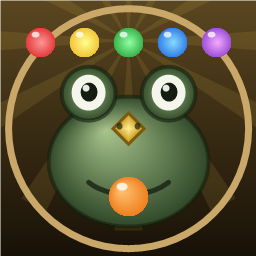
Control the stone frog to shoot colored spheres, matching 3 or more of the same color on a winding path to prevent them from reaching the solar black hole. Features 20 levels, endless mode, power-ups, combos, and daily check-ins.
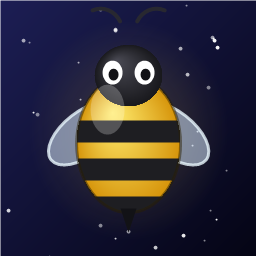
Fly your starship and shoot down waves of invading alien space bees descending from the top. Dodge enemy fire and diving attacks. Features stage & endless modes, boss fights, shields, spread shots, achievements, and retro synth sound effects.
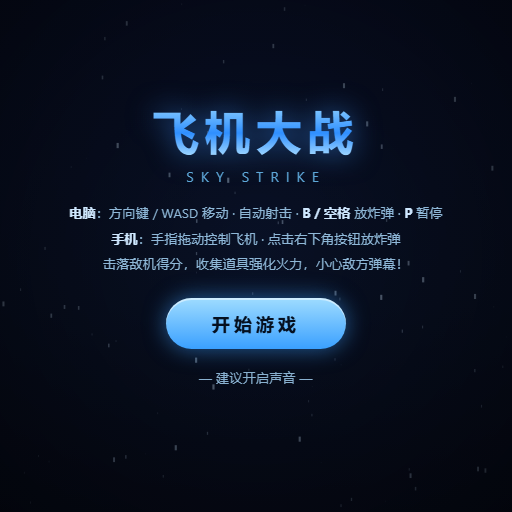
Classic vertical flight shooter: Pilot your fighter plane to dodge bullet hell, shoot down enemy squadrons and giant Bosses, and collect power-ups to upgrade weapons.
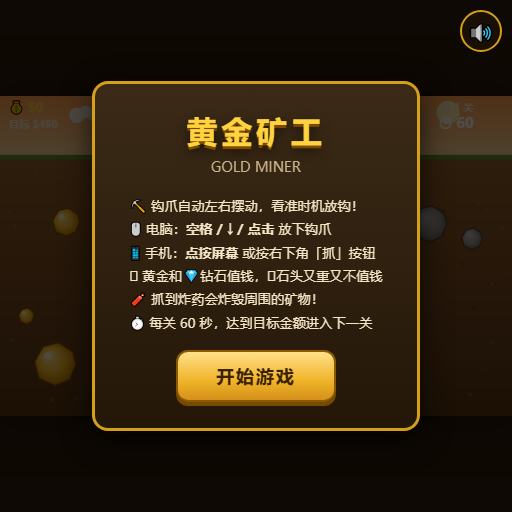
Aim and drop your claw to pull up gold nuggets, diamonds, and mysterious items. Reach target scores within the time limit.

Classic multiplayer snake arena: Eat glowing dots to grow longer, trap opponents with your body, and become the longest snake on the map.

Compete against 4 AI snakes in a battle for survival: consume food to grow, cut off opponents to defeat them, and climb the leaderboard.