Love & DMsAI · Claude 3.5
Game information
AI generation prompt
Core Game Loop and Mechanics
Love & DMs is a narrative-driven messaging simulator where players experience high school life through a fictional chat app called "Chatter". The core gameplay revolves around reading incoming messages and choosing how to respond, with each choice affecting relationships and unlocking new story branches.
Moment-to-Moment Gameplay:
- Receive Messages: Characters send messages that appear with typing indicators and realistic timing
- Choose Responses: Player selects from 2-4 response options that reflect different tones (supportive, flirty, sarcastic, cautious)
- Watch Reactions: Characters respond based on player choices, with relationship meters subtly updating
- Unlock Content: Good relationships unlock new conversations, profile pictures, stickers, and story events
- Manage Multiple Chats: Balance conversations with different characters, deciding who to prioritize
Progression System:
- Relationship Meters: Each character has a hidden relationship score (0-100) that affects their behavior
- Story Chapters: The game progresses through story beats (Week 1, Week 2, etc.) with major events
- Unlockables: Players earn new chat themes, stickers, and profile customization options
- Multiple Endings: Different relationship outcomes based on accumulated choices
What Makes It Compelling:
- Authentic teen drama: Relatable situations like group project conflicts, party invitations, secret crushes
- Meaningful choices: Responses have real consequences that ripple through the story
- Character depth: Each character has secrets, growth arcs, and realistic personalities
- Replayability: Multiple romantic paths and friendship routes encourage replaying
Win/Lose Conditions:
- No traditional "lose": The game adapts to choices rather than punishing players
- Success metrics: Achieving high relationships, unlocking all story branches, getting preferred romantic ending
- Chapter completion: Each week/chapter concludes with a major event that reflects accumulated choices
Starting Scope
For the initial implementation, we'll focus on creating a polished, playable prototype that demonstrates the core chat mechanics and relationship system:
Must Have (First Iteration):
Core Chat Interface:
- Realistic messaging UI with typing indicators, timestamps, read receipts
- Smooth message animations (messages slide in, typing dots animate)
- Profile pictures for each character at top of chat
Three Main Characters (to demonstrate relationship variety):
- Alex (The Crush): Mysterious, artistic, potential romantic interest
- Jordan (Best Friend): Supportive, funny, your ride-or-die
- Casey (The Rival): Competitive, complex, starts antagonistic but can become friend/romance
Week 1 Story Arc (Introduction):
- 15-20 total message exchanges across all characters
- Introduction to each character's personality
- One major choice that branches the story (choosing who to sit with at lunch)
- Concludes with Friday party invitation event
Basic Relationship System:
- Simple relationship tracking (0-100 scale per character)
- Responses tagged with relationship impact (+5, +10, -5, etc.)
- Visual feedback when relationships change (subtle heart/star animation)
Essential UI Elements:
- Chat list showing all conversations with unread indicators
- Individual chat view with message history
- Response choice buttons (2-3 options per decision point)
- Simple profile view showing character info
Mobile-Optimized Controls:
- Tap to select responses
- Swipe or tap back button to return to chat list
- Smooth scrolling through message history
Future Iterations (Post-Launch):
- Additional characters (5-6 total with diverse personalities and backgrounds)
- Extended story (Weeks 2-4 with escalating drama)
- Unlockable customization (chat themes, stickers, profile pictures)
- Group chats (multiple characters in one conversation)
- Photo sharing (characters send images that advance story)
- Mini-events (quick-time response choices, timed decisions)
- Multiple endings with ending gallery
- Achievement system
- Save/load system for trying different paths
Game Perspective
Fixed-screen mobile messaging interface - The game uses a realistic smartphone messaging app aesthetic viewed in portrait orientation. The interface mimics popular messaging apps with:
- Chat list view (showing all conversations)
- Individual chat view (full-screen conversation with one character)
- No scrolling game world - just UI navigation between screens
Game World and Level Design
Setting:
Riverside High School - A contemporary American high school where all drama unfolds through digital communication. Players never see the school directly; instead, they experience it through chat conversations, profile pictures, and character descriptions.
Narrative Structure (Week 1 - First Implementation):
Monday Morning (Tutorial):
- Jordan sends first message: "OMG did you see what happened at the game Friday?? 😱"
- Introduces basic chat mechanics
- Player learns to choose responses
- Sets up the social landscape of the school
Monday Afternoon:
- Alex sends a message: "Hey... you're in Ms. Chen's English class right?"
- First interaction with the crush character
- Opportunity to be friendly, flirty, or cautious
- Jordan comments on Alex later, revealing Alex's reputation as the "mysterious artist"
Tuesday:
- Casey messages: "We need to talk about the group project. I'm NOT doing all the work again."
- Introduces conflict/tension
- Player can be diplomatic, assertive, or apologetic
- Choice affects Casey's perception significantly
Wednesday (Major Branch Point):
- Group chat gets created (future feature, for now separate messages)
- Jordan: "Lunch today? Usual spot?"
- Alex: "Want to check out the art room during lunch? I want to show you something..."
- Casey: "If you're free at lunch, we should work on the project."
- CRITICAL CHOICE: Player must pick who to spend time with
- This choice significantly impacts relationship trajectories
Thursday:
- Follow-up based on Wednesday's choice
- Character you chose is happy, others react to being declined
- Opportunity to smooth things over or double down
Friday (Week 1 Climax):
- Jordan: "Party at River's house tomorrow night! You coming?"
- Alex's response depends on relationship level
- Casey's response depends on relationship level
- Week ends with party invitation accepted/declined
- Sets up Week 2 (future content)
Character Profiles:
Alex Rivera (The Crush):
- Age: 17, Junior
- Personality: Thoughtful, artistic, slightly mysterious
- Interests: Photography, indie music, poetry
- Secret: Dealing with family pressure about college/career
- Romance path: Slow-burn, requires patience and genuine interest
- Friendship path: Becomes creative collaborator and confidant
Jordan Kim (Best Friend):
- Age: 16, Junior
- Personality: Outgoing, loyal, humorous
- Interests: Sports, social events, true crime podcasts
- Secret: Insecure about being "the funny friend" and not taken seriously
- Romance path: Friends-to-lovers, requires recognizing deeper feelings
- Friendship path: Ride-or-die bestie, always supportive
Casey Morgan (The Rival):
- Age: 17, Junior
- Personality: Ambitious, competitive, secretly vulnerable
- Interests: Debate team, academic excellence, college prep
- Secret: Intense pressure from parents, fear of failure
- Romance path: Enemies-to-lovers, requires breaking through walls
- Friendship path: Mutual respect, powerful ally
Edit Mode Design
Edit mode allows players to customize their experience and replay with different parameters:
Editable Properties:
Player Profile:
- Player name (text input, default: "You")
- Profile picture selection (choose from 6 preset avatars)
- Chat bubble color (5 color options: blue, purple, green, pink, orange)
Character Relationship Starting Points:
- Alex relationship: Slider 0-50 (default: 20 - "Acquaintances")
- Jordan relationship: Slider 30-80 (default: 60 - "Close Friends")
- Casey relationship: Slider 0-30 (default: 10 - "Tense")
- Allows players to explore different relationship dynamics
Story Pacing:
- Message delay speed: Slider from "Instant" to "Realistic" (default: "Realistic")
- Controls typing indicator duration and message appearance timing
- "Instant" for speed-readers, "Realistic" for immersion
Difficulty/Drama Level:
- Drama intensity: Toggle "Chill" or "Spicy" (default: "Spicy")
- "Chill": More forgiving relationship impacts, easier to maintain multiple good relationships
- "Spicy": Choices have bigger consequences, harder to please everyone
Constraints:
- Player name limited to 20 characters
- Cannot set starting relationships above certain thresholds (prevents skipping story progression)
- Cannot disable core story beats (ensures narrative coherence)
- Color choices limited to preset palette (maintains visual consistency)
Edit Mode UI:
- Accessed via settings gear icon in top-right of chat list
- Clean settings panel with sections for each category
- "Reset to Default" button for each setting
- "Apply Changes" requires returning to main menu (preserves game state integrity)
Control Design
Love & DMs uses a simple tap-based control scheme optimized for mobile messaging simulation:
Mobile Controls (Primary):
Navigation:
- Tap on chat in list to open conversation
- Tap back arrow (top-left) to return to chat list
- Tap character profile picture to view character info (future feature)
Interaction:
- Tap response button to select your reply
- Scroll up/down to view message history (standard touch scrolling)
- Tap settings icon to enter edit mode
Visual Feedback:
- Response buttons highlight on touch
- Subtle haptic feedback on selection (if device supports)
- Buttons disable during message animations to prevent spam
Desktop Controls (Secondary):
Mouse:
- Click to select responses
- Click back button for navigation
- Scroll wheel for message history
Keyboard Shortcuts:
- Number keys (1-4) to select response options
- ESC to go back to chat list
- Up/Down arrows to scroll messages
- Enter to confirm highlighted response
Control Flow:
- Controls are always contextual to current screen
- No complex input combinations needed
- All interactions are single-action (tap/click)
- Clear visual indicators for all interactive elements
Art Style and Visual Theme
Modern Smartphone Aesthetic - Clean, contemporary messaging app design that feels authentic to real chat applications while maintaining a playful, slightly stylized quality.
Visual Style:
- Interface Design: Minimalist, modern UI inspired by popular messaging apps (iMessage, WhatsApp, Discord)
- Color Palette:
- Primary: Soft whites and light grays for backgrounds
- Accents: Customizable chat bubble colors (blues, purples, pinks)
- Character colors: Each character has a signature color for their messages
- Dark mode support (future): Deep purples and blues for nighttime vibes
- Typography: Clean, readable sans-serif fonts (system fonts for authenticity)
- Mood: Warm, inviting, slightly romantic with hints of drama
Character Visual Design:
- Profile Pictures: Illustrated portrait style, semi-realistic with slight stylization
- Consistency: All characters drawn in same art style with consistent lighting
- Diversity: Characters represent different ethnicities, styles, and aesthetics
- Expression: Profile pictures capture character personality (Alex: thoughtful gaze, Jordan: bright smile, Casey: confident smirk)
UI Elements:
- Message Bubbles: Rounded rectangles with subtle shadows
- Typing Indicators: Animated three-dot bubble
- Timestamps: Small, subtle gray text
- Read Receipts: Small checkmarks (single = sent, double = read)
- Unread Badges: Red circular badges with numbers
- Response Buttons: Large, thumb-friendly buttons with clear text
Asset Rendering Strategy:
- Generated Assets: Character profile pictures, background patterns
- Code-Rendered: Message bubbles, UI elements, buttons, icons (CSS/Canvas)
- Animations: CSS transitions for smooth message appearances, typing indicators
Screen Layout (720×1280):
Chat List View:
- Top bar (80px): "Chatter" logo, settings icon
- Chat list (1200px): Scrollable list of conversations
- Each chat item (120px): Profile pic (60px), name, preview, timestamp, unread badge
Individual Chat View:
- Top bar (100px): Back button, character profile pic (60px), character name
- Message area (980px): Scrollable message history
- Response area (200px): 2-4 response buttons (stacked, 80px each with 10px gaps)
Visual Polish:
- Smooth animations for message appearances (slide up + fade in)
- Typing indicator bounces naturally
- Subtle particle effects for relationship changes (hearts, stars)
- Messages appear with realistic timing (not all at once)
- Smooth transitions between screens
Related games
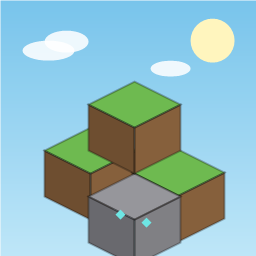
3D voxel sandbox game powered by Three.js. Explorable 128x128x64 procedural world (value-noise hills, lakes, trees, minerals, bedrock). Build and dig 9 block types, physics with AABB collisions, flying mode, day/night cycles, ambient music, and auto-saving.
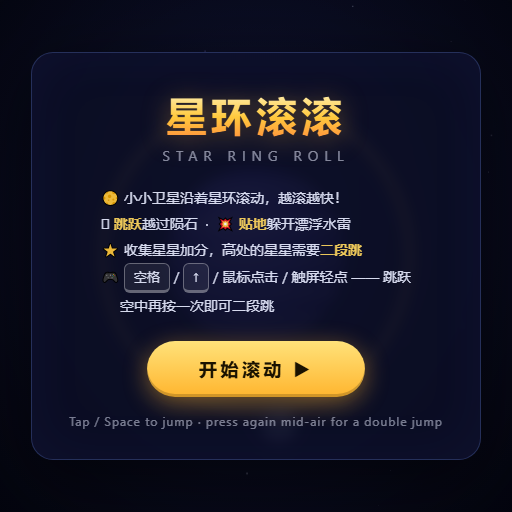
Dodge and weave through rotating planetary rings, fitting through gaps to survive as speed increases.
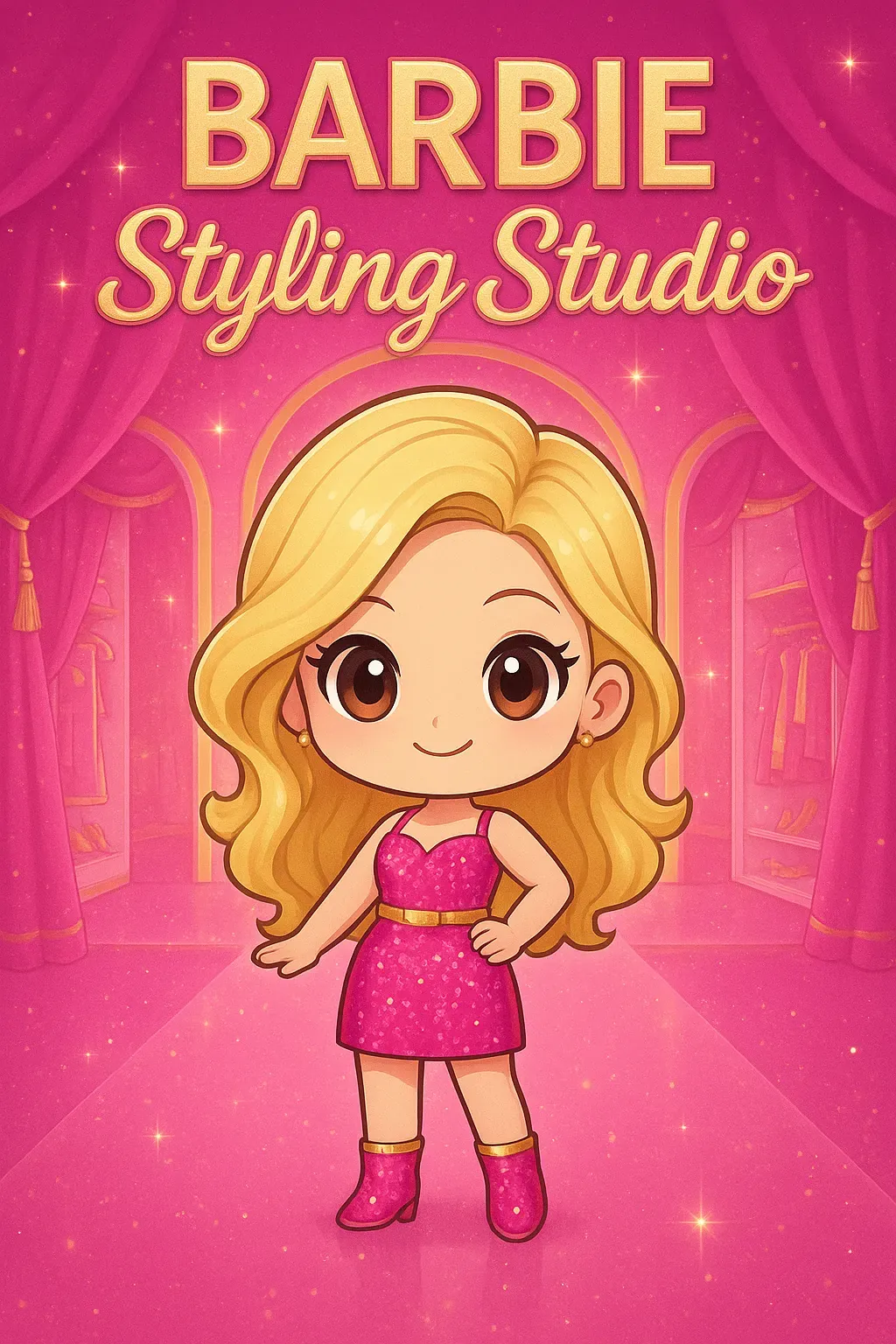
Mix and match clothing, hairstyles, and accessories to create a one-of-a-kind look for your character. Preview outfits in real time in this relaxing, no-fail creative dress-up sandbox!
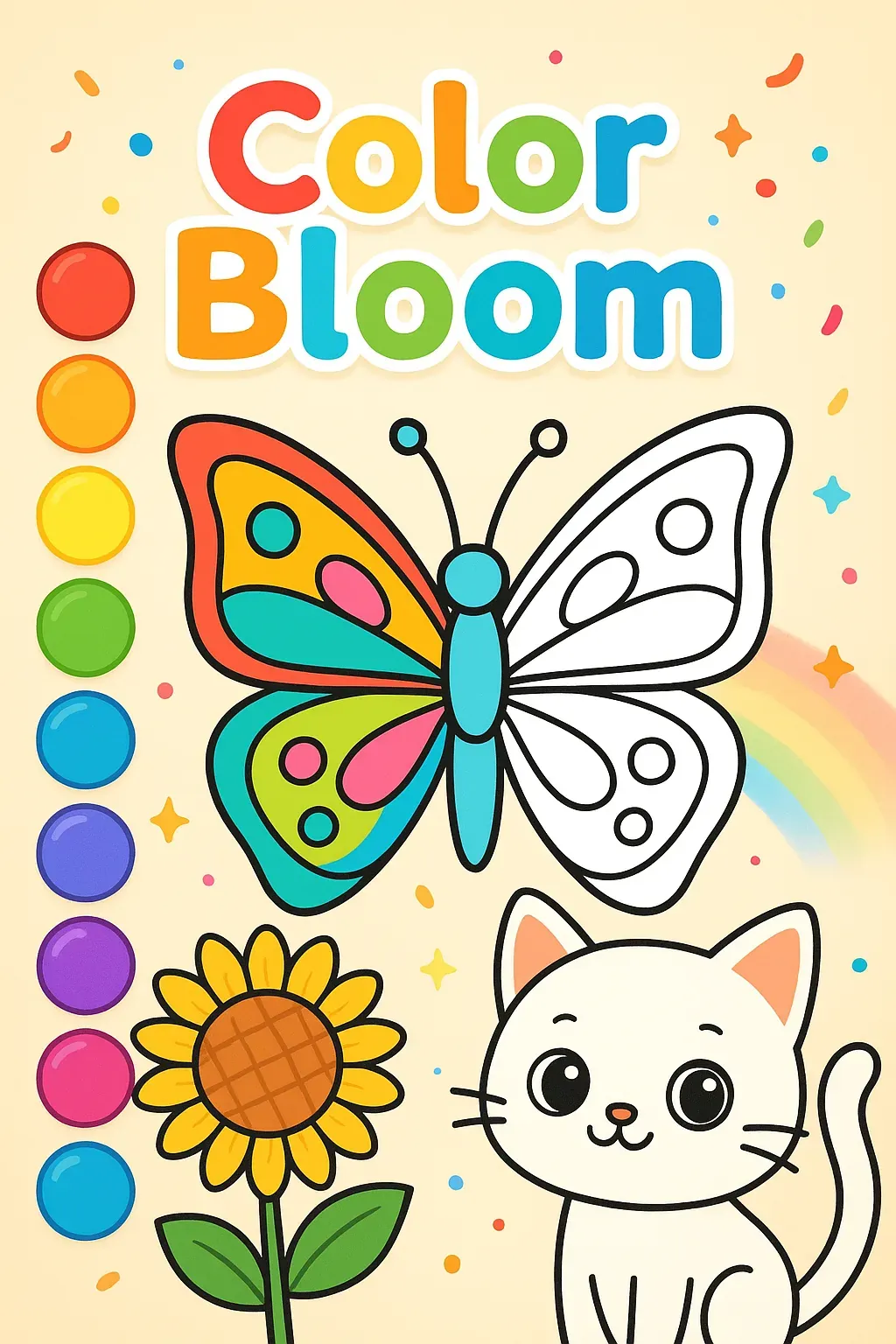
Tap colors and paint adorable animals and flowers! Perfect creative fun for young artists.
A full-featured chess game with complete rules, offering multiple AI difficulty levels, local two-player mode, and online multiplayer for a professional, smooth experience.