Brilliant Move!!AI · Claude 3.5
Game information
AI generation prompt
Core Game Loop and Mechanics
Moment-to-Moment Gameplay:
- Player (white pieces) selects a piece by tapping/clicking it
- Legal moves for that piece are highlighted on the board
- Player taps/clicks a highlighted square to move the piece
- AI (black pieces) calculates and executes its move using Stockfish
- Game continues until checkmate, stalemate, or draw
Progression & Engagement:
- Players improve their chess skills by playing against increasingly difficult AI
- Each game presents unique strategic challenges
- Move history allows players to review and learn from their games
- Visual feedback for checks, captures, and special moves (castling, en passant, promotion)
Win/Lose Conditions:
- Win: Player checkmates the AI
- Lose: AI checkmates the player
- Draw: Stalemate, insufficient material, threefold repetition, or fifty-move rule
Compelling Elements:
- Immediate visual feedback for legal moves reduces cognitive load
- Smooth animations make the game feel polished and professional
- AI thinking indicator creates anticipation
- Move history and game state information help players understand positions
Starting Scope
First Iteration (Implement Now):
- Standard 8×8 chess board with proper square coloring
- All chess pieces rendered as clear, recognizable assets
- Complete chess rules via chess.js (legal moves, castling, en passant, promotion)
- AI opponent using Stockfish at medium difficulty (~depth 10)
- Touch/click piece selection with legal move highlighting
- Automatic pawn promotion to queen (simplest case)
- Check/checkmate/stalemate detection and game-over screen
- New game button to restart
- Move history display (last 5 moves visible)
- Current turn indicator
Future Iterations (Add Later):
- Multiple AI difficulty levels (beginner, intermediate, expert)
- Pawn promotion choice dialog (queen, rook, bishop, knight)
- Full move history with scrolling
- Undo move functionality
- Board flip option (play as black)
- Timer/clock for timed games
- Opening book hints
- Save/load game state
- Sound effects for moves, captures, check
Game Perspective
fixed-screen: Single screen view showing the entire 8×8 chess board. The board should be sized to fit comfortably within the 720×1280 viewport with room for UI elements above and below.
Game World and Level Design
Board Layout:
- 8×8 grid of alternating light and dark squares
- Standard chess starting position (white on bottom, black on top)
- Board centered horizontally in the viewport
- Board positioned in the middle vertical third of the screen
UI Layout (top to bottom):
Header Area (top ~200px):
- Game title "Grandmaster Grid"
- Current turn indicator ("White's Turn" / "Black's Turn" / "AI Thinking...")
- Captured pieces display (white captures on left, black captures on right)
Board Area (middle ~640px):
- 8×8 chess board (640×640px)
- Algebraic notation labels (a-h on bottom, 1-8 on right side)
- Selected piece highlight (yellow border)
- Legal move indicators (semi-transparent circles on valid squares)
- Last move highlight (subtle color on from/to squares)
Footer Area (bottom ~440px):
- Move history panel (scrollable list, last 5 moves visible)
- Game status message ("Check!", "Checkmate!", "Stalemate", etc.)
- New Game button (large, centered, 200×60px minimum)
Visual Feedback:
- Selected piece: Yellow border glow
- Legal moves: Green semi-transparent circles
- Last move: Light blue tint on from/to squares
- Check: Red highlight on king in check
- Captured pieces: Small icons displayed in header
Edit Mode Design
Editable Properties:
AI Difficulty (dropdown):
- Beginner (depth 5)
- Intermediate (depth 10)
- Expert (depth 15)
- Default: Intermediate
Board Theme (color picker pairs):
- Light square color (default: #f0d9b5)
- Dark square color (default: #b58863)
- Highlight color (default: #baca44)
Piece Style (dropdown):
- Classic (default)
- Modern
- Minimalist
Auto-Queen Promotion (toggle):
- Enabled (default): Pawns automatically promote to queen
- Disabled: Show promotion choice dialog (future feature)
Show Coordinates (toggle):
- Enabled (default): Show a-h and 1-8 labels
- Disabled: Hide coordinate labels
Constraints:
- AI depth must be between 1-20 (prevent excessive computation)
- Colors must have sufficient contrast for accessibility
- At least one piece style must be selected
Control Design
This is a turn-based puzzle/strategy game with a fixed-screen perspective.
Mobile (Touch):
- Tap piece: Select piece (if it's player's turn and piece has legal moves)
- Tap highlighted square: Move selected piece to that square
- Tap elsewhere: Deselect piece
- Tap "New Game" button: Reset board to starting position
Desktop (Mouse + Keyboard):
- Click piece: Select piece (if it's player's turn and piece has legal moves)
- Click highlighted square: Move selected piece to that square
- Click elsewhere: Deselect piece
- Click "New Game" button: Reset board to starting position
- Keyboard shortcuts (optional for future):
- N: New game
- U: Undo move (future feature)
Control Flow:
- Player taps/clicks their piece → piece selected, legal moves highlighted
- Player taps/clicks legal move square → move executed, AI turn begins
- AI calculates move (show "AI Thinking..." indicator)
- AI move executes automatically → player's turn begins
- Repeat until game over
Input Handling:
- Disable all board interactions during AI's turn
- Prevent selecting opponent's pieces
- Prevent selecting pieces with no legal moves
- Clear selection when clicking empty squares or invalid targets
Art Style and Visual Theme
Overall Style: Clean, modern chess aesthetic with professional polish. Think chess.com or lichess.org quality.
Color Palette:
- Light squares: Warm beige (#f0d9b5)
- Dark squares: Rich brown (#b58863)
- Highlights: Soft yellow-green (#baca44)
- UI background: Dark gray (#312e2b)
- Text: White (#ffffff) on dark backgrounds
- Accents: Gold (#d4af37) for premium feel
Visual Consistency:
- All chess pieces should be rendered in a consistent classical style
- Pieces should be clear and recognizable at board scale
- White pieces: Light cream color with subtle shading
- Black pieces: Dark charcoal with subtle highlights
- Pieces should cast subtle shadows on the board
- Viewing angle: Straight top-down (2D)
Asset Sizes:
- Board: 640×640px (80px per square)
- Pieces: 70×70px (fit within 80px squares with padding)
- UI buttons: Minimum 200×60px for touch targets
- Icons: 32×32px for captured pieces display
Rendering Strategy:
- Board squares: Render with CSS/Canvas (simple alternating colors)
- Coordinate labels: Render with CSS text
- Chess pieces: Generate as image assets (complex shapes, need detail)
- UI elements: CSS for buttons, panels, text
- Highlights/indicators: CSS with semi-transparent overlays
Related games
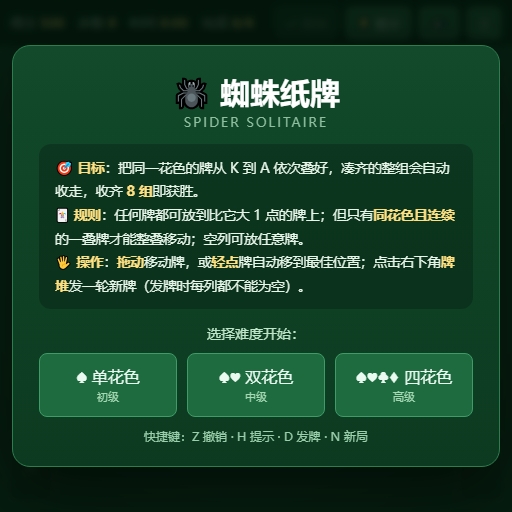
Classic Spider Solitaire: Arrange cards in descending order by suit, assemble full sequences from King to Ace to clear them, and clear the board to win.
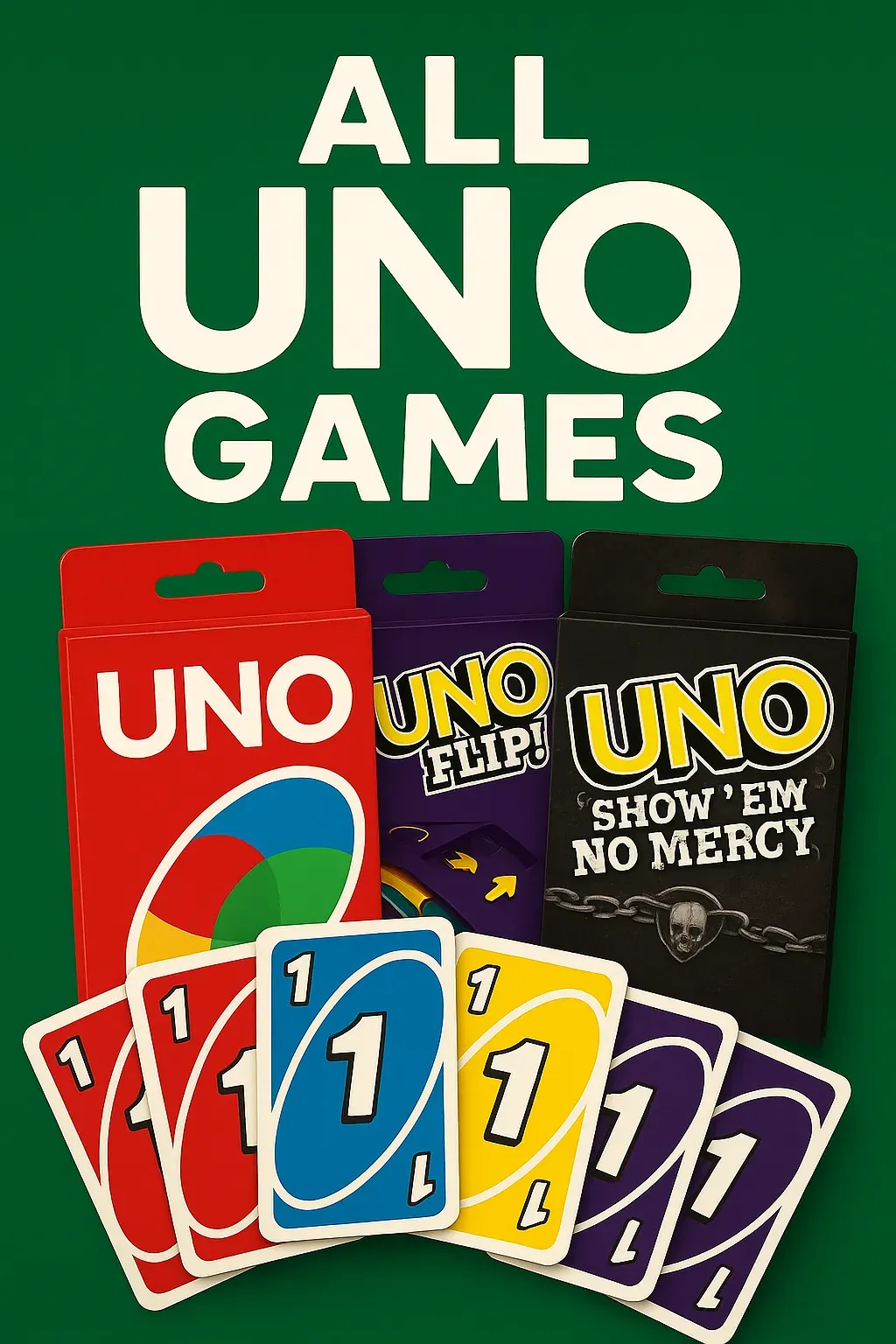
A digital card game where players can enjoy various UNO versions. Choose your preferred UNO game from the lobby and play against three AI opponents, with a maximum of four players. • A sleek lobby screen featuring swipeable UNO card box sprites for game selection. • Play classic UNO or UNO Flip, with more versions to discover!
Master the timeless game of strategy! Challenge a friend locally or test your skills against AI opponents of varying difficulty.
Challenge friends or AI in this vibrant tic-tac-toe with groovy music, colorful animations, and multiple game modes!