Chess OnlineAI · Claude 3.5
Game information
AI generation prompt
Core Game Loop and Mechanics
Chess Online is a faithful implementation of traditional chess where players take turns moving pieces across an 8×8 board with the goal of checkmating the opponent's king.
Moment-to-Moment Gameplay
- Players alternate turns, selecting and moving one piece per turn
- Each piece type (pawn, rook, knight, bishop, queen, king) moves according to standard chess rules
- Players must think strategically about positioning, threats, and long-term plans
- Visual feedback shows legal moves when a piece is selected
- Captured pieces are displayed alongside the board
- Game state indicators show whose turn it is and game status (check, checkmate, stalemate)
Game Flow
- Game Start: Players choose between Player vs Player or Player vs AI mode
- Turn Sequence: White moves first, then players alternate
- Move Execution: Select a piece, view legal moves, tap/click destination
- Special Moves: Support for castling, en passant, and pawn promotion
- Check Detection: Visual indicator when a king is in check
- Game End: Checkmate, stalemate, or draw conditions trigger end screen
- Replay: Option to start a new game
Win/Lose Conditions
- Checkmate: Opponent's king is in check with no legal moves to escape
- Stalemate: Player has no legal moves but king is not in check (draw)
- Draw by Agreement: Players can agree to draw
- Insufficient Material: Automatic draw when checkmate is impossible
Engagement & Replayability
- AI Opponent: Multiple difficulty levels provide appropriate challenge
- Local Multiplayer: Play against friends on the same device
- Strategic Depth: Classic chess provides endless tactical possibilities
- Move History: Track moves made during the game
- Clean Interface: Minimalist design keeps focus on gameplay
Starting Scope
The first iteration will implement a fully functional chess game with these features:
Must Have (First Iteration):
- Complete 8×8 chess board with proper square coloring
- All six piece types with correct movement rules (pawn, rook, knight, bishop, queen, king)
- Turn-based gameplay with move validation
- Check and checkmate detection
- Basic AI opponent (single difficulty level using minimax algorithm with limited depth)
- Player vs Player mode (local, same device)
- Visual feedback for selected pieces and legal moves
- Captured pieces display
- Game status indicators (turn, check, checkmate, stalemate)
- New game button
Future Enhancements (Later Iterations):
- Multiple AI difficulty levels (easy, medium, hard)
- Special moves: castling, en passant, pawn promotion
- Move history with notation
- Undo move functionality
- Timer/clock options
- Board themes and piece style variations
- Sound effects for moves and captures
- Opening book for AI
- Save/load game state
Game Perspective
Fixed-screen - The chess board occupies the center of the screen in a static view. The 8×8 grid remains fully visible at all times with no scrolling required. The board is oriented with white pieces at the bottom and black pieces at the top.
Game World and Level Design
Board Layout
- Standard 8×8 chess board with alternating light and dark squares
- Board positioned centrally in the viewport
- Algebraic notation labels (a-h, 1-8) displayed along edges for reference
- Board sized to fit comfortably in the 720×1280 mobile viewport while leaving room for UI elements
Visual Hierarchy
- Top Section (~200px): Captured white pieces display, opponent info, AI difficulty indicator
- Middle Section (~800px): Chess board (square, maximum size that fits width)
- Bottom Section (~280px): Captured black pieces display, current player indicator, action buttons
Piece Arrangement
- Standard chess starting position:
- Back rank: Rook, Knight, Bishop, Queen, King, Bishop, Knight, Rook
- Front rank: Eight pawns
- White pieces on ranks 1-2, black pieces on ranks 7-8
UI Elements
- Turn Indicator: Clear visual showing whose turn it is (White/Black or Player/AI)
- Status Messages: Display check, checkmate, stalemate notifications
- Captured Pieces: Small icons showing captured pieces for each side
- Action Buttons: New Game, mode selection (PvP/PvAI)
- Selected Piece Highlight: Visual emphasis on the currently selected piece
- Legal Move Indicators: Dots or highlights on squares where selected piece can move
- Last Move Highlight: Subtle highlight showing the previous move
Edit Mode Design
Edit mode allows players to customize the game experience and set up custom board positions.
Editable Properties
Game Settings:
- AI Difficulty (dropdown): Easy, Medium, Hard
- Easy: Minimax depth 2, some random moves
- Medium: Minimax depth 3, evaluates position
- Hard: Minimax depth 4, advanced evaluation
- Starting Player (toggle): White or Black
- Timer Enabled (toggle): On/Off
- Time per Player (number input): 5, 10, 15, 30 minutes (if timer enabled)
Board Setup (Custom Position):
- Enable Custom Setup (toggle): Allows placing pieces manually
- Piece Palette: Drag/tap pieces from palette to place on board
- Clear Board (button): Remove all pieces
- Reset to Standard (button): Return to standard starting position
- Validate Position (automatic): Ensure legal setup (one king per side, pawns not on back ranks)
Visual Customization:
- Board Theme (dropdown): Classic (brown/tan), Modern (gray/white), Wood, Marble
- Piece Style (dropdown): Traditional, Minimalist, Ornate
- Show Coordinates (toggle): Display algebraic notation labels
- Highlight Last Move (toggle): Show previous move
- Show Legal Moves (toggle): Display dots on legal move squares
Constraints
- Must have exactly one king per side
- Pawns cannot be placed on ranks 1 or 8
- Custom positions must be legal (no impossible configurations)
- AI difficulty affects performance (hard mode may be slower on older devices)
- Timer values between 1-60 minutes
Control Design
Chess Online uses a tap/click-based control scheme optimized for both mobile touch and desktop mouse input.
Mobile Controls (Touch)
Piece Selection & Movement:
- Tap piece: Select piece (highlights piece and shows legal moves)
- Tap legal move square: Move selected piece to that square
- Tap selected piece again: Deselect piece
- Tap different piece: Switch selection to new piece (if it's your piece)
UI Interaction:
- Tap buttons: New Game, mode selection, settings
- Tap captured pieces area: View captured pieces (no interaction needed)
Special Moves:
- Castling: Tap king, then tap destination square two squares away
- Pawn Promotion: Tap promoted pawn, modal appears with piece choices
- En Passant: Tap pawn, then tap diagonal empty square (if legal)
Desktop Controls (Keyboard/Mouse)
Piece Selection & Movement:
- Click piece: Select piece (highlights piece and shows legal moves)
- Click legal move square: Move selected piece to that square
- Click selected piece again: Deselect piece
- Click different piece: Switch selection to new piece (if it's your piece)
UI Interaction:
- Click buttons: New Game, mode selection, settings
- Hover over pieces: Show piece type tooltip (optional enhancement)
Special Moves:
- Same as mobile (click-based)
Visual Feedback
- Selected Piece: Highlighted border or glow effect
- Legal Moves: Semi-transparent dots or circles on valid destination squares
- Hover State (desktop): Subtle highlight when hovering over pieces/squares
- Last Move: Light highlight on source and destination squares of previous move
- Check Indicator: Red highlight or border around king in check
- Invalid Move: Brief shake animation or red flash if illegal move attempted
Control Flow
- Player taps/clicks their piece → piece highlights, legal moves appear
- Player taps/clicks destination square → piece moves, turn switches
- If move puts opponent in check → visual indicator appears
- If checkmate/stalemate → game end modal appears
- Player can tap "New Game" to restart
Simplicity Considerations
- No drag-and-drop (simpler tap/click model works better on mobile)
- Clear visual feedback for all interactions
- Large enough touch targets (minimum 60×60px for board squares)
- No keyboard shortcuts needed (mouse/touch only)
- Modal dialogs for pawn promotion (clear, simple choice)
Art Style and Visual Theme
Style: Clean, modern minimalist design with clear readability and elegant simplicity.
Visual Direction
- Overall Aesthetic: Contemporary and sophisticated, focusing on clarity and usability
- Color Palette:
- Board: Warm cream (#F0D9B5) and rich brown (#B58863) squares
- Pieces: Solid black (#2C2C2C) and white (#FFFFFF) with subtle shadows
- UI: Soft grays (#F5F5F5, #E0E0E0) with accent color (#4A90E2) for interactive elements
- Highlights: Soft yellow (#FFF9C4) for selected pieces, light red (#FFCDD2) for check
- Mood: Professional, timeless, focused - emphasizing the strategic nature of chess
Asset Specifications
Chess Pieces:
- Style: Traditional Staunton-style pieces with clean, recognizable silhouettes
- Rendering: Generated as high-quality 2D images with subtle shadows for depth
- Size: Designed to fit comfortably within board squares (~80% of square size)
- Viewing Angle: Straight-on side view with slight perspective
- Consistency: All pieces share the same artistic treatment and lighting
Board:
- Rendering: CSS-based grid system for precise layout and performance
- Squares: Alternating colors with subtle texture (optional)
- Borders: Clean lines separating squares
- Coordinates: Simple sans-serif font for algebraic notation
UI Elements:
- Buttons: Rounded rectangles with flat design, clear labels
- Status Indicators: Icon-based with supporting text
- Captured Pieces Display: Small piece icons arranged in rows
- Modals: Semi-transparent overlay with centered content card
Technical Approach
- Board & UI: CSS/Canvas rendering for precise layout and performance
- Chess Pieces: Generated image assets for visual quality and consistency
- Highlights & Effects: CSS-based overlays and animations
- Icons: Simple SVG icons for UI elements (settings, new game, etc.)
Related games
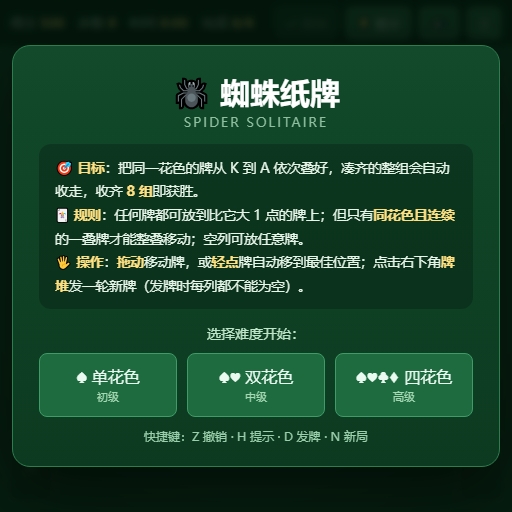
Classic Spider Solitaire: Arrange cards in descending order by suit, assemble full sequences from King to Ace to clear them, and clear the board to win.
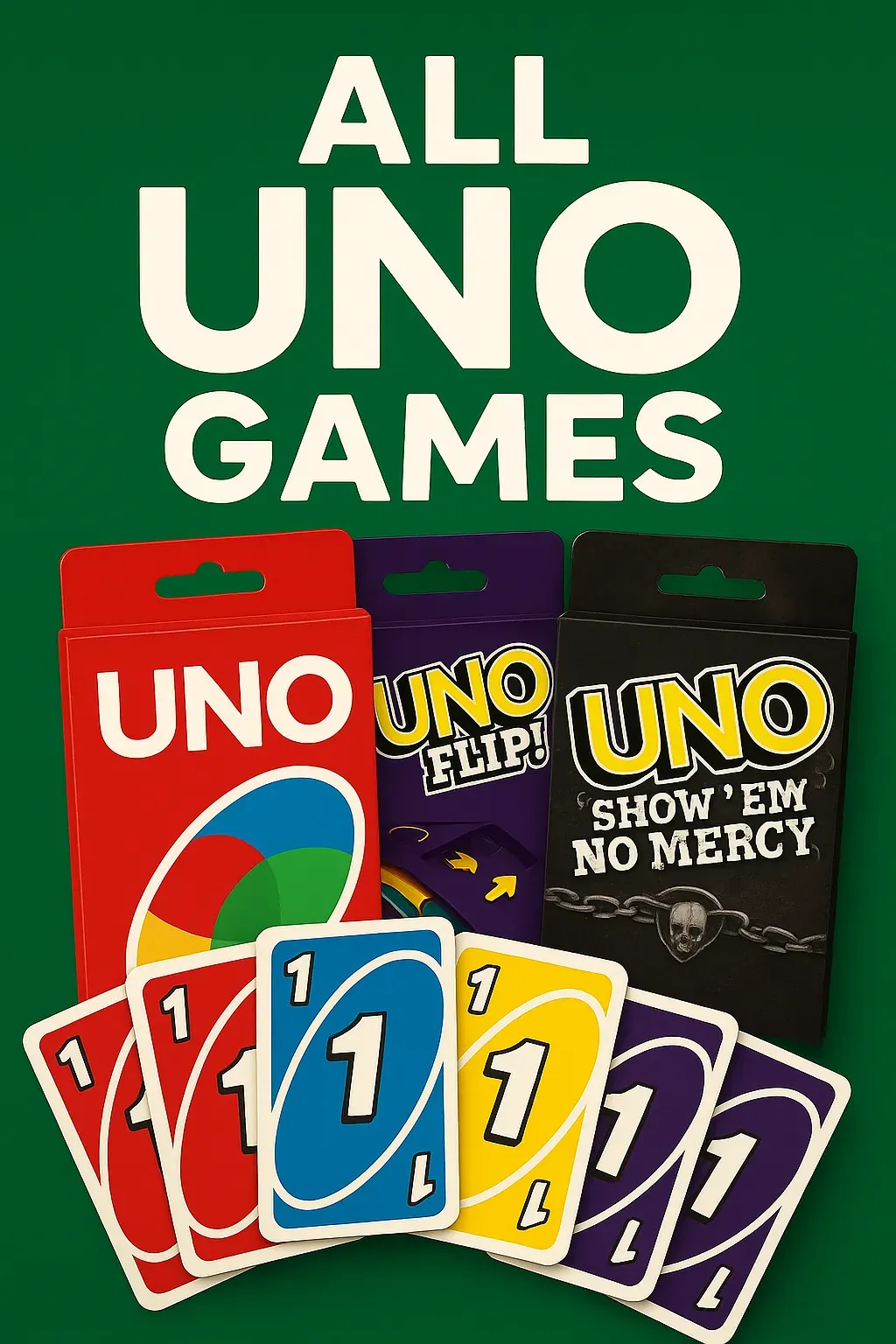
A digital card game where players can enjoy various UNO versions. Choose your preferred UNO game from the lobby and play against three AI opponents, with a maximum of four players. • A sleek lobby screen featuring swipeable UNO card box sprites for game selection. • Play classic UNO or UNO Flip, with more versions to discover!

Challenge a sophisticated AI opponent in this classic chess game with intuitive controls and strategic depth.
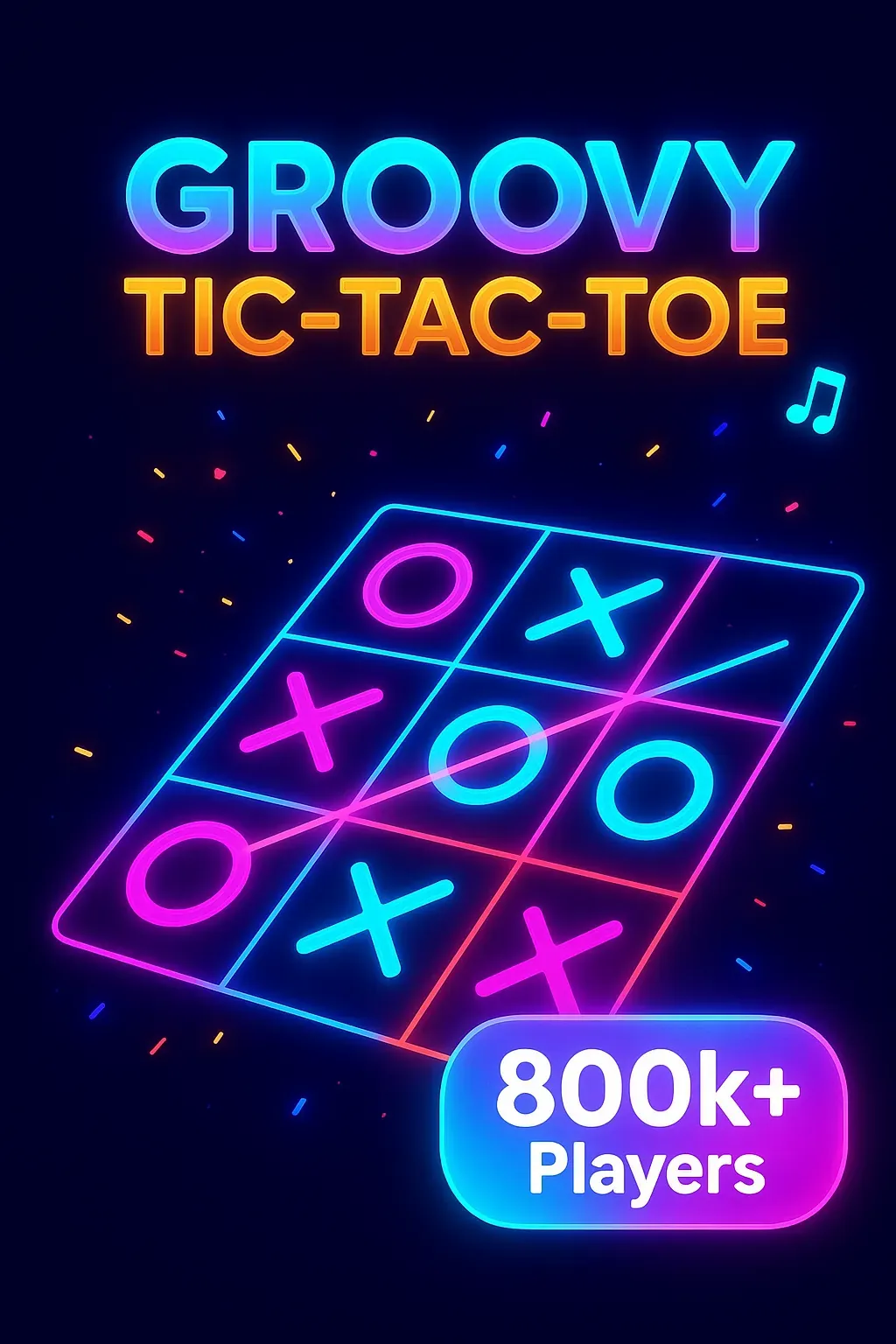
Challenge friends or AI in this vibrant tic-tac-toe with groovy music, colorful animations, and multiple game modes!