Groovy Tic-Tac-ToeAI · Claude 3.5
Game information
AI generation prompt
Core Game Loop and Mechanics
Groovy Tic-Tac-Toe is a modern reimagining of the classic tic-tac-toe game with enhanced visual and audio feedback that makes every move feel satisfying.
Moment-to-Moment Gameplay
- Game Start: Players see a vibrant main menu with pulsing colors and groovy background music
- Mode Selection: Choose between three game modes:
- vs Friend: Local two-player on the same device
- vs Computer: Single-player against AI with three difficulty levels (Easy, Medium, Hard)
- vs Online (Future): Connect with friends online (not in initial scope)
- Playing: Players take turns tapping cells on a 3×3 grid
- Each placement triggers satisfying visual effects (cell glow, particle burst)
- Sound effects accompany each move
- The board subtly pulses to the beat of the background music
- Win/Draw:
- Winning line animates with a glowing trail effect
- Victory screen shows winner with confetti animation
- Draw shows a "tie" animation with both symbols
- Replay: Quick rematch button or return to menu
Progression and Engagement
- Immediate satisfaction: Every tap produces visual and audio feedback
- Skill progression: AI difficulty levels provide challenge growth
- Replayability: Quick rounds (30-60 seconds) encourage "one more game"
- Visual variety: Background colors shift between rounds, keeping the experience fresh
Win/Lose Conditions
- Win: Three symbols in a row (horizontal, vertical, or diagonal)
- Draw: All 9 cells filled with no winner
- Game Flow: After each round, players can rematch (same mode) or return to menu
What Makes It Compelling
- Sensory delight: Every interaction feels good with synchronized visuals and audio
- Accessibility: Everyone knows tic-tac-toe, but the presentation is fresh
- Social: Local multiplayer creates shared moments
- Quick sessions: Perfect for short play sessions
Starting Scope
The initial implementation will focus on delivering a polished, playable experience with these features:
Must Have (Initial Release)
Main Menu
- Animated title with pulsing colors
- Two mode buttons: "vs Friend" and "vs Computer"
- Music toggle button
- Clean, touch-friendly layout
Game Board
- 3×3 grid with clear cell boundaries
- X and O symbols with smooth animations
- Visual feedback on hover/touch
- Turn indicator showing current player
vs Friend Mode
- Local two-player gameplay
- Alternating turns between X and O
- Win detection and celebration
- Draw detection
vs Computer Mode
- Difficulty selection screen (Easy, Medium, Hard)
- AI opponent with three difficulty levels:
- Easy: Random valid moves
- Medium: Blocks obvious wins, takes obvious wins
- Hard: Minimax algorithm (unbeatable)
- Player always goes first as X
Audio System
- One groovy background music track (looping)
- Sound effects for:
- Cell placement
- Win celebration
- Draw result
- Button clicks
- Music and SFX toggle controls
Visual Effects
- Cell glow on placement
- Particle burst on placement
- Winning line animation
- Background color transitions
- Confetti on win
End Game Screen
- Winner announcement or draw message
- Rematch button
- Menu button
- Animated celebration
Future Enhancements (Not Initial Scope)
- vs Online Mode: Real-time multiplayer with friend codes
- Multiple music tracks: Library of songs to choose from
- Customization: Different symbol styles, board themes
- Statistics: Win/loss tracking, streaks
- Tournaments: Best of 3/5 modes
- Power-ups: Special abilities (not traditional tic-tac-toe, but fun variant)
Game Perspective
Fixed-screen perspective with a single 3×3 grid centered on screen. No scrolling or camera movement needed. The entire game state is always visible.
Game World and Level Design
Screen Layout (720×1280 portrait)
Main Menu Screen
- Top third (0-427px): Animated title "Groovy Tic-Tac-Toe" with pulsing gradient colors
- Middle section (427-853px):
- "vs Friend" button (large, colorful)
- "vs Computer" button (large, colorful)
- Buttons are 600×120px with 40px spacing
- Bottom section (853-1280px):
- Music toggle icon (80×80px)
- Credits/info text
Game Screen
- Top section (0-200px):
- Back button (top-left, 80×80px)
- Turn indicator: "X's Turn" or "O's Turn" (centered, large text)
- Music toggle (top-right, 80×80px)
- Middle section (200-920px):
- 3×3 game grid (640×640px, centered)
- Each cell is 200×200px with 20px gaps
- Grid has rounded corners and glowing borders
- Bottom section (920-1280px):
- Score display: "X: 0 | O: 0" (for session tracking)
- Decorative pulsing elements
Difficulty Selection Screen (for vs Computer)
- Title: "Choose Difficulty"
- Three buttons stacked vertically:
- "Easy" (green theme)
- "Medium" (yellow theme)
- "Hard" (red theme)
- Back button
End Game Screen (overlay)
- Semi-transparent dark background
- Center card (500×600px):
- Result text: "X Wins!" / "O Wins!" / "It's a Draw!"
- Animated symbol (winner's symbol or both for draw)
- "Play Again" button
- "Main Menu" button
Visual Design Details
Grid Design
- Background: Dark gradient (deep purple to dark blue)
- Grid lines: Glowing cyan/magenta gradient
- Cells: Slightly transparent with subtle inner glow
- Empty cells pulse gently to the music beat
Symbol Design
- X: Bold, rounded strokes in vibrant magenta/pink gradient
- O: Thick ring in cyan/blue gradient
- Both symbols have a subtle glow effect
- Symbols animate in with a scale + rotation effect
Color Palette
- Primary: Deep purple (#2D1B69), Dark blue (#1A1A3E)
- Accents: Cyan (#00F5FF), Magenta (#FF00FF), Yellow (#FFD700)
- Background shifts: Subtle hue rotation every 10 seconds
- Win celebration: Rainbow gradient animation
Edit Mode Design
Edit mode allows players to customize their game experience without breaking core gameplay.
Editable Properties
Visual Customization
- Background Color Scheme: Choose from preset color palettes
- "Groovy Purple" (default)
- "Neon Nights" (pink/blue)
- "Sunset Vibes" (orange/purple)
- "Ocean Breeze" (blue/teal)
- "Forest Glow" (green/yellow)
- Symbol Colors: Customize X and O colors independently
- Color picker for each symbol
- Preview shows how they look on the board
- Grid Style: Choose grid appearance
- "Glowing" (default, animated glow)
- "Solid" (clean lines)
- "Dotted" (retro style)
Audio Customization
- Music Volume: Slider (0-100%)
- SFX Volume: Slider (0-100%)
- Music Track: Choose background music (initially one track, expandable)
Gameplay Settings
- Default AI Difficulty: Set preferred computer difficulty
- Animation Speed: Slider for effect speed (0.5x to 2x)
- First Player: Choose who goes first in vs Computer (Player or Computer)
Edit Mode Interface
Access: Gear icon in main menu opens settings overlay
Settings Overlay (600×1000px centered card)
- Tabbed interface:
- "Visual" tab
- "Audio" tab
- "Gameplay" tab
- Each tab shows relevant sliders, color pickers, and dropdowns
- "Preview" button shows changes on a mini game board
- "Save" and "Cancel" buttons at bottom
Constraints
- Colors must have sufficient contrast for accessibility
- X and O colors must be distinguishable from each other
- Animation speed limited to 0.5x-2x to prevent breaking timing
- Volume sliders limited to 0-100%
- All settings stored in
window.gameConfig
Control Design
Mobile Controls (Primary)
Main Menu & Menus
- Tap: Select buttons and options
- All buttons minimum 96×96px for easy tapping
- Buttons have visual press state (scale down slightly)
Game Board
- Tap cell: Place symbol in empty cell
- Visual feedback: Cell highlights on touch
- Invalid moves (occupied cells) show a brief shake animation
- No gestures needed - simple tap interaction only
Settings
- Tap: Open/close settings
- Drag sliders: Adjust volume and animation speed
- Tap color swatches: Change colors
- Tap dropdowns: Select options
Desktop Controls
Mouse
- Click: All interactions (buttons, cells, settings)
- Hover: Cells highlight to show interactivity
- Cursor changes to pointer over interactive elements
Keyboard (optional enhancement, not required for initial scope)
- Arrow keys: Navigate grid cells
- Enter/Space: Place symbol
- Esc: Return to menu / close overlays
Control Implementation Notes
- All touch targets minimum 96×96px
- Prevent default touch behaviors to avoid scrolling
- Clear visual feedback for all interactions
- Disable board interaction during AI turn
- Disable board interaction during animations
- Show loading state during AI "thinking" (brief delay for realism)
Art Style and Visual Theme
Overall Aesthetic
Retro-Futuristic Groove - A vibrant, energetic style that combines 80s neon aesthetics with modern smooth animations. Think synthwave meets contemporary UI design.
Visual Style
- Style: Vector-based, clean geometric shapes with gradient fills and glow effects
- Mood: Energetic, fun, nostalgic yet modern
- Color Philosophy: High contrast, saturated colors with glowing accents
- Animation Style: Smooth, bouncy easing functions; everything feels alive
Color Palette (Default "Groovy Purple")
- Background: Deep purple (#2D1B69) to dark blue (#1A1A3E) gradient
- Primary Accent: Cyan (#00F5FF) - used for X symbol and highlights
- Secondary Accent: Magenta (#FF00FF) - used for O symbol and highlights
- Tertiary: Yellow (#FFD700) - used for stars, particles, special effects
- UI Elements: White (#FFFFFF) with 80% opacity for text
- Grid Lines: Cyan-to-magenta gradient with glow
Typography
- Title Font: Bold, rounded sans-serif (similar to "Fredoka One" or "Righteous")
- UI Text: Clean, modern sans-serif (similar to "Poppins" or "Inter")
- Sizes:
- Title: 72px
- Buttons: 36px
- Turn indicator: 48px
- End game result: 64px
Asset Rendering Strategy
Code-Rendered Elements (CSS/Canvas):
- Game grid (simple lines and rectangles)
- X and O symbols (SVG paths or canvas drawing)
- Buttons and UI containers
- Particle effects (canvas circles)
- Glow effects (CSS box-shadow and filters)
Generated Assets:
- Background patterns/textures
- Decorative elements (stars, sparkles)
- Music note animations
- Confetti pieces
- Icon graphics (music toggle, back button, settings gear)
Visual Consistency
- All UI elements share the same rounded corner radius (20px for large elements, 10px for small)
- Consistent glow effect:
box-shadow: 0 0 20px rgba(color, 0.6) - All animations use
cubic-bezier(0.34, 1.56, 0.64, 1)for bouncy feel - Particle effects always use the accent colors from current palette
- Symbols maintain 3:1 contrast ratio with background for accessibility
Animation Principles
- Anticipation: Symbols slightly shrink before appearing
- Overshoot: Buttons and symbols bounce slightly past their final position
- Stagger: Multiple elements animate with slight delays (50ms between each)
- Rhythm: Subtle pulse animations sync to music beat (if possible)
- Celebration: Win animations are exaggerated and joyful
Related games
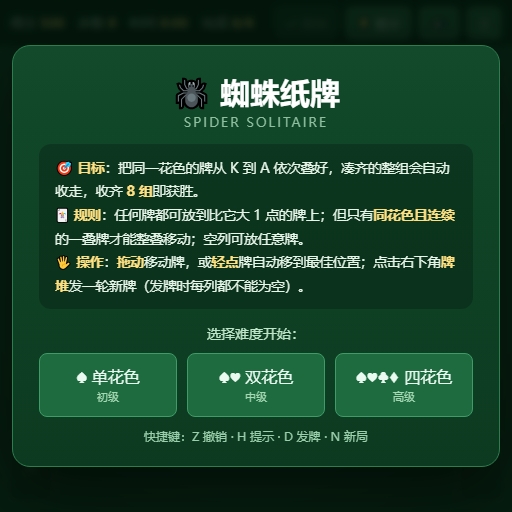
Classic Spider Solitaire: Arrange cards in descending order by suit, assemble full sequences from King to Ace to clear them, and clear the board to win.
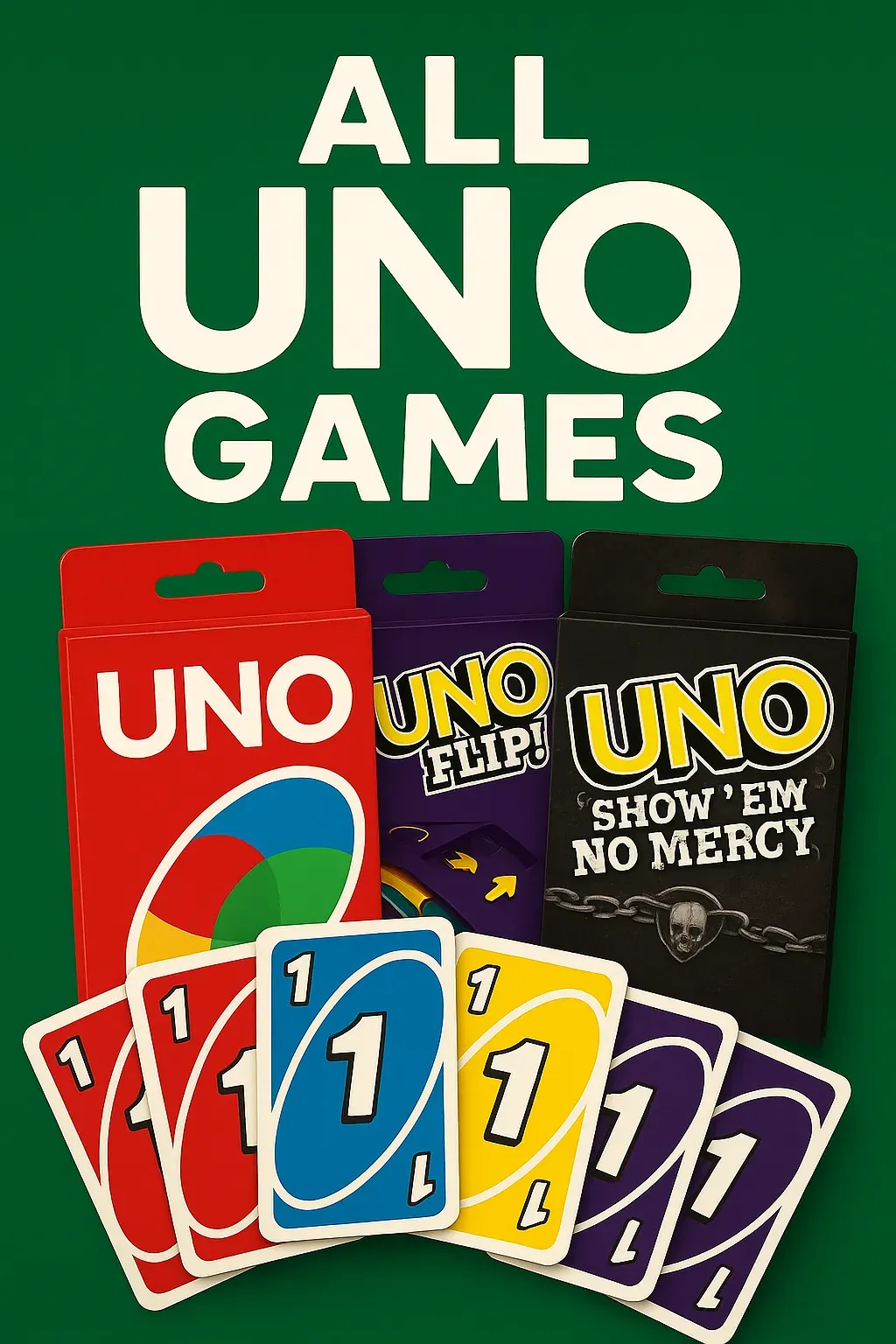
A digital card game where players can enjoy various UNO versions. Choose your preferred UNO game from the lobby and play against three AI opponents, with a maximum of four players. • A sleek lobby screen featuring swipeable UNO card box sprites for game selection. • Play classic UNO or UNO Flip, with more versions to discover!

Challenge a sophisticated AI opponent in this classic chess game with intuitive controls and strategic depth.
Master the timeless game of strategy! Challenge a friend locally or test your skills against AI opponents of varying difficulty.