Pixel Merge ManiaAI · Claude 3.5
Game information
AI generation prompt
Core Game Loop and Mechanics
Pixel Merge Mania is a casual puzzle game where players strategically place and merge pixel art items on a 5×5 grid to achieve the highest score possible.
Moment-to-Moment Gameplay
- Spawn Phase: Player taps an empty cell to spawn a new pixel item (randomly selected from available tiers)
- Merge Detection: When 2 or more identical items are adjacent (horizontally or vertically), they automatically merge into the next tier item
- Chain Reactions: Merges can trigger additional merges if the newly created item is adjacent to matching items
- Strategic Placement: Players must think ahead about where to place items to maximize merging opportunities
Progression and Engagement
- Tier System: Items progress through 8 tiers (Seed → Sprout → Flower → Bee → Honey → Jar → Bear → Rainbow Bear)
- Score System:
- Each merge awards points based on the tier created
- Chain reactions award bonus multipliers
- Higher tier merges are worth exponentially more points
- Grid Management: As the grid fills up, players must plan carefully to avoid getting stuck
- High Score Chase: Players compete against their personal best
Win/Lose Conditions
- Game Over: When the grid is completely full with no possible merges
- Victory: Achieving a new personal high score
- Replayability: Try to reach the highest tier (Rainbow Bear) or beat your previous score
What Makes It Compelling
- Satisfying Feedback: Visual and audio feedback for successful merges
- Strategic Depth: Planning ahead to create chain reactions
- Progressive Challenge: Higher tiers become increasingly difficult to achieve
- Quick Sessions: Games last 2-5 minutes, perfect for mobile play
- Clear Goals: Easy to understand, hard to master
Starting Scope
For the initial implementation, we'll focus on:
Must Have (First Iteration):
- 5×5 grid with tap-to-spawn mechanics
- 8-tier progression system with distinct pixel art for each tier
- Automatic merge detection and execution for adjacent identical items
- Basic scoring system (points per merge, tier-based multipliers)
- Game over detection when grid is full
- Current score display
- Simple particle effects for merges
- Sound effects for spawning and merging
- Restart button
Future Enhancements (for later iterations):
- High score persistence and display
- Undo button (1-2 moves back)
- Preview of next spawn item
- Power-ups (shuffle grid, remove item, force merge)
- Combo counter for chain reactions
- Animated transitions for merging
- Background music
- Tutorial overlay for first-time players
- Leaderboard integration
Game Perspective
Fixed-screen - The entire 5×5 grid is visible at all times with no scrolling. This perspective works perfectly for a merge puzzle game where players need to see the entire board state to make strategic decisions.
Game World and Level Design
Grid Layout
- 5×5 Grid: 25 cells total, centered on screen
- Cell Size: Each cell is 120×120 pixels (total grid: 600×600 pixels)
- Spacing: 8-pixel gaps between cells for visual clarity
- Grid Position: Centered horizontally, positioned in upper-middle of screen (starting ~200px from top) to leave room for UI
Visual Hierarchy
- Background: Soft gradient (light blue to white) with subtle pixel pattern texture
- Grid Cells: Slightly darker squares with rounded corners and subtle shadow
- Items: Colorful pixel art that pops against the neutral grid
- UI Elements: Top bar for score, bottom area for controls
Single Level Design
Since this is a score-based endless game, there's one continuous level that increases in difficulty naturally as the grid fills up. The challenge comes from grid management rather than level progression.
Edit Mode Design
Players can customize the following aspects in Edit mode:
Customizable Properties
Visual Theme:
- Grid Colors: Background color, cell color, border color
- Particle Colors: Color scheme for merge effects
- UI Theme: Score display colors, button styles
Gameplay Parameters:
- Grid Size: 4×4, 5×5, or 6×6 (default: 5×5)
- Starting Tier Range: Which tiers can spawn initially (default: tiers 1-3)
- Merge Requirement: Number of adjacent items needed to merge (default: 2, range: 2-4)
- Score Multipliers: Points awarded per tier (default: tier × 10)
Item Customization:
- Tier Names: Custom names for each of the 8 tiers
- Tier Colors: Primary color for each tier's pixel art
Constraints
- Grid size: minimum 3×3, maximum 8×8 (to maintain playability)
- Merge requirement: minimum 2, maximum 4 (to keep game balanced)
- Score multipliers: minimum 1, maximum 1000 per tier
- At least 5 tiers must be defined (to ensure progression)
- Starting tier range must include at least 2 tiers
Edit Mode Interface
- Simple property panel that slides in from the right
- Live preview of changes on the game grid
- Reset to defaults button
- Save/Apply button to confirm changes
Control Design
Mobile Controls (Primary)
Tap to Spawn:
- Tap any empty cell to spawn a new random item
- Visual feedback: cell highlights on touch, spawns with scale-up animation
- Disabled cells (occupied) show subtle shake if tapped
UI Buttons:
- Restart Button: Bottom-right corner (96×96px), always visible
- Menu Button: Top-right corner (80×80px) for accessing edit mode
Desktop Controls
Mouse Click:
- Click empty cells to spawn items (same as mobile tap)
- Hover effects on empty cells to show they're interactive
- Click restart/menu buttons
Keyboard Shortcuts (optional enhancement):
R- Restart gameESC- Open menu
Control Feedback
- Haptic: Light vibration on successful merge (mobile only)
- Visual: Scale animations, particle bursts, color flashes
- Audio: Distinct sounds for spawn vs. merge actions
Art Style and Visual Theme
Overall Style
Pixel Art - Charming, colorful 16×16 or 32×32 pixel sprites with a nature/garden theme that progresses into whimsical elements.
Color Palette
- Warm and Inviting: Bright, saturated colors that pop
- Nature-Inspired: Greens, yellows, oranges, browns for early tiers
- Magical Progression: Introduce purples, golds, and rainbow effects for higher tiers
- Background: Soft pastels (light blue, cream) to not compete with game pieces
Tier Progression Theme
The 8 tiers follow a thematic progression from nature to magic:
- Seed - Small brown pixel seed
- Sprout - Green sprout with tiny leaves
- Flower - Colorful blooming flower (pink/yellow)
- Bee - Cute pixel bee with stripes
- Honey - Golden honey droplet with shine
- Jar - Honey jar with label
- Bear - Adorable pixel bear holding honey
- Rainbow Bear - Magical bear with rainbow aura (ultimate tier)
Visual Consistency
- All items use the same pixel grid size (32×32 pixels)
- Consistent outline style (1-pixel dark border)
- Similar level of detail across all tiers
- Viewing angle: Slight 3/4 view for depth while maintaining pixel clarity
- All items have transparent backgrounds
Asset vs. Code Rendering
- Generated Assets: All 8 tier items (complex pixel art requiring artistic consistency)
- Code Rendering:
- Grid cells (simple rounded rectangles with CSS)
- Particle effects (canvas-drawn colored squares)
- UI elements (buttons, score display with CSS)
- Background gradient (CSS)
Related games
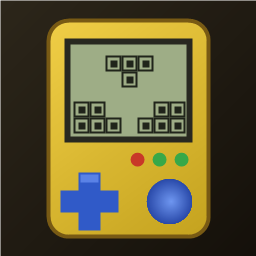
1:1 replica of the 90s handheld brick game: yellow shell, retro LCD screen, layout buttons, 10x20 grid, 7 classic tetrominoes. Includes combo scores, 20-level speed curve, auto-save/resume, leaderboard, multiple unlockable skins, and 4 retro 8-bit background music tracks.
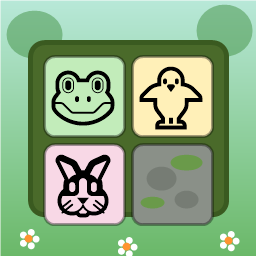
Swap adjacent animal tiles (🐸🐥🐵🐘🐰🦊) on a 9x9 forest board to match 3 or more. Clear moss obstacles, use shuffle/move boosters, complete targets within step limits, and survive endless progression.

Dig through dirt and guide water to the target, featuring 50 physics puzzle levels of increasing difficulty.
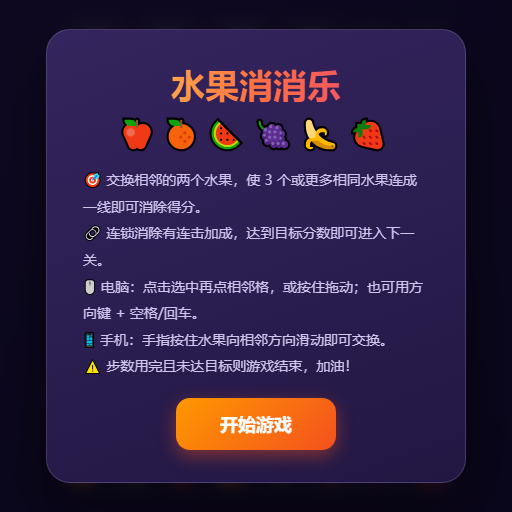
Swap adjacent fruits to match 3 or more, trigger chain reactions and special items, and achieve level goals within steps or time limits.
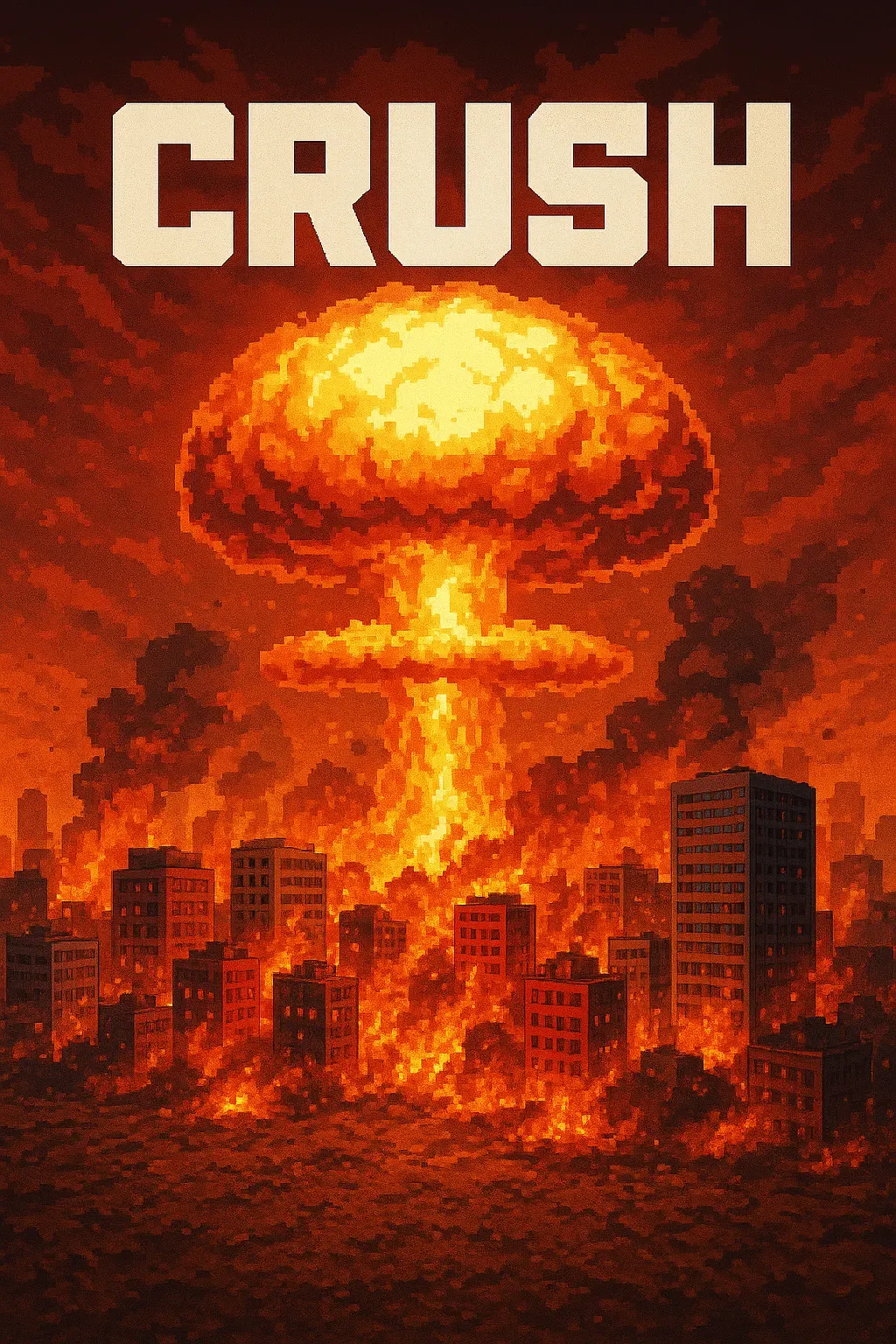
"Crush" is a sandbox game where players control a camera over a vast asphalt plane. The game focuses on exploration and interaction with the environment through dynamic camera movements. • Explore a 1000x1000 pixelated asphalt ground plane with intuitive drag, scroll, and multi-touch camera controls. • Dynamic key lighting casts realistic shadows, enhancing the visual experience of the blocky, Minecraft-style world.
Place blocks on the grid to clear rows and columns. Chain combos for higher scores in this relaxing puzzle game!