World Cup 2026 - Road to FinalAI · Claude 3.5
Game information
AI generation prompt
Core Game Loop and Mechanics
World Cup Striker 3D is a 3D soccer penalty shootout game that captures the excitement of World Cup moments. The player takes on the role of a striker attempting to score goals against an AI goalkeeper.
Moment-to-Moment Gameplay
- Setup Phase: Player positions the ball at the penalty spot, facing the goal
- Aim Phase: Player aims their shot by adjusting camera angle and target position on the goal
- Power Phase: Player sets shot power using a power meter
- Shot Execution: Ball travels toward goal with physics-based trajectory
- Result: Goal scored or goalkeeper saves, followed by celebration/reaction
- Progression: Move to next penalty attempt
Engagement & Replayability
- Skill-based gameplay: Success depends on aiming accuracy and power control
- Progressive difficulty: Goalkeeper AI becomes more reactive as player scores
- Score tracking: Players try to beat their high score
- Quick rounds: Each attempt takes 10-20 seconds, perfect for mobile sessions
- Satisfying feedback: Goal celebrations, crowd reactions, and visual effects reward success
Win/Lose Conditions
- Win: Score 5 goals out of 7 attempts to win the match
- Lose: Miss more than 2 shots (fail to score 5 goals within 7 attempts)
- Replay: After win or loss, player can restart for a new match
Starting Scope
The first iteration will focus on delivering a polished, core penalty shootout experience:
Must Have (First Iteration):
- Single penalty shootout mode (player as striker only)
- One 3D stadium environment with goal, penalty spot, and crowd
- Player character (striker) and goalkeeper character
- Aiming system using camera control and target reticle
- Power meter for shot strength
- Physics-based ball movement
- Goalkeeper AI with diving animations
- Goal detection and scoring system
- Basic UI: score display, power meter, attempt counter
- Win/lose screens with restart option
- Crowd ambient sound and goal celebration sound effects
Future Enhancements (Later Iterations):
- Multiple difficulty levels
- Different stadium environments
- Goalkeeper mode (player defends against AI shots)
- Tournament progression system
- Multiple player/goalkeeper character options
- Advanced shot types (curve shots, chip shots)
- Replay system for goals
- Multiplayer turn-based mode
Game Perspective
3D Third-Person perspective positioned behind the striker, looking toward the goal. The camera provides a clear view of:
- The goal and goalkeeper ahead
- The ball at the penalty spot
- Enough field depth to judge distance and aim
The camera can be adjusted during the aim phase to help players line up their shot, then locks during shot execution to follow the ball's trajectory.
Game World and Level Design
Stadium Environment
The game takes place in a World Cup-style stadium with the following elements:
Playing Field:
- Regulation penalty area (18-yard box) with proper markings
- Penalty spot positioned 12 yards from goal
- Goal: Standard size (24 feet wide × 8 feet tall)
- Green grass pitch with realistic texture
Stadium Structure:
- Crowd-filled stands visible in background (can be simplified geometry with texture)
- Stadium lights creating dramatic atmosphere
- Advertising boards around the pitch perimeter
- Sky backdrop (clear day with some clouds)
Scale & Dimensions:
- Goal positioned ~11 meters from camera starting position
- Goal divided into 9 target zones (3×3 grid) for aiming precision
- Stadium extends beyond immediate play area to create immersion
Level Layout
Since this is a focused penalty shootout experience, there is one "level" that represents the penalty kick scenario:
- Fixed camera starting position behind the ball
- Goal directly ahead with goalkeeper
- No movement around the field (player stays at penalty spot)
- Environment provides context but gameplay focuses on the shot
Edit Mode Design
Edit mode allows players to customize their penalty shootout experience while maintaining game balance.
Editable Properties
Visual Customization:
- Stadium Theme: Choose from different stadium color schemes (classic green, sunset, night game)
- Ball Design: Select from different ball patterns and colors
- Striker Jersey: Customize player's jersey color (primary and secondary colors)
- Goalkeeper Jersey: Customize goalkeeper's jersey color
Gameplay Parameters:
- Goalkeeper Difficulty: Adjust AI reaction speed (Easy/Medium/Hard)
- Easy: Slower reactions, smaller dive range
- Medium: Balanced reactions
- Hard: Quick reactions, full dive range
- Attempts Allowed: Set number of penalty attempts (5-10 range)
- Goals to Win: Set required goals to win (3-7 range, must be less than attempts)
- Wind Effect: Toggle wind that affects ball trajectory (Off/Light/Strong)
Audio Settings:
- Crowd Volume: Adjust crowd ambient sound (0-100%)
- Effects Volume: Adjust sound effects volume (0-100%)
Constraints
- Goals to Win must always be less than Attempts Allowed
- Goalkeeper Difficulty affects reaction time but not game fairness
- Wind Effect adds challenge but remains predictable
- Color customizations don't affect gameplay visibility
Edit Mode UI
- Simple menu accessible from main screen
- Sliders for numerical values
- Color pickers for jersey/ball customization
- Dropdown for difficulty selection
- Preview of changes where applicable
- Save/Reset buttons
Control Design
World Cup Striker 3D uses a 3D third-person action control scheme optimized for penalty shootout gameplay.
Desktop Controls (Keyboard + Mouse)
Aiming Phase:
- Mouse Movement: Move mouse to adjust camera angle and aim direction
- Horizontal movement: Pan camera left/right to aim across goal
- Vertical movement: Tilt camera up/down to aim high/low
- Pointer lock enabled during aiming for smooth camera control
- Mouse Wheel: Fine-tune vertical aim (optional)
- Left Click (Hold): Charge power meter
- Left Click (Release): Execute shot at current power level
- ESC: Release pointer lock / Open menu
Post-Shot:
- Camera automatically follows ball trajectory
- No player input during ball flight
- Automatic return to setup after result
Mobile Controls (Touch)
Aiming Phase:
- Touch & Drag (Right Side): Swipe on right half of screen to adjust aim
- Horizontal swipe: Aim left/right across goal
- Vertical swipe: Aim high/low on goal
- Visual reticle shows target point on goal
- Tap & Hold (Left Side): Tap and hold on left side to charge power meter
- Power meter fills while holding
- Release to shoot at current power
- Pause Button: Top-right corner button to open menu
Alternative Mobile Control (Simplified):
- Single Touch: Tap and hold anywhere to charge power while aiming
- Initial touch position sets horizontal aim
- Vertical position of touch sets height aim
- Hold duration determines power
- Release to shoot
Post-Shot:
- Camera follows ball automatically
- Tap anywhere to skip to result (optional)
Control Flow
- Setup: Player sees ball at penalty spot, goalkeeper in goal
- Aim Mode:
- Desktop: Mouse controls camera, reticle shows aim point
- Mobile: Touch drag controls aim, reticle visible
- Power Charge:
- Desktop: Hold left click, meter fills
- Mobile: Hold touch, meter fills
- Shot Execution:
- Desktop: Release click
- Mobile: Release touch
- Ball Flight: Camera follows ball, no input needed
- Result: Goal/save shown, brief celebration/reaction
- Next Attempt: Auto-return to setup or show end screen
UI Elements
Always Visible:
- Score display (top center): "Goals: X/Y | Attempts: Z"
- Current attempt indicator
During Aiming:
- Aim reticle on goal (crosshair or circle)
- Power meter (bottom center, fills when charging)
- Wind indicator (if wind enabled)
Mobile-Specific:
- Touch zones indicated with subtle overlays
- Pause button (top-right)
Input Handling Details
Desktop:
- Request pointer lock on game start/resume
- Release pointer lock when showing menus
- Prevent default browser behavior for used keys
- Clear input state on window blur
Mobile:
- Track touch IDs to separate aim touch from power touch
- Prevent default touch behaviors (scrolling, zooming)
- Handle multi-touch for simultaneous aim and power
- Provide visual feedback for touch zones
Shared:
- Smooth camera interpolation for aim adjustments
- Power meter with visual feedback (color change, sound)
- Clear visual indication when shot is ready to execute
Art Style and Visual Theme
Overall Style
Semi-realistic 3D with stylized elements - The game balances realistic soccer aesthetics with optimized, stylized 3D models suitable for web performance. Think modern mobile sports games: recognizable and immersive, but not photorealistic.
Visual Theme
World Cup Stadium Atmosphere - Bright, energetic, and celebratory. The environment should evoke the excitement of a major tournament with:
- Vibrant green pitch
- Colorful crowd (can be simplified geometry with texture)
- Dramatic stadium lighting
- Clear, sunny day atmosphere
- Professional sports broadcast feel
Color Palette
Primary Colors:
- Pitch Green: Rich, saturated grass green (#2D5016 to #4A7C2F range)
- Sky Blue: Clear, bright sky (#87CEEB)
- White: Goal net, field markings, UI elements
Accent Colors:
- Team Colors: Customizable jerseys (default: bright blue for striker, yellow for goalkeeper)
- UI Gold: #FFD700 for highlights and success states
- Warning Red: #FF4444 for power meter danger zone
Asset Specifications
Characters:
- Style: Stylized 3D models with clear silhouettes
- Proportions: Slightly heroic proportions (larger head, athletic build)
- Detail Level: Medium detail - recognizable features without excessive polygons
- Textures: Clean, vibrant colors with subtle shading
- Size: Striker ~1.8m tall, Goalkeeper similar
Environment:
- Goal: White frame with net, realistic proportions (7.32m × 2.44m)
- Pitch: Textured plane with field markings
- Stadium: Simplified geometry for stands, can use texture mapping for crowd
- Lighting: Bright, even lighting with subtle shadows
Ball:
- Style: Classic soccer ball design with modern pattern
- Size: Regulation size (22cm diameter in game scale)
- Detail: Clear panel pattern, slight specular highlight
UI Elements:
- Style: Clean, modern sports UI
- Typography: Bold, sans-serif fonts (easily readable)
- Icons: Simple, clear symbols
- Meters: Gradient-filled bars with clear boundaries
Viewing Angles
- Main Camera: Third-person behind striker, slightly elevated (~1.5m height)
- Goal View: Straight-on view of goal for clear aiming
- Character Models: Designed to look good from behind/side angles
- Stadium: Modeled to look good from ground-level perspective
Rendering Approach
3D Elements (Three.js/Babylon.js):
- Player character (striker)
- Goalkeeper character
- Soccer ball
- Goal structure and net
- Stadium geometry
- Pitch plane
Code-Rendered Elements (CSS/Canvas):
- UI overlays (score, power meter)
- Aim reticle
- Menu screens
- Text displays
Animation Considerations
- Striker: Idle stance, kick animation, celebration
- Goalkeeper: Idle stance, dive left/right, save animation, defeated animation
- Ball: Physics-based movement with rotation
- Camera: Smooth interpolation for aim adjustments, follow ball during flight
Performance Optimization
- Use simplified geometry for distant elements (crowd, stadium)
- Texture atlases for efficiency
- LOD (Level of Detail) not necessary for this focused scope
- Target 60 FPS on modern mobile devices
Related games
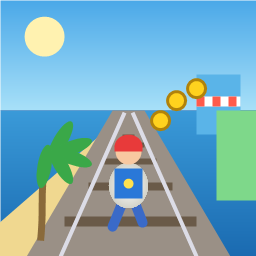
Control a kid in a red baseball cap running endlessly on three seaside railway tracks: switch lanes, jump, and slide to avoid oncoming trains, low-clearance bars, and moving blockades. Features cartoon retro 3D visuals, double scores for perfect runs, daily rewards, achievements, and local high score tracking.
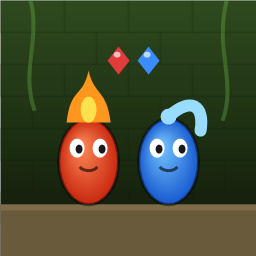
Control Fireboy and Watergirl to cooperate: collect matching gems, trigger buttons, pull levers, push boxes, and ride lifts. 30 handmade puzzle levels across 5 chapters, plus random endless mode. Supports local co-op and dual virtual joysticks.
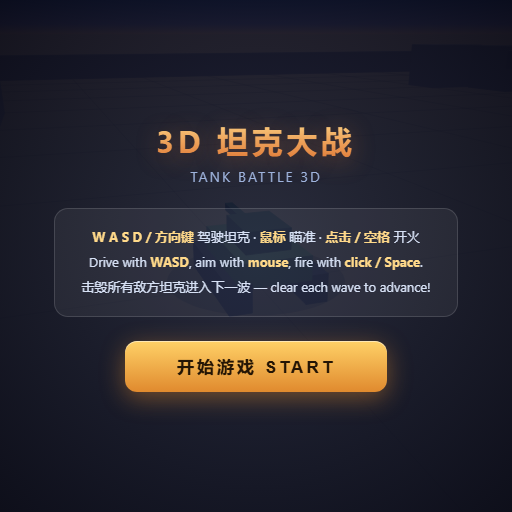
Pilot your combat tank in a 3D battleground: maneuver to dodge artillery fire, aim and destroy enemy tanks in wave-based assault missions.
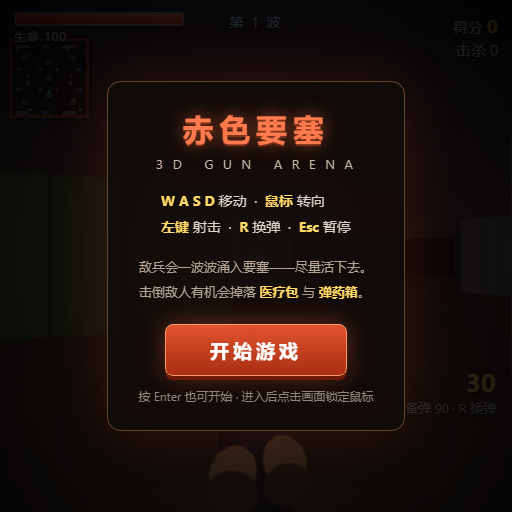
First-person 3D shooter: Navigate through enemy strongholds, shoot hostile units, and clear stages while holding your ground.
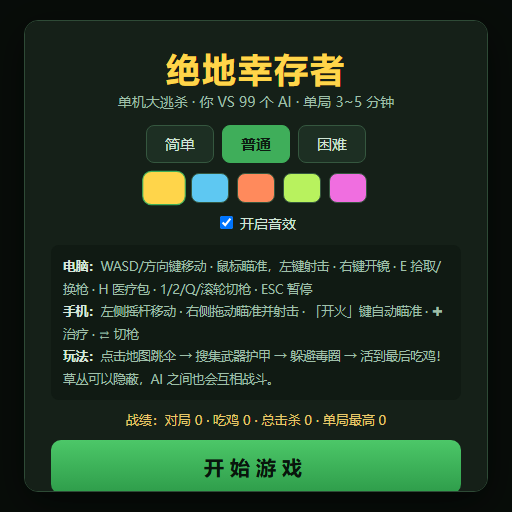
Top-down survival shooter: Navigate through endless waves of monsters, select new skills and weapon upgrades upon leveling up, and survive as long as possible.
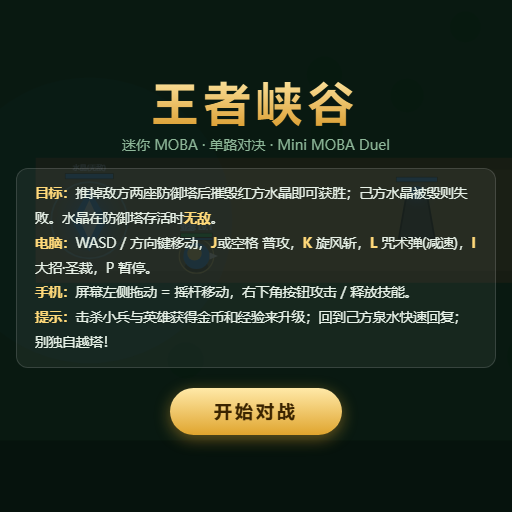
Miniature MOBA battle: Control your hero, push minion waves, release skills, defeat enemy units/towers, and destroy the enemy base.