KubesAI · Claude 3.5
Game information
AI generation prompt
Core Game Loop and Mechanics
Zenith Cube is a 3D physics-driven puzzle game that combines the addictive merging mechanics of 2048 with the pressure-wall dynamics of brick breaker games. Players launch cubes upward into a vertical corridor filled with other cubes, creating explosive merge reactions that push the entire cluster backward.
Moment-to-Moment Gameplay
- Aim: Player slides their finger horizontally across the bottom of the screen to position their launcher
- Launch: Release to shoot a cube upward with high velocity into the cluster
- Merge: When the launched cube collides with another cube of the same value, they merge with an explosive impulse
- Push Back: The merge creates a shockwave that pushes surrounding cubes away from the danger line
- Survive: New rows of cubes spawn at the top, slowly descending toward the player's launch line
Progression and Engagement
- Value Progression: Cubes start at value 2, merge to 4, 8, 16, 32, 64, 128, 256, 512, 1024, and finally 2048 (the Zenith Cube)
- Combo System: Consecutive merges within a short time window multiply the score
- Pressure Relief Bonus: Large merges that push the cluster significantly upward award bonus points
- Increasing Difficulty: As the game progresses, new rows spawn more frequently and with higher mass density
Win/Lose Conditions
- Win: Achieve the Zenith Cube (2048) or reach a target score
- Lose: Any cube crosses the "Danger Threshold" (the red line at the bottom where the player launches from)
What Makes It Compelling
- Physics Satisfaction: The tactile feel of cubes colliding, merging, and pushing each other creates deeply satisfying feedback
- Strategic Depth: Players must balance immediate merges with long-term positioning
- Visual Spectacle: Explosive merge effects with glowing cubes, debris showers, and shockwaves
- Risk/Reward: Launching cubes into dense clusters is risky but can create massive chain reactions
Starting Scope
For the first iteration, we'll implement a highly polished core experience with these features:
Must Have (First Iteration):
- 3D vertical corridor with physics-driven cubes (using Rapier.js for 2D physics projected into 3D space)
- Touch-based launcher with horizontal aiming
- Cube launching with velocity impulse
- Merge detection and explosion mechanics with push-back force
- Basic cube values: 2, 4, 8, 16, 32, 64, 128, 256, 512, 1024, 2048
- Danger line detection and game over state
- Score system with value multipliers
- New row spawning at intervals
- Visual effects: merge glow, size expansion, particle debris
- Haptic feedback on launch and merge (mobile)
- Simple UI: score display, next cube preview, game over screen
Future Iterations:
- Combo chain system with multipliers
- Pressure Relief bonus calculation
- Progressive difficulty scaling (faster spawns, denser rows)
- Power-ups (freeze time, destroy cube, force push)
- Leaderboard and high score tracking
- Sound effects and background music
- Advanced visual effects (HDR bloom, screen shake)
- Tutorial/onboarding sequence
Game Perspective
3D Third-Person Fixed Camera
The game uses a fixed 3D perspective looking down a vertical corridor:
- Camera positioned at an angle to show depth and the 3D nature of the cubes
- The corridor extends vertically from bottom (player launch area) to top (spawn area)
- Fixed camera ensures consistent aiming and spatial awareness
- The 3D rendering emphasizes the physics interactions while maintaining clear gameplay visibility
Game World and Level Design
The Corridor
- Dimensions: A narrow vertical corridor approximately 5 cubes wide and 12-15 cubes tall
- Walls: Transparent glass-like walls on the sides that contain the cubes but allow visibility
- Floor: The danger line at the bottom (red glowing line) where the player launches from
- Ceiling: The spawn area at the top where new rows appear
Cube Layout
- Starting Configuration: 3-4 rows of cubes at the top of the corridor with values 2, 4, and 8
- Cube Spacing: Cubes are tightly packed with minimal gaps, creating a dense cluster
- Physics Properties:
- High friction between cubes (default: 0.5)
- Realistic mass based on cube value
- Collision detection for merging and physics interactions
Visual Environment
- Background: Dark gradient (deep blue to black) to make cubes pop
- Lighting: Dramatic top-down lighting with rim lights on cubes
- Grid Floor: Subtle grid pattern at the danger line for spatial reference
- Particle Field: Ambient floating particles in the background for depth
Edit Mode Design
Players can customize the following aspects in Edit Mode:
Physics Properties
Cube Friction (0.1 - 1.0): How much cubes resist sliding against each other
- Lower = more slippery, easier to push
- Higher = more sticky, harder to move
- Default: 0.5
Shot Impulse (20.0 - 100.0): Launch velocity of player's cube
- Lower = slower, more controlled shots
- Higher = faster, more forceful shots
- Default: 50.0
Merge Explosion Force (5.0 - 30.0): Push-back strength when cubes merge
- Lower = gentle push
- Higher = explosive shockwave
- Default: 15.0
Gravity Scale (-2.0 - 2.0): Vertical force on cubes
- Negative = cubes drift upward
- Positive = cubes drift downward
- Default: -0.5 (slight downward drift)
Gameplay Properties
Push Interval (3.0 - 10.0 seconds): Time between new row spawns
- Lower = faster, more challenging
- Higher = slower, more strategic
- Default: 5.0
Starting Rows (2 - 6): Number of cube rows at game start
- Lower = easier start
- Higher = immediate pressure
- Default: 3
Visual Properties
Cube Color Scheme: Choose from preset color palettes
- "Thermal" (default): Red → Orange → Yellow → White
- "Ocean": Blue → Cyan → Teal → White
- "Forest": Green → Lime → Yellow → White
- "Sunset": Purple → Pink → Orange → Yellow
Particle Intensity (0.5 - 2.0): Amount of debris on merge
- Lower = subtle effects
- Higher = explosive showers
- Default: 1.0
Constraints
- All values have reasonable min/max ranges to prevent broken gameplay
- Physics values are clamped to ensure stable simulation
- Visual effects scale appropriately with device performance
Control Design
Mobile Controls (Primary)
Aiming:
- Touch and hold anywhere in the bottom third of the screen
- Slide finger left/right to position the launcher horizontally
- Visual indicator shows launch trajectory (dotted line extending upward)
- Launcher position is constrained to the corridor width
Launching:
- Release finger to launch the cube
- Cube is shot vertically upward with high velocity impulse
- Haptic feedback "thump" on release (if device supports)
Visual Feedback:
- Launcher base glows when touched
- Trajectory line pulses to indicate ready state
- Next cube preview shown at launcher position
Desktop Controls (Secondary)
Aiming:
- Move mouse left/right across the bottom of the screen
- Launcher follows mouse X position
- Visual trajectory indicator follows mouse
Launching:
- Click to launch cube
- Space bar as alternative launch key
- No haptic feedback (desktop)
Control Implementation Notes
- Touch tracking uses touch ID to prevent interference from multiple touches
- Mouse position is normalized to corridor width
- All input is cleared on window blur
- Prevent default browser behavior for touch events in game area
- Launch cooldown (0.3 seconds) prevents accidental double-launches
Art Style and Visual Theme
Overall Style
Futuristic Minimalist with Kinetic Energy
The game combines clean geometric forms with explosive particle effects, creating a high-tech laboratory aesthetic where matter is being manipulated and merged. Think of a fusion reactor crossed with a puzzle game.
Color Palette
- Background: Deep space gradient (navy blue #0a1128 to black #000000)
- Corridor Walls: Translucent glass with cyan edge glow (#00ffff at 30% opacity)
- Danger Line: Pulsing red warning (#ff0033)
- UI Elements: Clean white text with cyan accents
Cube Color Progression (Thermal Scheme)
- 2: Cool gray (#4a5568)
- 4: Steel blue (#5a7fa0)
- 8: Teal (#2dd4bf)
- 16: Lime green (#84cc16)
- 32: Yellow (#fbbf24)
- 64: Orange (#fb923c)
- 128: Deep orange (#f97316)
- 256: Red-orange (#ef4444)
- 512: Hot pink (#ec4899)
- 1024: Magenta (#d946ef)
- 2048: Brilliant white with rainbow shimmer (#ffffff)
Visual Effects
- Merge Glow: Intense white bloom that expands outward (1.5x cube size)
- Size Pop: Merged cube briefly scales to 1.2x before settling
- Debris Particles: 10-15 small cubic shards matching the merged cube's color
- Shards have physics and bounce off other cubes
- Fade out over 0.8 seconds
- Emit soft glow trails
- Shockwave Ring: Expanding circular wave at merge point (cyan color)
- Launch Trail: Faint motion blur trail behind launched cube
Lighting
- Key Light: Bright white light from above-front (simulating laboratory lighting)
- Rim Light: Cyan edge lighting on cubes for definition
- Merge Flash: Intense point light at merge location (white, brief)
- Ambient: Soft blue-gray ambient light for depth
Typography
- Font: "Orbitron" or similar geometric sans-serif (from Google Fonts CDN)
- Score: Large, bold, white with cyan glow
- UI Text: Medium weight, clean hierarchy
Asset Strategy
- Cubes: Rendered with Three.js (BoxGeometry with custom materials)
- Particles: Instanced geometry for performance
- Corridor: Three.js planes with custom shaders for glass effect
- UI Elements: HTML/CSS overlays
- Generated Assets: Background texture, particle textures, glow maps
Related games
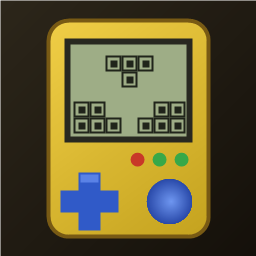
1:1 replica of the 90s handheld brick game: yellow shell, retro LCD screen, layout buttons, 10x20 grid, 7 classic tetrominoes. Includes combo scores, 20-level speed curve, auto-save/resume, leaderboard, multiple unlockable skins, and 4 retro 8-bit background music tracks.
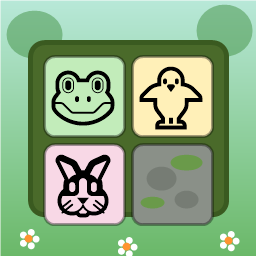
Swap adjacent animal tiles (🐸🐥🐵🐘🐰🦊) on a 9x9 forest board to match 3 or more. Clear moss obstacles, use shuffle/move boosters, complete targets within step limits, and survive endless progression.

Dig through dirt and guide water to the target, featuring 50 physics puzzle levels of increasing difficulty.

Swap adjacent fruits to match 3 or more, trigger chain reactions and special items, and achieve level goals within steps or time limits.
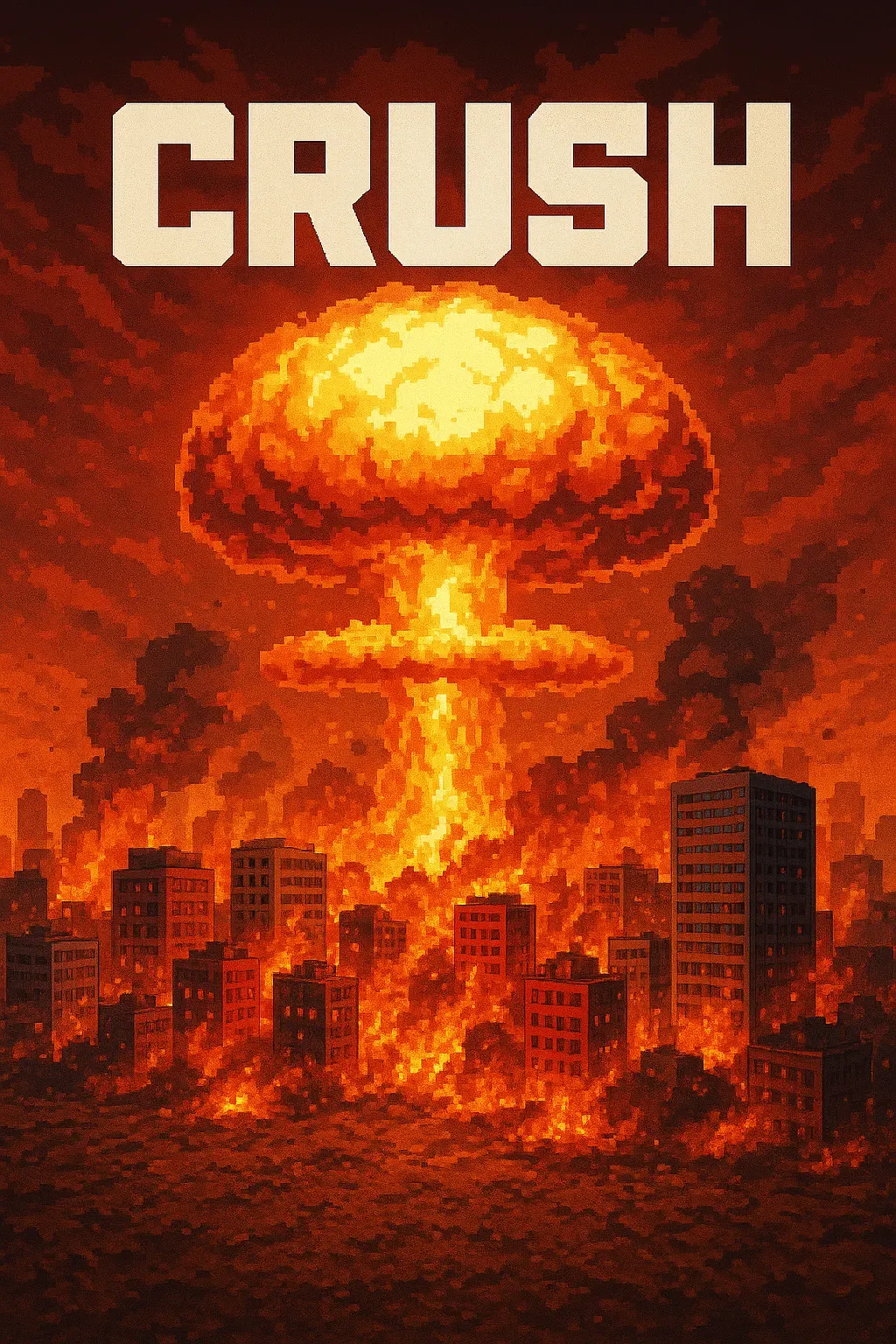
"Crush" is a sandbox game where players control a camera over a vast asphalt plane. The game focuses on exploration and interaction with the environment through dynamic camera movements. • Explore a 1000x1000 pixelated asphalt ground plane with intuitive drag, scroll, and multi-touch camera controls. • Dynamic key lighting casts realistic shadows, enhancing the visual experience of the blocky, Minecraft-style world.
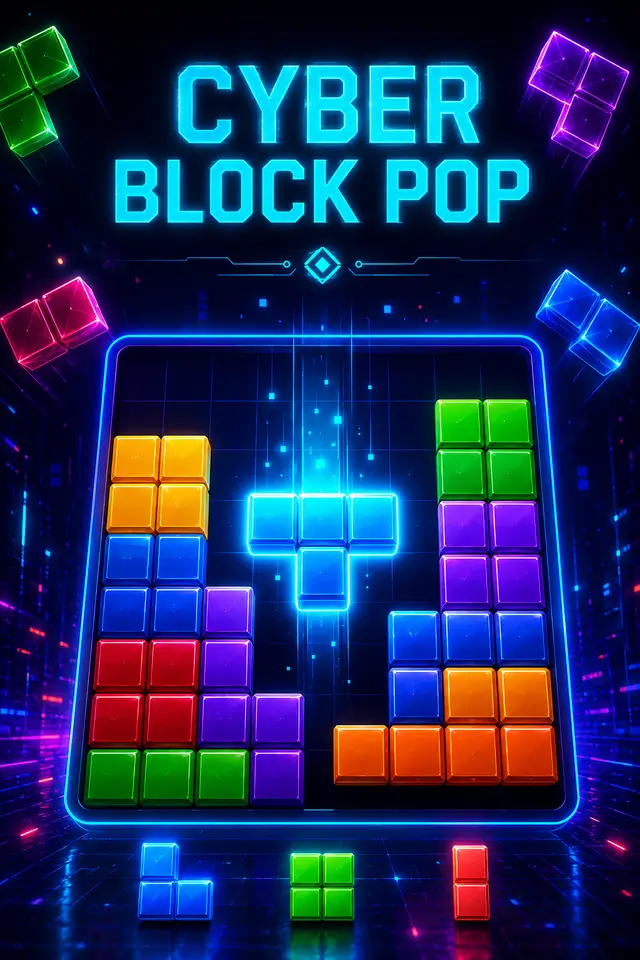
Place blocks on the grid to clear rows and columns. Chain combos for higher scores in this relaxing puzzle game!