Number NexusAI · Claude 3.5
Game information
AI generation prompt
Core Game Loop and Mechanics
Number Nexus is a relaxing puzzle game where players connect matching number bubbles to merge them into larger numbers, set against a serene cosmic backdrop.
Moment-to-Moment Gameplay
- Bubble Generation: Number bubbles (starting with 2, 4, 8) float gently in a fixed play area
- Connection Phase: Players draw a line connecting two or more bubbles with the same number
- Merge Action: Connected bubbles merge into a single bubble with double the value (2+2=4, 4+4=8, etc.)
- New Bubble Spawn: After each merge, new bubbles spawn at random positions
- Chain Reactions: Strategic merges can create cascading combinations
Progression System
- Score: Points awarded based on merge value (merging 2s = 4 points, merging 4s = 8 points, etc.)
- High Score: Track personal best across sessions
- Number Progression: Start with 2, 4, 8 and work toward 2048 and beyond
- Difficulty Curve: As score increases, higher-value bubbles spawn more frequently
Win/Lose Conditions
- No Lose State: This is an endless, relaxing experience
- Goal: Achieve the highest score possible by creating large number merges
- Milestone: Reaching 2048 is a significant achievement but gameplay continues
Engagement Drivers
- Satisfying Merges: Visual and audio feedback makes each merge rewarding
- Strategic Depth: Planning ahead to create larger merges
- Zen Experience: Calming visuals and sounds create a meditative state
- Personal Bests: Competing against your own high score
- "One More Merge": The desire to beat your previous score keeps players engaged
Starting Scope
The first iteration will focus on core mechanics with maximum polish:
Implement First:
- Fixed play area (600x1000px) with cosmic background
- 8-12 floating number bubbles at any time
- Touch/mouse drawing to connect matching bubbles
- Merge mechanics (2→4, 4→8, 8→16, etc.)
- Score display and high score persistence
- Smooth bubble animations (floating, merging, spawning)
- Particle effects for merges
- Calming background music and merge sound effects
- Simple tutorial overlay on first play
Leave for Future Iterations:
- Power-ups (freeze time, remove bubble, shuffle)
- Different game modes (timed challenge, limited moves)
- Achievements system
- Multiple cosmic themes/backgrounds
- Multiplayer comparison features
Game Perspective
Fixed-screen with a single play area view. The camera does not move; all bubbles float within a defined rectangular zone in the center of the screen. This creates a focused, meditative experience where players can see all elements at once.
Game World and Level Design
Play Area
- Dimensions: 600px wide × 1000px tall play zone centered in the 720×1280 iframe
- Background: Deep space with slowly twinkling stars, nebula clouds, and subtle particle effects
- Boundaries: Soft glow around the edges to define the play area
- Bubble Count: 8-12 bubbles active at any time
Bubble Behavior
- Floating Motion: Bubbles drift slowly with gentle sine-wave patterns
- Collision: Bubbles gently bounce off each other and boundaries
- Size: Bubbles are 80-100px diameter (large enough for easy touch)
- Spacing: Minimum 20px between bubbles to prevent overlap
Visual Hierarchy
- Top Bar (0-120px): Score display and high score
- Play Area (120-1120px): Main bubble interaction zone
- Bottom Bar (1120-1280px): Tutorial hints or combo counter
Number Progression
- Starting Numbers: 2, 4, 8
- Spawn Logic:
- Score 0-100: Only 2s and 4s spawn
- Score 100-500: 2s, 4s, and 8s spawn
- Score 500+: Occasionally spawn 16s
- Higher scores introduce 32s and beyond
- Maximum Value: No hard cap, but reaching 2048 is the primary milestone
Edit Mode Design
Edit mode allows players to customize the visual and gameplay experience while maintaining core mechanics.
Editable Properties
Visual Customization:
- Bubble Colors: Choose color scheme for number bubbles
- Default: Gradient from blue (2) to purple (2048)
- Options: Rainbow, Warm (orange/red), Cool (blue/green), Monochrome
- Background Theme: Select cosmic background style
- Default: Deep space with nebula
- Options: Starfield, Galaxy spiral, Aurora, Minimal dark
- Particle Effects: Toggle merge particle intensity
- Options: Off, Low, Medium (default), High
Gameplay Customization:
- Starting Bubble Count: 8-15 bubbles (default: 10)
- Bubble Float Speed: Slow, Medium (default), Fast
- Spawn Rate: How quickly new bubbles appear after merges
- Options: Slow (relaxing), Medium (default), Fast (challenging)
Audio Customization:
- Music Volume: 0-100% (default: 60%)
- SFX Volume: 0-100% (default: 80%)
- Background Music: Choose from 3 calming tracks
Constraints
- Minimum 6 bubbles, maximum 15 (to prevent overcrowding or emptiness)
- Float speed range keeps bubbles visible and trackable
- Color schemes maintain sufficient contrast for number visibility
- All customizations preserve core merge mechanics
Edit Mode UI
- Accessible via gear icon in top-right corner
- Slide-in panel from right side with organized sections
- Live preview of changes
- "Reset to Default" button for each section
- Changes save automatically to window.gameConfig
Control Design
Number Nexus uses a simple tap/click and drag control scheme optimized for the puzzle genre.
Mobile Controls (Touch)
- Connect Bubbles: Touch and drag from one bubble to another with the same number
- Visual feedback: Draw a glowing line following the finger
- Snap to bubbles when finger is within 50px of center
- Can connect 2+ bubbles in sequence if they all match
- Release to Merge: Lift finger to execute the merge
- Cancel Connection: Drag outside play area or tap empty space
- Menu Access: Tap gear icon in top-right corner
Desktop Controls (Mouse)
- Connect Bubbles: Click and drag from one bubble to another
- Same visual feedback as touch
- Hover highlights valid connection targets
- Release to Merge: Release mouse button to execute merge
- Cancel Connection: Right-click or drag outside play area
- Menu Access: Click gear icon
Input Handling Details
- Connection Line:
- Starts at first bubble center
- Follows pointer position
- Snaps to valid target bubbles within range
- Glows brighter when hovering valid targets
- Valid Connections: Only bubbles with matching numbers can be connected
- Multi-Bubble Chains: Can connect 3+ bubbles in one gesture for bonus points
- Touch ID Tracking: Prevent multi-touch interference (only first touch draws connection)
- Prevent Defaults: Stop browser scrolling/zooming during gameplay
Feedback Systems
- Visual:
- Connection line color matches bubble number
- Valid targets pulse gently
- Invalid targets remain static
- Audio:
- Soft "ping" when connecting each bubble
- Satisfying "merge" sound on release
- Higher pitch for larger number merges
- Haptic (mobile): Light vibration on successful merge
Art Style and Visual Theme
Overall Style
Cosmic Minimalism - Clean, modern design with a serene space theme. The aesthetic balances simplicity with visual interest, creating a calming yet engaging experience.
Color Palette
- Background: Deep space blues and purples (#0a0e27, #1a1f3a, #2d1b4e)
- Bubbles: Gradient progression from cool to warm as numbers increase
- 2: Soft cyan (#4dd0e1)
- 4: Light blue (#42a5f5)
- 8: Purple (#7e57c2)
- 16: Magenta (#ab47bc)
- 32: Pink (#ec407a)
- 64: Orange (#ff7043)
- 128: Gold (#ffa726)
- 256+: Bright yellow-white (#ffeb3b)
- UI Elements: White text with subtle glow (#ffffff with shadow)
- Connection Lines: Match bubble color with increased brightness
Visual Elements
Bubbles:
- Circular with soft gradient fill
- Semi-transparent outer glow (20% opacity)
- White numbers in clean sans-serif font (Poppins or similar)
- Subtle inner shadow for depth
- Size: 80-100px diameter depending on number value
Background:
- Layered parallax effect with multiple star layers
- Slow-moving nebula clouds (CSS gradients with animation)
- Twinkling stars (small white dots with opacity animation)
- Subtle particle drift (tiny glowing dots)
Effects:
- Merge Particles: Burst of small colored circles matching bubble color
- Connection Line: Glowing trail with gradient fade
- Spawn Animation: Bubble fades in with scale-up effect
- Float Motion: Gentle sine-wave movement
Asset vs Code Rendering
Generate Assets:
- Background nebula texture (seamless, tileable)
- Particle textures for merge effects
- UI icons (gear for settings, info icon)
- Background music track
- Sound effects (merge, connect, spawn)
Render with Code (CSS/Canvas):
- Bubbles (circular gradients with CSS/Canvas)
- Numbers (text rendering)
- Connection lines (Canvas drawing)
- Star field (Canvas particles)
- Score display (HTML/CSS)
- UI panels (CSS with backdrop blur)
Animation Principles
- Smooth Transitions: All movements use easing functions (ease-in-out)
- Gentle Timing: Animations are slower than typical games (800-1200ms)
- Subtle Effects: Avoid jarring or aggressive visuals
- Continuous Motion: Background elements always moving slightly
- Satisfying Feedback: Merges have clear visual payoff without being overwhelming
Related games
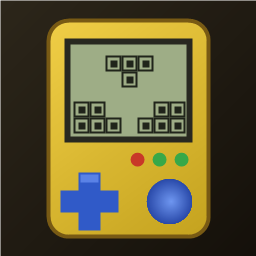
1:1 replica of the 90s handheld brick game: yellow shell, retro LCD screen, layout buttons, 10x20 grid, 7 classic tetrominoes. Includes combo scores, 20-level speed curve, auto-save/resume, leaderboard, multiple unlockable skins, and 4 retro 8-bit background music tracks.
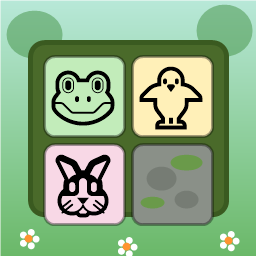
Swap adjacent animal tiles (🐸🐥🐵🐘🐰🦊) on a 9x9 forest board to match 3 or more. Clear moss obstacles, use shuffle/move boosters, complete targets within step limits, and survive endless progression.

Dig through dirt and guide water to the target, featuring 50 physics puzzle levels of increasing difficulty.

Swap adjacent fruits to match 3 or more, trigger chain reactions and special items, and achieve level goals within steps or time limits.
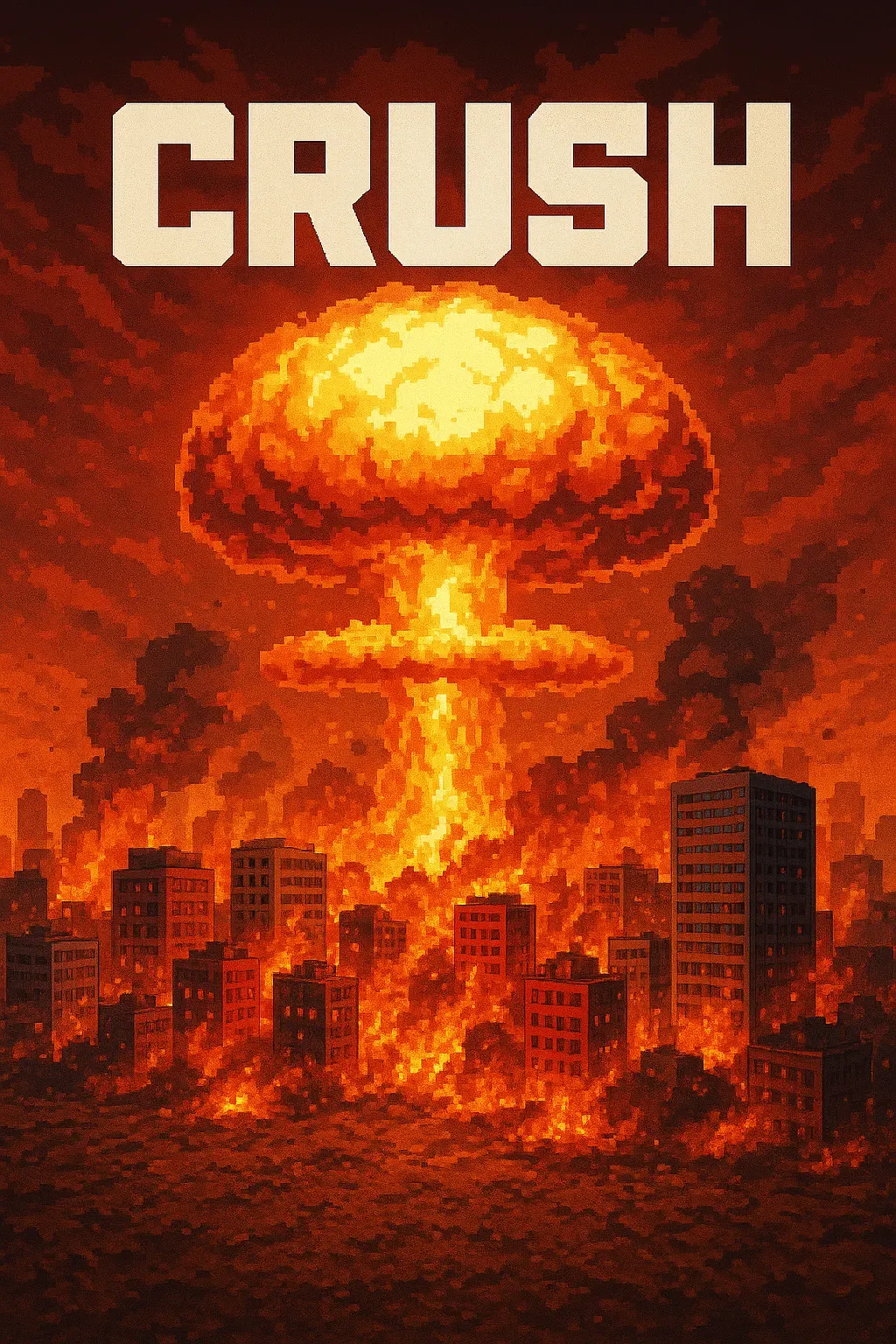
"Crush" is a sandbox game where players control a camera over a vast asphalt plane. The game focuses on exploration and interaction with the environment through dynamic camera movements. • Explore a 1000x1000 pixelated asphalt ground plane with intuitive drag, scroll, and multi-touch camera controls. • Dynamic key lighting casts realistic shadows, enhancing the visual experience of the blocky, Minecraft-style world.
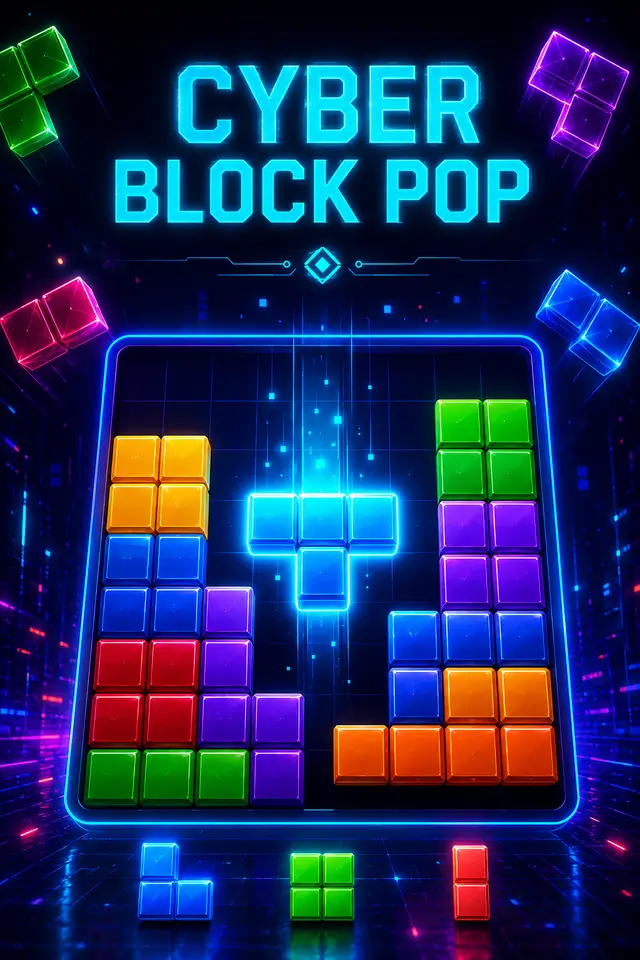
Place blocks on the grid to clear rows and columns. Chain combos for higher scores in this relaxing puzzle game!