Naruto: Merge HeroesAI · Claude 3.5
Game information
AI generation prompt
Core Game Loop and Mechanics
Main Gameplay Loop:
- Players start with an empty 4x4 grid and a small amount of starting Zeni currency
- Tap "RECRUIT FIGHTER" button to spend Zeni and get a random base-form fighter (Goku, Vegeta, Gohan, Trunks, or Goten)
- New fighters appear in available grid slots
- Each fighter on the grid passively generates Zeni per second based on their power level
- Drag and drop any fighter to rearrange them on the grid
- Merge two identical fighters by dragging one onto another to create the next transformation/form
- Higher-tier fighters generate more Zeni per second
- Continue recruiting and merging to unlock all transformations and fusions
- Goal: Collect all forms and maximize Zeni generation
Merge System:
- Merging two identical fighters consumes both and creates one fighter of the next tier
- Merge progression follows Dragon Ball transformation hierarchy:
- Goku line: Base Goku → Super Saiyan Goku → Super Saiyan 2 Goku → Super Saiyan 3 Goku → Super Saiyan God Goku → Super Saiyan Blue Goku
- Vegeta line: Base Vegeta → Super Saiyan Vegeta → Super Saiyan 2 Vegeta → Majin Vegeta → Super Saiyan God Vegeta → Super Saiyan Blue Vegeta
- Gohan line: Base Gohan → Super Saiyan Gohan → Super Saiyan 2 Gohan → Ultimate Gohan
- Trunks line: Base Trunks → Super Saiyan Trunks → Super Saiyan 2 Trunks
- Goten line: Base Goten → Super Saiyan Goten
- Fusion - Gotenks: Super Saiyan Goten + Super Saiyan Trunks → Gotenks → Super Saiyan Gotenks → Super Saiyan 3 Gotenks
- Fusion - Gogeta: Super Saiyan Blue Goku + Super Saiyan Blue Vegeta → Gogeta → Super Saiyan Gogeta → Super Saiyan Blue Gogeta
- Fusion - Vegito: Super Saiyan God Goku + Super Saiyan God Vegeta → Vegito → Super Saiyan Vegito → Super Saiyan Blue Vegito
Currency System:
- Currency is called "Zeni" (₵ symbol)
- Each fighter generates Zeni per second based on their tier/power level
- Base forms generate 1 Zeni/sec, each tier multiplies generation (2x, 4x, 8x, etc.)
- Recruiting a new fighter costs Zeni (cost increases slightly with each purchase)
- Starting Zeni: 50
- Base recruit cost: 10 Zeni (increases by 5 Zeni per recruit)
Win Condition:
- No explicit win condition - this is an idle/collection game
- Players aim to unlock all transformations and fusions
- Satisfaction comes from completing the collection and maximizing Zeni generation
Starting Scope
First Implementation Should Include:
- 4x4 grid for placing fighters
- Recruit button that spawns random base-form fighters (Goku, Vegeta, Gohan, Trunks, Goten)
- Drag and drop system to move fighters between grid slots
- Merge system: drag identical fighters onto each other to create next tier
- Zeni currency display that increases over time based on fighters on grid
- At least 3 transformation tiers for Goku and Vegeta (Base → SSJ → SSJ2)
- Basic visual feedback for merges (particle effect, sound)
- Fighter cards showing character portrait, name, and power level
- Recruit cost display that updates based on current cost
- Simple UI showing total Zeni and Zeni/sec generation rate
Future Iterations Can Add:
- Complete transformation chains for all characters
- Fusion mechanics (Gotenks, Gogeta, Vegito)
- More advanced visual effects and animations
- Sound effects for merges and recruitment
- Background music
- Save/load system for progression
- Additional grid slots or expandable grid
- Special abilities or power-ups
- Achievement system
Game Perspective
Fixed-screen perspective with a top-down view of the grid. The entire game fits on one screen with no scrolling needed. UI elements (recruit button, currency display) are positioned around the grid.
Game World and Level Design
Single Screen Layout:
- Top Section (0-200px): Header area with game title and currency display
- Game title/logo on left
- Zeni display on right showing: "₵ [amount] (+[rate]/sec)"
- Middle Section (200-1000px): 4x4 grid of fighter slots
- Grid centered horizontally
- Each slot is 160x160 pixels with 10px gaps
- Total grid size: 670x670 pixels (4 slots × 160px + 3 gaps × 10px)
- Empty slots show subtle border/background
- Occupied slots display fighter cards
- Bottom Section (1000-1280px): Action buttons
- Large "RECRUIT FIGHTER" button centered
- Shows cost: "RECRUIT FIGHTER (₵[cost])"
- Button disabled/grayed when insufficient Zeni
Fighter Card Design:
- 160x160px card with character portrait
- Character name at top
- Power level indicator at bottom
- Visual glow/aura effect for higher tiers
- Subtle animation (idle breathing/energy aura)
Visual Hierarchy:
- Grid is the focal point in center
- Currency info always visible at top
- Recruit button prominent at bottom for easy thumb access
Edit Mode Design
Editable Properties:
Players can customize these aspects in edit mode:
Grid Size
- Options: 3x3, 4x4, 5x5, 6x6
- Default: 4x4
- Constraint: Minimum 3x3, maximum 6x6
Starting Zeni
- Range: 10 - 500
- Default: 50
- Affects initial game difficulty
Base Recruit Cost
- Range: 5 - 50
- Default: 10
- How much Zeni to recruit first fighter
Recruit Cost Increase
- Range: 0 - 20
- Default: 5
- How much cost increases per recruit
Zeni Generation Multiplier
- Range: 0.5x - 5x
- Default: 1x
- Affects how fast all fighters generate Zeni
Available Characters
- Checkboxes to enable/disable each character line
- Default: All enabled
- Allows focusing on specific characters
Background Color
- Color picker for main background
- Default: Sky blue gradient (#87CEEB to #4A90E2)
Grid Background Color
- Color picker for grid area
- Default: Slightly darker blue (#6BA3D4)
Edit Mode UI:
- Settings panel slides in from right side
- Each setting has clear label and input control
- "Reset to Defaults" button at bottom
- Changes apply immediately to preview
Control Design
Mobile (Touch) Controls:
- Tap: Select a fighter card or tap recruit button
- Drag: Touch and hold a fighter card, drag to new position or onto another fighter to merge
- Release: Drop fighter in new slot or complete merge
Desktop (Mouse/Keyboard) Controls:
- Click: Select a fighter card or click recruit button
- Click and Drag: Click and hold a fighter card, drag to new position or onto another fighter to merge
- Release: Drop fighter in new slot or complete merge
- Spacebar: Quick recruit (same as clicking recruit button)
Drag and Drop Mechanics:
- When dragging starts, the fighter card follows the pointer/finger
- Original slot shows as empty with highlight
- Valid drop targets (empty slots or identical fighters) highlight when dragged fighter hovers over them
- Invalid drop targets show no highlight
- If dropped on empty slot: fighter moves to that slot
- If dropped on identical fighter: merge animation plays and new tier fighter appears
- If dropped on non-identical fighter or outside grid: fighter returns to original position
- Visual feedback: dragged card slightly enlarged and elevated (shadow effect)
Touch Optimization:
- Fighter cards are 160x160px (well above 96px minimum)
- Recruit button is large and positioned in thumb-friendly bottom area
- Drag threshold of 10px before drag starts (prevents accidental drags on taps)
- Clear visual feedback for all interactions
Art Style and Visual Theme
Overall Style: The game uses the classic Dragon Ball manga/anime art style as shown in the reference image - bold outlines, vibrant colors, dynamic character poses, and energetic visual effects. The style should feel authentic to the Dragon Ball Super era with clean, modern anime aesthetics.
Color Palette:
- Primary: Bright oranges and blues (Goku's gi colors)
- Accents: Golden yellows (Super Saiyan auras), electric blues (god forms), vibrant energy effects
- Background: Sky blue gradients with white clouds, reminiscent of the Dragon Ball world
- UI: Bold, high-contrast colors with thick black outlines matching manga panel style
Character Design:
- Characters drawn in dynamic action poses showing their personality
- Bold black outlines (manga style)
- Vibrant, saturated colors matching their iconic looks
- Energy auras for transformed states (golden for SSJ, blue for god forms, etc.)
- Facial expressions showing determination and power
- Each transformation should be visually distinct with different hair, aura, and intensity
Visual Effects:
- Merge Effect: Explosive energy burst with character-specific aura colors, speed lines, and flash
- Recruitment: Portal/summoning effect with energy swirls
- Idle Animations: Subtle breathing, floating aura particles, hair movement
- Power Auras: Glowing energy surrounding higher-tier fighters
- UI Elements: Comic book style with bold text, action lines, and impact effects
Typography:
- Bold, impactful fonts similar to Dragon Ball logo style
- Yellow text with red/orange outlines for important elements
- Comic book style speech bubbles for notifications
Asset Approach:
- Generated Assets: All character portraits (too complex for code)
- Code-Rendered: Grid layout, UI buttons, simple geometric effects, background gradients
- Hybrid: Particle effects use code with generated energy sprites
Related games
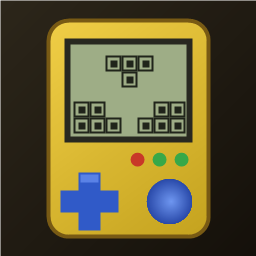
1:1 replica of the 90s handheld brick game: yellow shell, retro LCD screen, layout buttons, 10x20 grid, 7 classic tetrominoes. Includes combo scores, 20-level speed curve, auto-save/resume, leaderboard, multiple unlockable skins, and 4 retro 8-bit background music tracks.
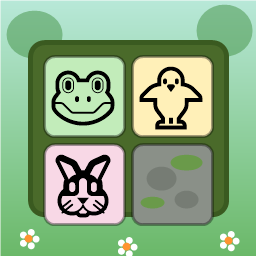
Swap adjacent animal tiles (🐸🐥🐵🐘🐰🦊) on a 9x9 forest board to match 3 or more. Clear moss obstacles, use shuffle/move boosters, complete targets within step limits, and survive endless progression.

Dig through dirt and guide water to the target, featuring 50 physics puzzle levels of increasing difficulty.

Swap adjacent fruits to match 3 or more, trigger chain reactions and special items, and achieve level goals within steps or time limits.
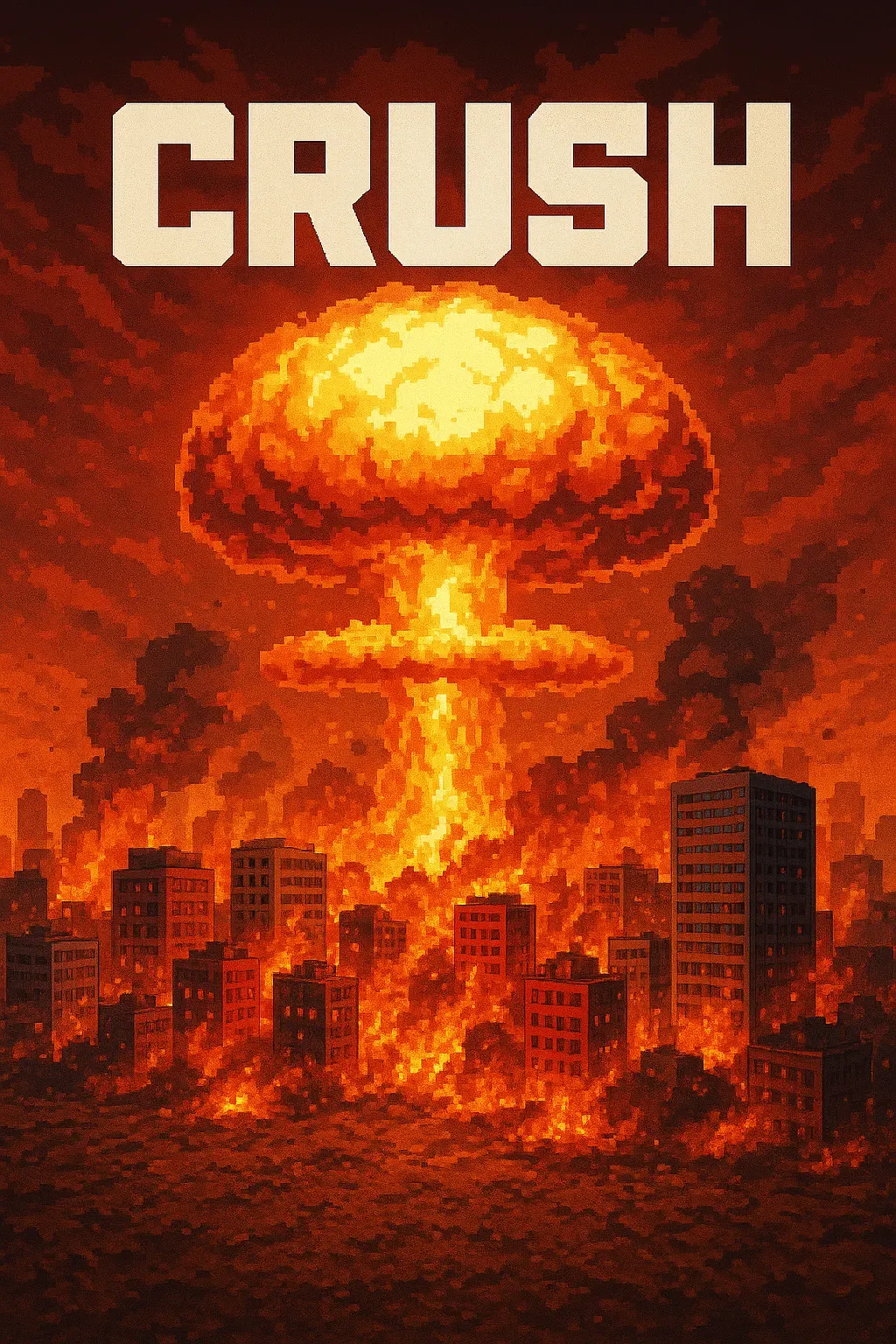
"Crush" is a sandbox game where players control a camera over a vast asphalt plane. The game focuses on exploration and interaction with the environment through dynamic camera movements. • Explore a 1000x1000 pixelated asphalt ground plane with intuitive drag, scroll, and multi-touch camera controls. • Dynamic key lighting casts realistic shadows, enhancing the visual experience of the blocky, Minecraft-style world.
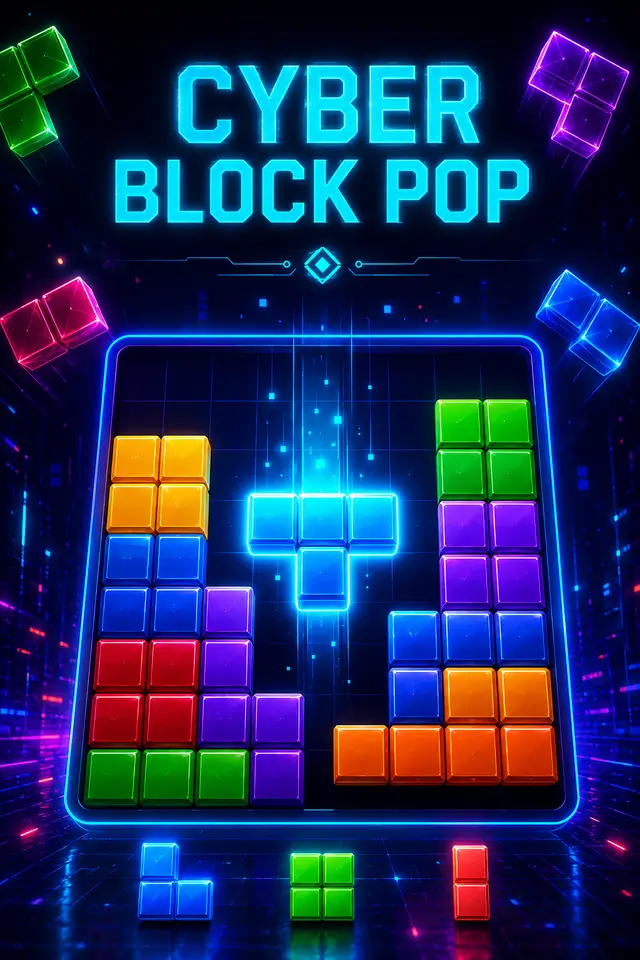
Place blocks on the grid to clear rows and columns. Chain combos for higher scores in this relaxing puzzle game!