Cricket Clash 3DAI · Claude 3.5
Game information
AI generation prompt
Core Game Loop and Mechanics
Cricket Clash 3D is a 3D cricket game that captures the essence of cricket through intuitive batting and bowling mechanics. The game focuses on a simplified yet engaging cricket experience.
Game Flow
- Match Setup: Player chooses to bat or bowl first in a quick match format (5 overs per side)
- Batting Phase: Player faces deliveries and attempts to score runs by timing shots
- Bowling Phase: Player delivers balls trying to get the batsman out
- Match Conclusion: Team with most runs wins
Batting Mechanics
- Timing System: As the ball approaches, a timing indicator appears
- Shot Selection: Swipe direction determines shot type (straight drive, cut, pull, etc.)
- Power Control: Tap and hold duration controls shot power
- Scoring: Runs awarded based on where the ball lands (1-6 runs, boundaries worth 4 or 6)
- Dismissals: Bowled, caught, LBW (simplified detection)
Bowling Mechanics
- Delivery Selection: Choose from Fast, Medium, Spin deliveries
- Line & Length: Drag to set where the ball should pitch
- Swing/Spin: Swipe during delivery to add movement
- Wicket Taking: Aim for stumps or induce edges for catches
Win/Lose Conditions
- Victory: Score more runs than opponent within the overs limit
- Defeat: Opponent scores more runs or all wickets lost
- Replayability: Quick match format encourages multiple plays, trying different strategies
Starting Scope
The first iteration will implement a simplified but polished cricket experience:
INCLUDE in First Version:
- Single quick match mode (5 overs per side)
- Player batting against AI bowling
- Player bowling against AI batting
- One stadium environment
- Basic 3D player models (batsman, bowler, fielders)
- Core batting mechanics (timing, shot direction, power)
- Core bowling mechanics (delivery type, line & length)
- Simple AI opponent
- Score tracking and match result screen
- Touch controls for mobile, mouse/keyboard for desktop
DEFER to Later Iterations:
- Multiple stadiums/environments
- Tournament/career mode
- Multiplayer functionality
- Advanced fielding controls
- Detailed player customization
- Replay system
- Commentary/crowd reactions
- Weather conditions
- Multiple difficulty levels
Game Perspective
3D Third-Person Perspective with dynamic camera angles:
Batting Camera
- Default View: Behind the batsman, slightly elevated, looking down the pitch toward the bowler
- Ball Tracking: Camera follows ball trajectory after shot
- Field View: Brief overhead view showing field placement before each delivery
Bowling Camera
- Run-up View: Behind the bowler during run-up
- Delivery View: Switches to behind batsman as ball is released
- Result View: Follows ball after delivery
Camera Transitions
- Smooth transitions between camera angles
- Cinematic replays for boundaries and wickets
Game World and Level Design
Stadium Environment
A professional cricket stadium with:
- Playing Field: Standard cricket pitch (22 yards) with realistic grass texture
- Boundary: Circular boundary rope at regulation distance
- Stands: Crowd-filled stands on all sides (simplified 3D models)
- Pavilion: Visible pavilion/scoreboard area
- Lighting: Daytime lighting with realistic shadows
- Sky: Clear blue sky with subtle clouds
Field Layout
- Pitch: Central wicket with stumps at both ends
- Fielding Positions: 9 fielders positioned strategically (positions change based on bowling type)
- Boundary Markers: Clear visual indicators for 4s and 6s
Scale and Proportions
- Stadium diameter: ~150 meters
- Pitch length: 22 yards (20 meters)
- Player height: ~1.8 meters
- Ball size: Standard cricket ball (7cm diameter)
Edit Mode Design
Players can customize the following in Edit Mode:
Match Settings
- Overs per side: 1-10 overs (default: 5)
- Difficulty: Easy/Medium/Hard (affects AI skill)
- Starting team: Bat first or Bowl first
Visual Customization
- Stadium colors: Primary and secondary colors for stands/branding
- Pitch condition: Green (fast), Dusty (spin-friendly), Balanced
- Time of day: Morning, Afternoon, Evening (affects lighting)
Gameplay Tweaks
- Ball physics: Bounce height multiplier (0.8-1.2)
- Batting difficulty: Timing window size (0.5-2.0 seconds)
- Bowling speed: Speed multiplier for deliveries (0.8-1.2)
Constraints
- Overs limited to 1-10 to keep matches quick
- Physics multipliers capped to prevent broken gameplay
- All visual changes must maintain readability
Control Design
Cricket Clash 3D uses a 3D Third-Person control scheme optimized for both mobile and desktop.
Batting Controls
Mobile (Touch):
- Timing: Tap when the ball reaches the timing zone (visual indicator)
- Shot Direction: Swipe in desired direction (front foot/back foot, leg side/off side)
- Power: Tap and hold longer for more powerful shots
- Defense: Quick tap without swipe to play defensive shot
Desktop (Keyboard + Mouse):
- Timing: Spacebar or Left Click when ball reaches timing zone
- Shot Direction: WASD or Arrow Keys for shot direction
- W/Up: Front foot straight
- S/Down: Back foot straight
- A/Left: Leg side
- D/Right: Off side
- Power: Hold key/mouse longer for power
- Defense: Quick tap without direction
Bowling Controls
Mobile (Touch):
- Delivery Type: Tap buttons for Fast/Medium/Spin (displayed on screen)
- Line & Length: Drag on pitch visualization to set target spot
- Release: Tap "Bowl" button to deliver
- Swing/Spin: Swipe left/right during delivery animation for movement
Desktop (Keyboard + Mouse):
- Delivery Type: Number keys 1-3 or Q/W/E for Fast/Medium/Spin
- Line & Length: Click on pitch visualization to set target
- Release: Spacebar or Left Click to bowl
- Swing/Spin: Move mouse left/right during delivery or use A/D keys
Camera Controls
- Automatic: Camera follows action automatically
- No manual camera control in first version (keeps controls simple)
Field Placement (Deferred)
- AI handles field placement automatically in first version
- Manual field placement can be added in future iterations
UI Controls
- Pause: ESC key (desktop) or pause button (mobile)
- Menu Navigation: Touch/Click for mobile/desktop
Art Style and Visual Theme
Overall Style
Semi-Realistic 3D with a focus on clarity and performance:
- Clean, modern aesthetic
- Realistic proportions but slightly stylized for visual appeal
- Vibrant colors for good visibility
- Optimized for web performance
Visual Elements
Stadium:
- Realistic grass texture with subtle variation
- Modern stadium architecture
- Crowd represented as simplified 3D models with color variation
- Clear boundary markings
Players:
- Stylized but recognizable cricket uniforms
- Distinct silhouettes for batsman, bowler, fielders
- Smooth animations for batting, bowling, fielding actions
- Team colors: Blue vs Red for clear distinction
Ball:
- Traditional red cricket ball with visible seam
- Motion blur trail during flight
- Clear visibility against all backgrounds
UI:
- Clean, modern interface
- Large, readable fonts
- Score display always visible (runs, wickets, overs)
- Timing indicators clearly visible during batting
Color Palette
- Primary: Cricket whites, green pitch, blue sky
- Team Colors: Vibrant blue and red for teams
- UI: White text on semi-transparent dark backgrounds
- Highlights: Yellow/gold for boundaries, red for wickets
Lighting
- Natural daylight with realistic shadows
- Soft ambient lighting to prevent harsh contrasts
- Subtle rim lighting on players for better visibility
Asset Rendering Strategy
- 3D Models: Player characters, stadium structure, stumps
- Generated Textures: Grass, crowd, sky
- Code-Rendered: UI elements, score displays, timing indicators
- Particle Effects: Ball trail, dust on pitch (code-rendered)
Related games
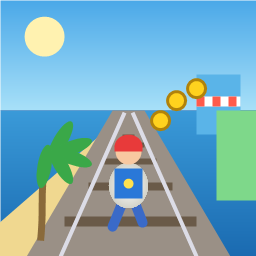
Control a kid in a red baseball cap running endlessly on three seaside railway tracks: switch lanes, jump, and slide to avoid oncoming trains, low-clearance bars, and moving blockades. Features cartoon retro 3D visuals, double scores for perfect runs, daily rewards, achievements, and local high score tracking.
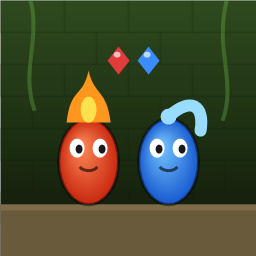
Control Fireboy and Watergirl to cooperate: collect matching gems, trigger buttons, pull levers, push boxes, and ride lifts. 30 handmade puzzle levels across 5 chapters, plus random endless mode. Supports local co-op and dual virtual joysticks.
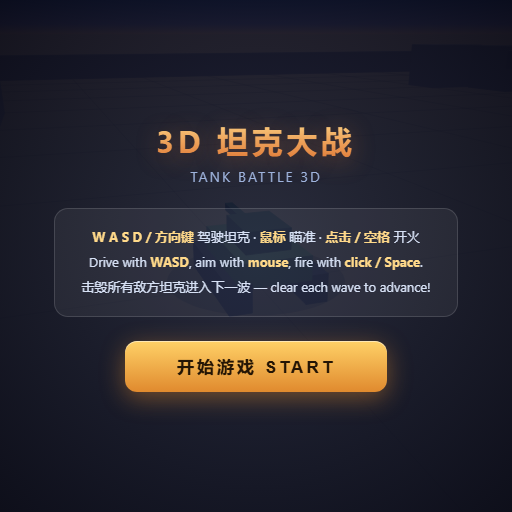
Pilot your combat tank in a 3D battleground: maneuver to dodge artillery fire, aim and destroy enemy tanks in wave-based assault missions.
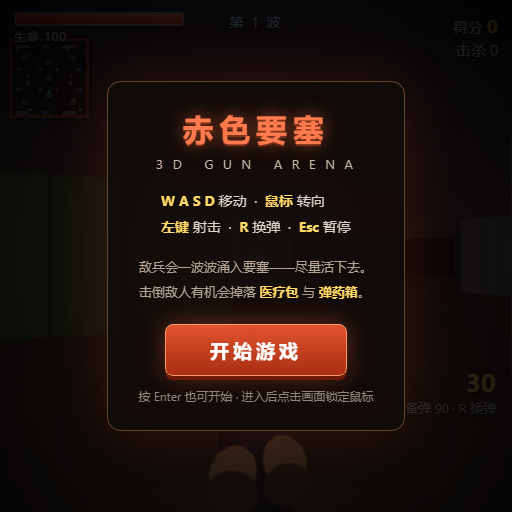
First-person 3D shooter: Navigate through enemy strongholds, shoot hostile units, and clear stages while holding your ground.
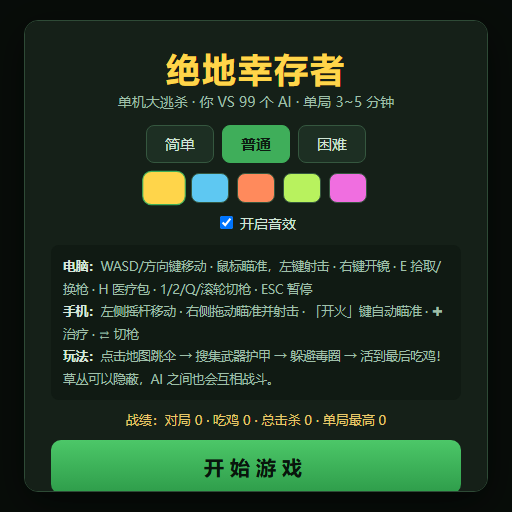
Top-down survival shooter: Navigate through endless waves of monsters, select new skills and weapon upgrades upon leveling up, and survive as long as possible.
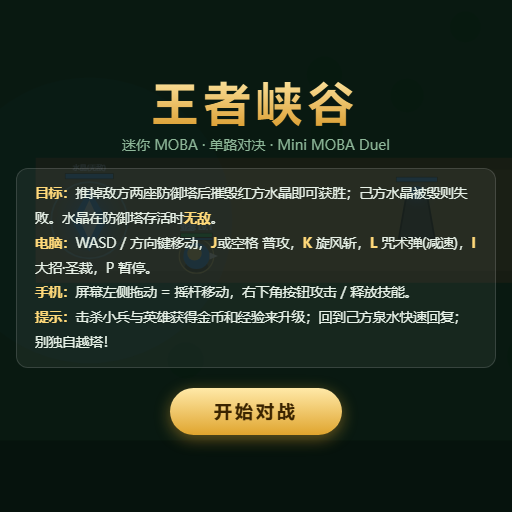
Miniature MOBA battle: Control your hero, push minion waves, release skills, defeat enemy units/towers, and destroy the enemy base.