Emoji Maze DashAI · Claude 3.5
Game information
AI generation prompt
Core Game Loop and Mechanics
Emoji Maze Escape is a casual puzzle game where players navigate an emoji character through randomly generated mazes. The core loop consists of:
- Start: Player spawns at the maze entrance (left side) with the emoji showing a neutral/hopeful expression
- Navigate: Player moves through the maze using directional controls, making strategic choices at each intersection
- Progress Feedback: The emoji's expression changes based on progress:
- Moving toward the goal: Happy expressions (😊, 😀)
- Moving away or getting stuck: Frustrated expressions (😒, 😣, 🤬)
- Near the exit: Excited (🤗)
- Reaching home: Celebration (🥳)
- Complete: Upon reaching the home (right side exit), the level completes with a celebration
- Replay: Player can generate a new maze and try again
What makes it compelling:
- The emotional feedback from the emoji creates an immediate connection
- Procedurally generated mazes ensure every playthrough is unique
- Simple controls make it accessible while maze complexity provides challenge
- The "getting warmer/colder" emotional feedback adds a fun twist to traditional maze solving
Win Condition: Successfully navigate from the entrance to the exit Lose Condition: None - players can take as long as they need, encouraging exploration
Starting Scope
For the initial implementation, we'll focus on:
Must Have (First Iteration):
- Single maze generation using recursive backtracking algorithm
- Grid-based movement (20px steps) with collision detection
- Emoji character with 6-8 emotional states that change based on progress
- Touch controls (swipe gestures) and keyboard controls (WASD/Arrows)
- Home icon at the exit
- Victory state when reaching home
- "New Maze" button to generate fresh mazes
- Mobile-first responsive design (720×1280 viewport)
Leave for Later:
- Multiple difficulty levels (maze size/complexity)
- Timer/move counter
- Hint system
- Multiple emoji character choices
- Sound effects and background music
- Particle effects for celebration
- Level progression system
- Leaderboards or statistics
Game Perspective
Fixed-screen top-down view - The entire maze is visible on screen at once, allowing players to plan their route. The camera is static with the maze centered in the viewport. This perspective works perfectly for maze navigation and allows players to see the full puzzle.
Game World and Level Design
Maze Structure:
- Grid-based maze (15×10 cells, each 20px)
- Total playable area: 300×200 pixels
- Maze is centered in the viewport with comfortable padding
- White barriers (2px thick) form the maze walls
- Dark background (#222) for high contrast
Layout:
- Entrance: Random position on the left edge (marked by gap in left wall)
- Exit: Random position on the right edge (marked by gap in right wall, with 🏠 icon)
- Maze walls: Generated using recursive backtracking for guaranteed solvability
- All mazes have exactly one solution path (no isolated sections)
Visual Hierarchy:
- Top 60% of screen: Maze area with centered maze
- Bottom 40% of screen: Control buttons (for touch devices)
- Clean, minimalist design focusing on gameplay
Edit Mode Design
Customizable Properties:
Maze Appearance:
- Wall color (default: white #fff)
- Background color (default: dark #222)
- Wall thickness (default: 2px, range: 1-4px)
Maze Dimensions:
- Grid width (default: 15 cells, range: 10-20)
- Grid height (default: 10 cells, range: 8-15)
- Cell size (default: 20px, range: 15-25px)
Character Customization:
- Starting emoji (default: 🥺, options: 😊, 🐱, 🐶, 🐼, 🦊, 🐸)
- Emoji size (default: 15px, range: 12-20px)
Difficulty Settings:
- Maze complexity (affects generation algorithm bias)
- Show/hide full maze (fog of war option for future)
Constraints:
- Maze dimensions must maintain aspect ratio that fits in viewport
- Cell size × grid dimensions must not exceed 340×240px playable area
- Wall thickness must be visible but not obstruct gameplay
- Emoji must be visible and distinguishable at all sizes
Edit Mode Interface:
- Simple sliders and color pickers in a side panel
- "Generate New Maze" button always visible
- "Reset to Defaults" option
- Changes apply immediately (except maze generation which requires button press)
Control Design
Mobile (Touch) - Primary:
- Swipe gestures in the maze area:
- Swipe up: Move up one cell
- Swipe down: Move down one cell
- Swipe left: Move left one cell
- Swipe right: Move right one cell
- Threshold: 15px minimum swipe distance
- On-screen D-pad buttons (bottom 40% of screen):
- Four directional buttons arranged in cross pattern
- Each button 60×60px with 10px spacing
- Visual press feedback (border animation)
- Buttons centered horizontally
Desktop (Keyboard) - Secondary:
- Arrow keys: ↑↓←→ for movement
- WASD keys: Alternative movement controls
- Space: Generate new maze
- R: Reset current maze
Input Handling:
- Grid-locked movement (snap to 20px grid)
- Movement only allowed if no wall blocks the direction
- Prevent diagonal movement
- Buffer inputs to prevent accidental double-moves
- Clear visual feedback for invalid moves (subtle shake animation)
Control Feedback:
- Button press animations (3D press effect)
- Emoji position updates immediately
- Collision with walls: no movement, emoji shows brief frustrated expression
Art Style and Visual Theme
Overall Style: Minimalist Emoji Adventure
A clean, modern interface that puts the focus on the emoji character and maze navigation. The design uses high contrast and simple geometric shapes for clarity.
Color Palette:
- Background: Dark charcoal (#222222)
- Maze walls: Pure white (#FFFFFF)
- Buttons: White borders with dark fill
- Accents: Emoji colors provide all the warmth and personality
Visual Elements:
- Maze walls: Simple 2px white lines forming clean geometric patterns
- Character: Emoji (rendered as text/unicode) at 15px size
- Home icon: 🏠 emoji at exit
- Buttons: Rounded rectangles (8px radius) with white 2px borders
- Button icons: White chevron arrows (↑↓←→)
Typography:
- Emojis: System emoji font
- UI text (if needed): Clean sans-serif (system font)
Animation & Polish:
- Smooth emoji position transitions (0.1s ease)
- Button press animations (transform + border changes)
- Emoji expression changes (instant, no transition)
- Victory celebration: Emoji scale pulse animation
Responsive Considerations:
- All elements sized relative to viewport
- Maze scales to fit comfortably in top 60%
- Touch targets minimum 60×60px
- High contrast for visibility in various lighting
Asset Strategy:
- Maze walls: Rendered with CSS/Canvas (simple rectangles)
- Emojis: Unicode characters (no image assets needed)
- Buttons: CSS-styled divs with borders
- No complex graphics needed - pure code rendering
This minimalist approach ensures fast loading, crisp rendering at any scale, and keeps the focus on the engaging gameplay and emotional emoji feedback.
Related games
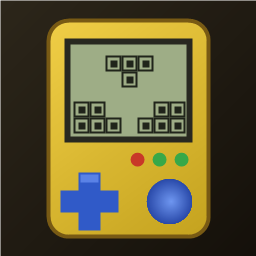
1:1 replica of the 90s handheld brick game: yellow shell, retro LCD screen, layout buttons, 10x20 grid, 7 classic tetrominoes. Includes combo scores, 20-level speed curve, auto-save/resume, leaderboard, multiple unlockable skins, and 4 retro 8-bit background music tracks.
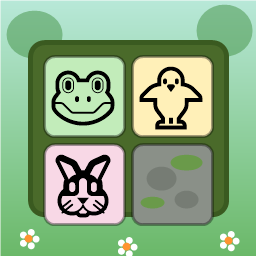
Swap adjacent animal tiles (🐸🐥🐵🐘🐰🦊) on a 9x9 forest board to match 3 or more. Clear moss obstacles, use shuffle/move boosters, complete targets within step limits, and survive endless progression.

Dig through dirt and guide water to the target, featuring 50 physics puzzle levels of increasing difficulty.
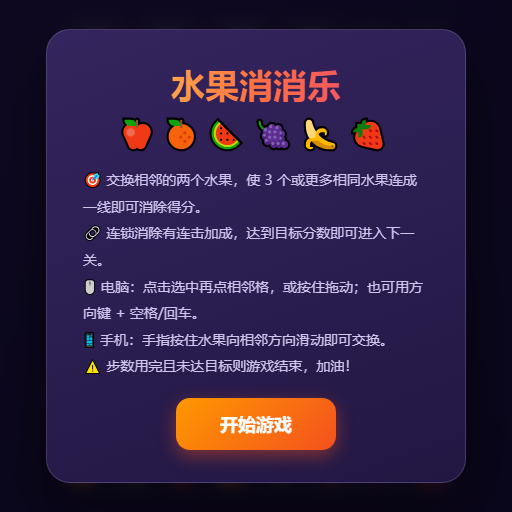
Swap adjacent fruits to match 3 or more, trigger chain reactions and special items, and achieve level goals within steps or time limits.
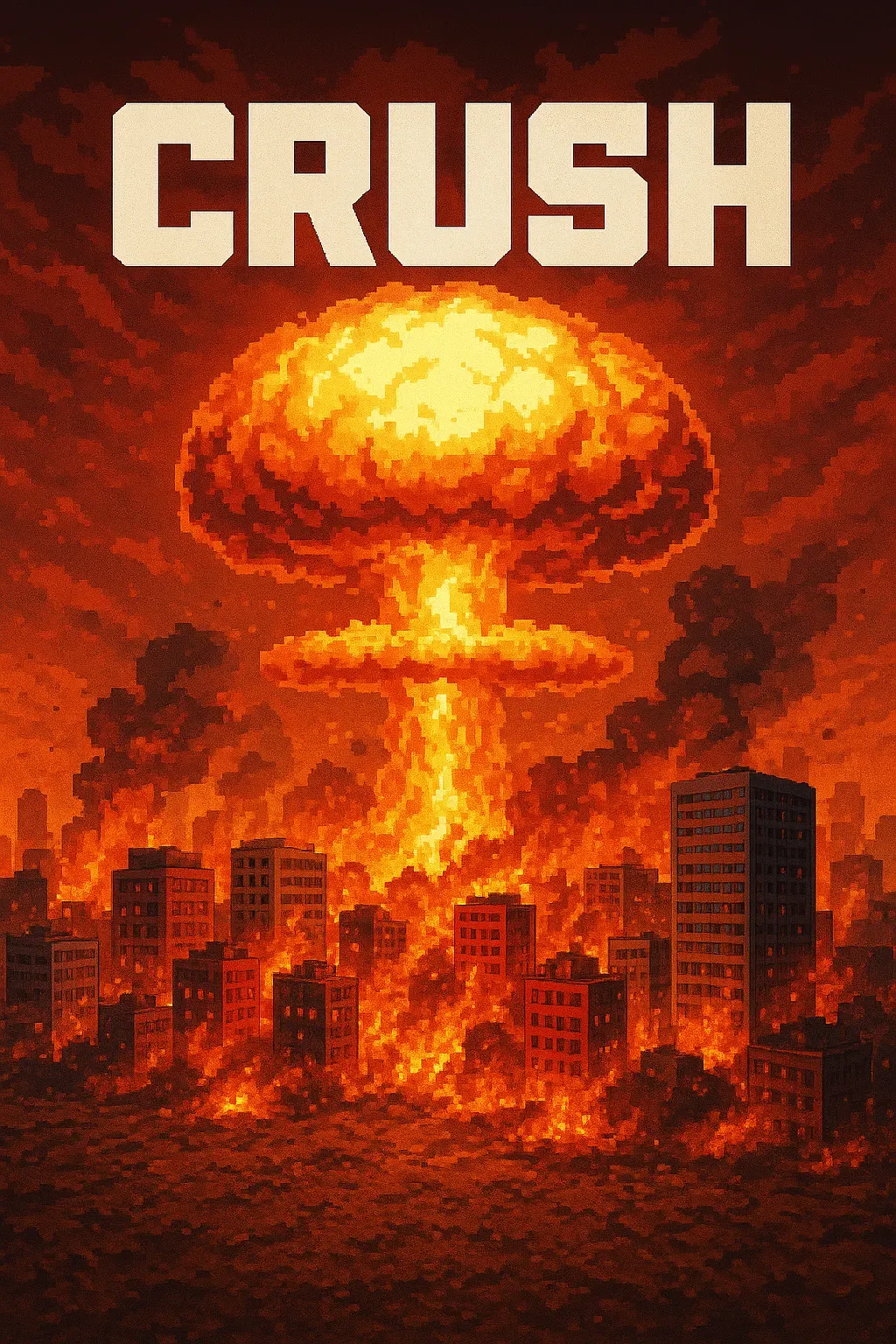
"Crush" is a sandbox game where players control a camera over a vast asphalt plane. The game focuses on exploration and interaction with the environment through dynamic camera movements. • Explore a 1000x1000 pixelated asphalt ground plane with intuitive drag, scroll, and multi-touch camera controls. • Dynamic key lighting casts realistic shadows, enhancing the visual experience of the blocky, Minecraft-style world.
Place blocks on the grid to clear rows and columns. Chain combos for higher scores in this relaxing puzzle game!