Kick Skills World CupAI · Claude 3.5
Game information
AI generation prompt
Core Game Loop and Mechanics
Football Flick is a simple, arcade-style football game focused on one core mechanic: flicking the ball to pass and shoot at goal.
Moment-to-Moment Gameplay
- Player sees a top-down view of a football pitch with their ball, an opponent, and a goal
- Player flicks the ball by touching/clicking it and dragging to aim, then releasing to shoot
- The ball travels in the direction and speed of the flick
- An AI goalkeeper moves to try to block shots
- Player scores by getting the ball past the goalkeeper into the goal
- After each goal or miss, the ball resets to the center
- Game continues for 60 seconds, with the objective to score as many goals as possible
Progression and Engagement
- Score System: Each goal = 1 point
- Time Pressure: 60-second matches create urgency
- High Score: Players try to beat their personal best
- Goalkeeper AI: Goalkeeper reacts to shots, making timing and placement important
- Visual Feedback: Ball trails, goal celebrations, and score updates keep energy high
Win/Lose Conditions
- Win: Score as many goals as possible within 60 seconds
- Game Over: Time runs out, final score is displayed
- Replay: Instant restart to try again
What Makes It Compelling
- One-Touch Simplicity: Easy to learn, satisfying flick mechanic
- Quick Sessions: 60-second matches perfect for mobile
- Skill Expression: Aiming, timing, and power control create depth
- Immediate Feedback: Instant gratification when scoring
Starting Scope
For the first iteration, implement:
MUST HAVE (First Version):
- Single-screen top-down football pitch
- Player-controlled ball with flick mechanics (touch drag for mobile, mouse drag for desktop)
- One stationary goal at the top of the screen
- AI goalkeeper that moves left/right to block shots
- 60-second timer countdown
- Score counter
- Ball physics (movement, friction, boundaries)
- Goal detection and scoring
- Ball reset after goals/misses
- Simple celebration effect when scoring
- Game over screen with final score and restart button
LEAVE FOR LATER:
- Multiple difficulty levels
- Power-ups or special shots
- Obstacles or defenders
- Multiple game modes
- Multiplayer
- Advanced goalkeeper AI patterns
- Ball spin/curve mechanics
Game Perspective
Top-Down View: The game uses a fixed-screen, top-down perspective showing the entire pitch at once. This provides:
- Clear view of ball, goal, and goalkeeper positions
- Easy aiming for flick controls
- Simple spatial understanding
- Classic arcade football feel
The camera is static and shows the full playing field within the 720×1280 viewport.
Game World and Level Design
Playing Field Layout
- Pitch Dimensions: Rectangular field fitting within the 720×1280 viewport
- Player Area: Bottom 60% of screen (768px from bottom) - where the ball starts and player controls from
- Goal Area: Top 20% of screen (256px from top) - contains the goal and goalkeeper
- Transition Zone: Middle 20% - open space for shots to travel
Field Elements
Goal: Positioned at the top center of the screen
- Width: ~400px (allowing some challenge but not too difficult)
- Visual: Goal posts on sides, net behind
- Goal line clearly marked
Ball Starting Position: Center of the lower half (360px from left, ~900px from top)
- Resets here after each goal or miss
Goalkeeper Starting Position: Center of goal (360px from left, ~200px from top)
- Moves horizontally along the goal line
Boundaries:
- Side walls at x=50 and x=670 (providing 620px play width)
- Bottom boundary at y=1230 (ball can't go off bottom)
- Top boundary at y=50 (behind the goal)
- Ball bounces off side walls with reduced velocity
Visual Design
- Clean, bright grass texture or solid green background
- White pitch markings (center circle, goal box)
- Clear goal structure with posts and net
- Minimalist, readable design that doesn't distract from gameplay
Edit Mode Design
Edit mode allows players to customize the game experience while maintaining balanced gameplay.
Editable Properties
Ball Properties:
ballColor: Color of the football (default: white with black pattern)ballSize: Radius of the ball in pixels (range: 20-40, default: 30)maxFlickPower: Maximum speed the ball can be flicked (range: 500-1500, default: 1000)friction: How quickly the ball slows down (range: 0.90-0.99, default: 0.96)
Goalkeeper Properties:
goalkeeperColor: Color of the goalkeeper sprite (default: yellow)goalkeeperSpeed: How fast the goalkeeper moves (range: 100-400, default: 250)goalkeeperReactionTime: Delay before goalkeeper reacts to shots in ms (range: 100-500, default: 200)
Game Settings:
matchDuration: Length of match in seconds (range: 30-120, default: 60)goalWidth: Width of the goal in pixels (range: 300-500, default: 400)pitchColor: Background color of the pitch (default: #2d8a3e)
Visual Settings:
showTrail: Boolean to show/hide ball trail effect (default: true)celebrationDuration: How long goal celebrations last in ms (range: 500-2000, default: 1000)
Constraints
- Ball size must remain visible and controllable
- Goalkeeper speed balanced so goals are achievable but challenging
- Match duration keeps games quick and replayable
- Goal width ensures fair difficulty
- All color values must be valid CSS colors
Edit Mode UI
- Properties organized in collapsible sections (Ball, Goalkeeper, Game, Visual)
- Sliders for numeric ranges with current value display
- Color pickers for color properties
- Toggle switches for boolean properties
- "Reset to Default" button for each section
- Live preview of changes in the game view
Control Design
Football Flick uses a simple flick-based control scheme optimized for touch but also supporting mouse input.
Mobile Controls (Touch)
Flick to Shoot:
- Touch the ball and drag in any direction
- A visual arrow appears showing aim direction and power
- Release to launch the ball
- Longer drag = more power (up to max)
- Direction of drag = direction of shot
Visual Feedback:
- Aiming arrow grows as you drag
- Power indicator shows shot strength
- Ball highlights when touched
Desktop Controls (Mouse)
Click and Drag to Shoot:
- Click on the ball and drag to aim
- Same visual feedback as touch
- Release mouse button to shoot
Alternative: Space bar to restart after game over
Control Implementation Details
- Touch/Click Detection: Only register input when touching/clicking directly on the ball
- Drag Limits: Maximum drag distance caps power (e.g., 150px drag = max power)
- Minimum Power: Very short drags (< 20px) don't register to prevent accidental taps
- Input Lock: Disable input while ball is moving fast (prevents rapid-fire shots)
- Aiming Line: Visual line from ball to drag point, with arrow head showing direction
- Power Bar: Small bar near ball showing power percentage
Control Flow
- Player touches/clicks ball → Ball highlights, aiming begins
- Player drags → Aiming arrow updates in real-time
- Player releases → Ball launches with calculated velocity
- Ball moves → Input locked until ball slows below threshold
- Ball stops or scores → Input re-enabled
This control scheme is:
- Intuitive: Natural flicking motion
- Precise: Visual feedback allows accurate aiming
- Satisfying: Direct connection between input and ball movement
- Mobile-First: Designed for touch, works with mouse
Art Style and Visual Theme
Football Flick uses a clean, colorful, cartoon-style aesthetic that's bright, friendly, and easy to read on mobile screens.
Overall Style
- Cartoon/Casual: Simplified, friendly visuals with bold outlines
- Bright and Energetic: Vibrant colors that pop on screen
- Clear Readability: High contrast between elements for easy visibility
- Modern Flat Design: Clean shapes with subtle shadows/highlights
Color Palette
- Pitch: Bright green (#2d8a3e) with lighter green stripes
- Ball: Classic white with black pentagon pattern
- Goalkeeper: Bright yellow/orange jersey for high visibility
- Goal: White posts with light gray net
- UI: White text with dark outlines for readability
- Accents: Blue for score, red for timer when low
Visual Elements
Ball:
- Classic football/soccer ball design
- White base with black pentagon pattern
- Subtle shadow underneath for depth
- Trail effect when moving (white fade)
Goalkeeper:
- Simple humanoid character sprite
- Bright colored jersey (yellow/orange)
- Gloves visible
- Animated idle and dive poses
- Size: ~80px tall, 60px wide
Goal:
- White goal posts (rectangular)
- Light gray net with visible grid pattern
- Posts: 20px thick
- Net depth: 40px behind goal line
Pitch:
- Bright green background
- White line markings (center circle, goal box)
- Subtle grass texture or striped pattern
- Clean boundaries
UI Elements:
- Large, bold numbers for score and timer
- Simple icons (restart button, pause)
- Celebration effects: particle burst, text popup ("GOAL!")
Asset Sizes
- Ball: 60×60px (30px radius)
- Goalkeeper: 80×120px sprite
- Goal posts: 20px wide, 100px tall each
- UI elements: 48×48px minimum for touch targets
Rendering Strategy
- Code-Rendered: Pitch background, goal posts, goal net (simple rectangles/lines), UI text and numbers, aiming arrow
- Generated Assets: Ball sprite, goalkeeper sprite, celebration particle effects
- CSS/Canvas: All geometric shapes, lines, and text
This art style ensures:
- Fast loading and rendering
- Clear visibility on small screens
- Consistent, polished look
- Easy to extend with new visual elements
World Cup edition requirements
This edition must present an international tournament rather than the standard training experience. Include national-team presentation, a World Cup progression structure, escalating knockout matches and a final-stage atmosphere. Team selection, match context and tournament feedback should remain visible throughout play so the page is meaningfully distinct from the base Kick Skills game.
Related games
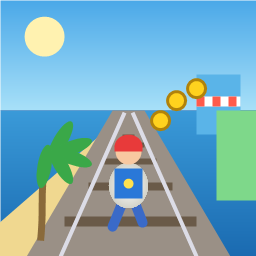
Control a kid in a red baseball cap running endlessly on three seaside railway tracks: switch lanes, jump, and slide to avoid oncoming trains, low-clearance bars, and moving blockades. Features cartoon retro 3D visuals, double scores for perfect runs, daily rewards, achievements, and local high score tracking.
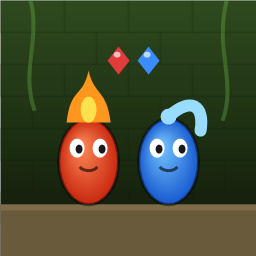
Control Fireboy and Watergirl to cooperate: collect matching gems, trigger buttons, pull levers, push boxes, and ride lifts. 30 handmade puzzle levels across 5 chapters, plus random endless mode. Supports local co-op and dual virtual joysticks.
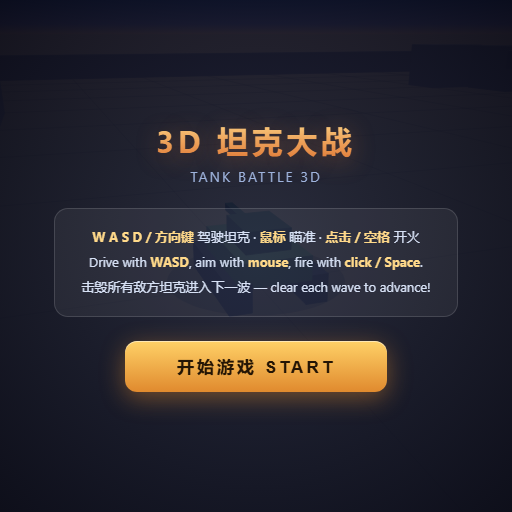
Pilot your combat tank in a 3D battleground: maneuver to dodge artillery fire, aim and destroy enemy tanks in wave-based assault missions.
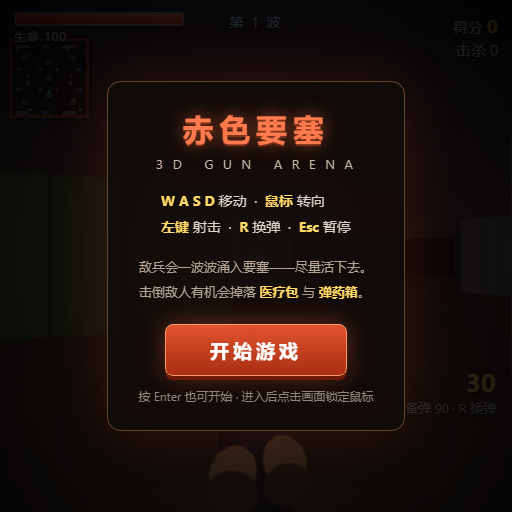
First-person 3D shooter: Navigate through enemy strongholds, shoot hostile units, and clear stages while holding your ground.
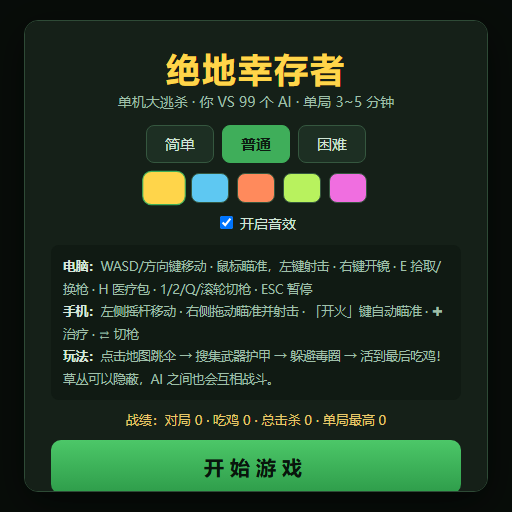
Top-down survival shooter: Navigate through endless waves of monsters, select new skills and weapon upgrades upon leveling up, and survive as long as possible.
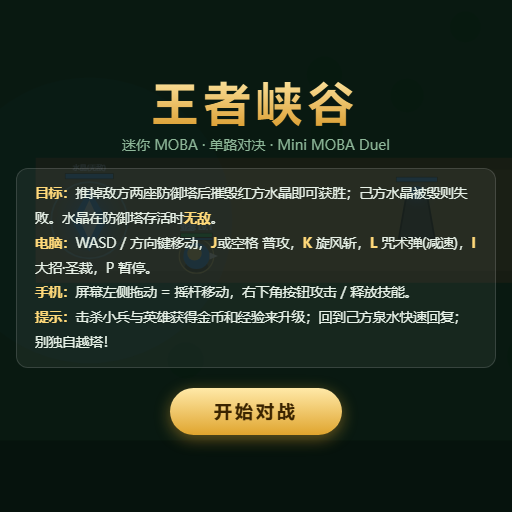
Miniature MOBA battle: Control your hero, push minion waves, release skills, defeat enemy units/towers, and destroy the enemy base.