Pengu AdventureAI · Claude 3.5
Game information
AI generation prompt
Core Game Loop and Mechanics
Moment-to-Moment Gameplay: The player watches notes fall down four vertical lanes toward drums at the bottom of the screen. As notes reach the hit zone (a glowing area just above each drum), the player taps the corresponding drum. Successful hits create expanding circular pulses that ripple outward, interacting with nearby notes to create dynamic rhythm variations.
Progression Flow:
- Game starts with a simple beat pattern
- As the player builds combo, music layers are added progressively
- Note patterns gradually increase in complexity and speed
- Special pulse-reactive notes appear at higher combo levels
- Game continues endlessly with escalating difficulty until the player misses too many notes
Win/Lose Conditions:
- No traditional "win" - endless mode focused on achieving high scores and long combos
- Player has a health/life system (3 lives) - missing notes depletes lives
- Game ends when all lives are lost
- Score is based on accuracy, combo multiplier, and total notes hit
Engagement Drivers:
- Immediate Satisfaction: Every tap feels incredible with layered feedback (visual, audio, haptic)
- Flow State: The rhythm naturally pulls players into a meditative, focused state
- Rhythm Shaping: Pulses creating echo notes makes players feel like they're co-creating the music
- Progressive Mastery: Simple to start, but mastering perfect timing and pulse interactions provides depth
- Audio-Visual Synergy: The game becomes a living, breathing musical instrument
Starting Scope
First Iteration Must Include:
- 4-lane note highway with falling notes
- 4 drums at bottom with distinct visual identity
- Basic note types: regular notes that fall and must be hit
- Timing system with Perfect/Good/Miss windows
- Pulse wave generation on successful hits
- Core visual feedback: screen shake, particle bursts, note scaling
- Audio feedback: 4 distinct drum sounds
- Combo counter and score display
- Simple life/health system (3 lives)
- Endless mode with one difficulty curve
- Basic note pattern generation that increases in complexity over time
Polish Elements for First Iteration:
- Smooth animations with proper easing
- Color-coded lanes (each drum has unique color)
- Glow effects on hit zones and pulses
- Responsive touch with zero perceived latency
- Clean, minimalist UI
Future Iterations Can Add:
- Pulse interactions: note duplication, timing adjustments, special pulse-reactive notes
- Perfect hit slow-motion effect
- Advanced particle systems
- Progressive music layering based on combo
- Multiple songs/difficulty modes
- Leaderboards and achievements
Game Perspective
fixed-screen - The game uses a single fixed portrait screen with no scrolling. The camera never moves; all action happens within the 720×1280 viewport. Notes move vertically down lanes, but the play area itself is static.
Game World and Level Design
Screen Layout (720×1280 portrait):
Top Section (0-200px):
- Score display (top-left)
- Combo counter (top-center, large and prominent)
- Lives indicator (top-right, 3 hearts/circles)
Note Highway (200-1000px):
- 4 vertical lanes of equal width (180px each)
- Notes spawn at y=200 and fall toward y=1000
- Each lane has a subtle vertical gradient or guide line
- Background is dark (near-black) for contrast
Hit Zone (950-1050px):
- Glowing horizontal band across all lanes
- Visual indicator where notes should be tapped
- Pulses originate from this zone
Drum Section (1050-1280px):
- 4 drums arranged horizontally at bottom
- Each drum is a circular or rounded rectangle shape
- Drums are large enough for comfortable tapping (160px width, 180px height)
- Each drum has distinct color matching its lane
- Drums animate (squash/stretch) when tapped
Lane Colors:
- Lane 1 (leftmost): Cyan (#00F5FF)
- Lane 2: Magenta (#FF00FF)
- Lane 3: Yellow (#FFD700)
- Lane 4 (rightmost): Lime (#00FF00)
Note Patterns: The game generates notes procedurally based on elapsed time and current difficulty:
Phase 1 (0-30 seconds): Simple single notes, one lane at a time, slow tempo Phase 2 (30-60 seconds): Two-note patterns, slightly faster Phase 3 (60-90 seconds): Three-note chords, introduction of faster note sequences Phase 4 (90+ seconds): All four lanes active, complex rhythmic patterns, rapid sequences
Notes are generated based on musical timing (beats per minute) to ensure they feel rhythmic and musical rather than random.
Edit Mode Design
Editable Properties:
Visual Customization:
drumColors: Array of 4 hex colors for each drum/lanebackgroundColor: Hex color for the game backgroundparticleStyle: Choice of particle shapes ("circle", "star", "square")glowIntensity: Number 0-1 controlling glow effect strength
Gameplay Parameters:
startingBPM: Initial beats per minute (60-180, default 120)bpmIncreaseRate: How much BPM increases over time (0-2, default 0.5)perfectWindow: Milliseconds for perfect hit timing (20-80, default 50)goodWindow: Milliseconds for good hit timing (50-150, default 100)noteSpeed: Multiplier for note fall speed (0.5-2.0, default 1.0)startingLives: Number of lives player starts with (1-5, default 3)
Audio Settings:
drumVolume: Master volume for drum sounds (0-1, default 0.8)enableScreenShake: Boolean to toggle screen shake effectshakeIntensity: Screen shake strength (0-10, default 5)
Constraints:
- Colors must be valid hex codes
- Numeric values have min/max ranges to prevent broken gameplay
- BPM values ensure notes remain hittable
- Timing windows maintain proper hierarchy (perfect < good)
Control Design
Genre: Rhythm game with fixed-screen perspective
Control Scheme:
Mobile (Primary):
- 4 Tap Zones: The screen is divided into 4 vertical tap zones corresponding to the 4 lanes
- Each tap zone spans the full height of the screen (0-1280px) but is divided into 4 equal horizontal sections (180px wide each)
- Tapping anywhere in a lane triggers that drum
- Visual feedback shows which drum was tapped
- Multi-touch enabled - player can tap multiple drums simultaneously
- Touch tracking by ID to prevent interference
Desktop (Secondary):
- Keyboard: D, F, J, K keys map to drums 1-4 (left to right)
- Alternative: A, S, K, L also supported for different hand positions
- Mouse: Clicking directly on drum visual also triggers it
- Keys are prevented from default browser behavior
- Input cleared on window blur
Implementation Notes:
- Zero input latency is critical - process touches/clicks immediately
- Visual feedback must be instant (drum animation, particle spawn)
- Audio must be triggered synchronously with input
- Track all active touches to support multi-finger drumming
- Hit detection checks if note is within timing window when input occurs
- Input zones are generous to prevent missed taps due to imprecision
Timing System: When input is detected in a lane:
- Check if any note in that lane is within the hit zone (y position 950-1050)
- Calculate timing difference between note position and perfect center (y=1000)
- Classify as Perfect (within perfectWindow ms), Good (within goodWindow ms), or Miss
- Trigger appropriate feedback based on classification
- Remove hit note from lane
- Generate pulse wave from drum position
Art Style and Visual Theme
Overall Style: Minimalist neon aesthetic with clean geometric shapes and vibrant glowing effects against a dark background. Think "Tron meets modern mobile rhythm games" - sleek, futuristic, and focused on clarity and readability.
Color Palette:
- Background: Deep dark blue-black (#0A0E1A) with subtle gradient
- Lane Colors: Cyan, Magenta, Yellow, Lime (as specified above) - each with glow
- UI Elements: White text with subtle glow for readability
- Particles: Match lane colors with additive blending for brightness
- Pulses: Semi-transparent rings matching drum colors with outer glow
Visual Elements:
Notes:
- Simple geometric shapes (circles or rounded squares)
- Solid fill with lane color
- Subtle outer glow
- Scale from 80% to 120% as they approach hit zone
- Size: 60×60px base
Drums:
- Rounded rectangles or circles
- Solid fill with lane color
- Strong outer glow effect
- Squash & stretch animation on hit
- Size: 160×180px
Pulses:
- Expanding circular rings
- Start at drum center, expand outward
- Fade out as they expand
- Line width: 4px
- Semi-transparent with glow
Particles:
- Small circles (8-16px)
- Burst outward from hit point
- Fade and shrink as they travel
- 8-12 particles per hit
- Match lane color
Hit Zone:
- Horizontal glowing band
- Subtle pulsing animation synced to beat
- Semi-transparent overlay
- Height: 100px
UI:
- Clean sans-serif font (system font for performance)
- White text with subtle shadow for depth
- Large, readable numbers for score and combo
- Minimalist icons for lives
Animation Principles:
- Ease-out for most animations (smooth deceleration)
- Ease-in-out for looping animations (hit zone pulse)
- Instant response to input (0ms delay)
- Smooth 60fps throughout
- Additive blending for glows and particles
Technical Rendering:
- Code-rendered (Canvas): Notes, drums, pulses, particles, hit zone, lane guides
- Generated Assets: None needed for first iteration - all visuals are simple geometric shapes
- CSS: UI elements (score, combo, lives) for crisp text rendering
The art style prioritizes clarity and responsiveness over complexity. Every visual element serves gameplay - players should instantly understand what to tap and when, while feeling immersed in a vibrant, musical world.
Related games
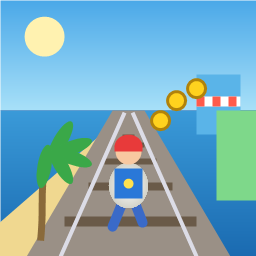
Control a kid in a red baseball cap running endlessly on three seaside railway tracks: switch lanes, jump, and slide to avoid oncoming trains, low-clearance bars, and moving blockades. Features cartoon retro 3D visuals, double scores for perfect runs, daily rewards, achievements, and local high score tracking.
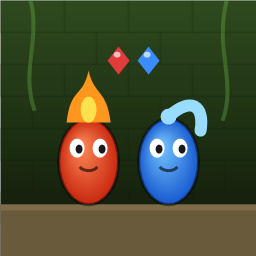
Control Fireboy and Watergirl to cooperate: collect matching gems, trigger buttons, pull levers, push boxes, and ride lifts. 30 handmade puzzle levels across 5 chapters, plus random endless mode. Supports local co-op and dual virtual joysticks.
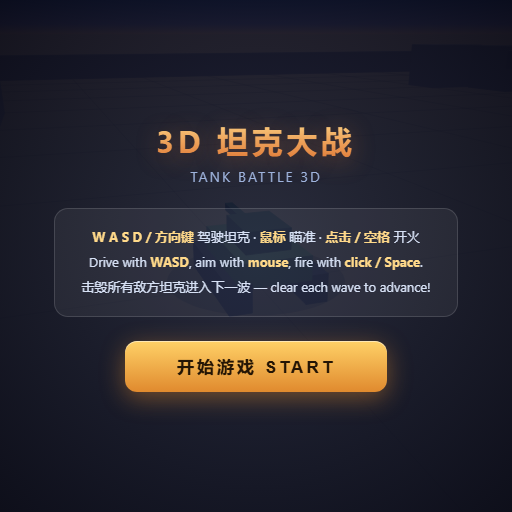
Pilot your combat tank in a 3D battleground: maneuver to dodge artillery fire, aim and destroy enemy tanks in wave-based assault missions.
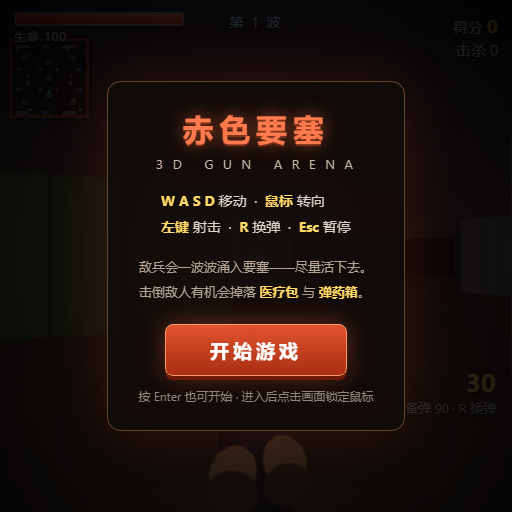
First-person 3D shooter: Navigate through enemy strongholds, shoot hostile units, and clear stages while holding your ground.
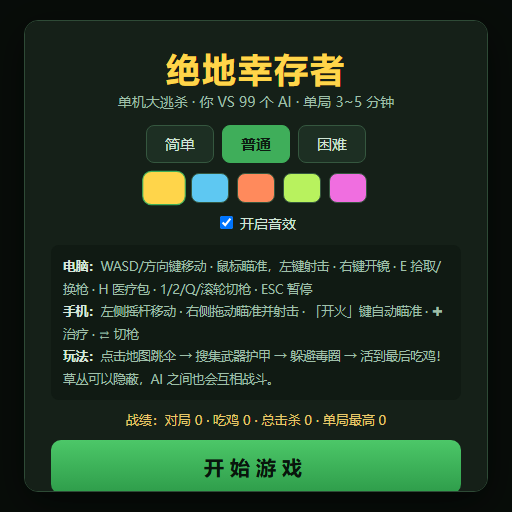
Top-down survival shooter: Navigate through endless waves of monsters, select new skills and weapon upgrades upon leveling up, and survive as long as possible.
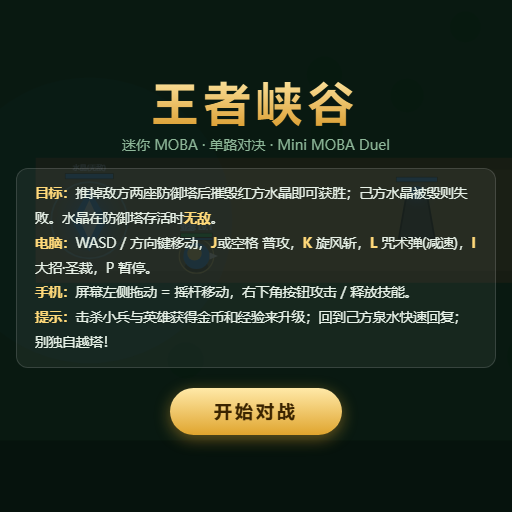
Miniature MOBA battle: Control your hero, push minion waves, release skills, defeat enemy units/towers, and destroy the enemy base.