Smash the DummyAI · Claude 3.5
Game information
AI generation prompt
Core Game Loop and Mechanics
Smash the Dummy is a 3D casual physics game centered around satisfying, humorous destruction. The core loop is simple and immediately gratifying:
- Observe - Player sees a ragdoll dummy in a scenario with interactive objects (drill, car, explosives, etc.)
- Interact - Player drags the dummy or objects using touch/mouse to set up the destruction
- Watch - Physics simulation plays out with exaggerated, cartoonish results
- Complete - Level ends when the dummy is "eliminated" (health reaches zero or specific condition met)
- Progress - Player moves to the next level with a new destruction scenario
What Makes It Compelling:
- Instant gratification from physics interactions
- Curiosity about what absurd scenario comes next
- Stress relief through consequence-free destruction
- Humor from exaggerated ragdoll reactions
- Simple controls make it accessible to everyone
Win Condition: Successfully eliminate the dummy in each level Lose Condition: None - players can experiment freely until they succeed
Starting Scope
For the first iteration, we'll implement a highly polished, minimal viable experience that demonstrates the core appeal:
Implement Now:
- One complete level: The Drill scenario (as shown in reference image)
- Full 3D ragdoll physics with articulated joints (head, torso, upper arms, lower arms, upper legs, lower legs)
- Drag-and-drop interaction for both dummy and the drill
- Basic health system that depletes when drill contacts dummy
- Simple particle effects for impact/destruction
- Level complete screen with "Next Level" button (that restarts the same level for now)
- Smooth camera positioning to frame the action
- Touch and mouse controls
Add Later (Future Iterations):
- Additional levels (car traffic, explosives, etc.)
- Level selection menu
- More complex environmental interactions
- Sound effects and background music
- More elaborate particle systems
- Slow-motion replay feature
- Different dummy skins/customization
Game Perspective
3D Third-Person Fixed Camera
The game uses a 3D perspective with a fixed camera angle that frames each level like a diorama. The camera is positioned to:
- Show the entire scene clearly (dummy and interactive objects)
- Provide depth perception for 3D physics
- Maintain a slightly elevated angle (30-45 degrees) looking down at the scene
- Stay static during gameplay (no camera controls needed)
This perspective allows players to:
- Clearly see the ragdoll's physics reactions in 3D space
- Easily target objects for dragging
- Appreciate the spatial relationships between objects
- Enjoy the cartoonish destruction from an optimal viewing angle
Game World and Level Design
Level 1: The Drill
Environment:
- Simple ground plane (light blue-gray concrete texture)
- Minimal background (soft gradient sky, light blue to white)
- Clean, uncluttered space focusing attention on the dummy and drill
Layout:
- Ragdoll dummy lying flat on the ground in the center-bottom of the scene
- Yellow power drill suspended above the dummy (approximately 2-3 dummy-heights up)
- Drill is initially held by an invisible force (or simple rope/chain visual)
- Ground has a subtle shadow beneath the dummy
Interactive Elements:
- Ragdoll Dummy: Can be dragged by any body part; all joints react with physics
- Power Drill: Can be dragged downward toward the dummy; has a spinning drill bit that deals damage on contact
Physics Setup:
- Dummy has realistic weight and joint constraints
- Drill has significant mass and momentum when dropped
- Contact between drill bit and dummy triggers:
- Health depletion
- Ragdoll reaction (limbs flail, body recoils)
- Particle effects (small debris/sparks)
- Drill continues through if momentum is sufficient
Win Condition:
- Dummy's health reaches zero (achieved by sustained drill contact)
- Victory screen appears with "Level Complete!" message
Spatial Dimensions:
- Ground plane: ~10x10 units
- Dummy: ~1.5 units tall when standing
- Drill: ~0.8 units long
- Initial drill height: ~4 units above ground
Edit Mode Design
For the starting scope, edit mode will be minimal to keep focus on gameplay polish:
Editable Properties:
- Dummy Color: RGB color picker to change the dummy's body color (default: yellow/tan)
- Drill Color: RGB color picker to change the drill's body color (default: yellow)
- Gravity Strength: Slider (0.5x to 2x normal gravity) to make physics faster or floatier
- Drill Damage: Slider (0.5x to 2x) to adjust how quickly the drill eliminates the dummy
Edit Mode UI:
- Simple panel on the right side with labeled controls
- "Reset Level" button to return to starting positions
- "Play Mode" button to exit edit mode
Constraints:
- Colors limited to reasonable ranges (no pure black/white to maintain visibility)
- Gravity can't be zero or negative (would break gameplay)
- Drill damage can't be zero (would make level unwinnable)
Future Edit Mode Features (not in starting scope):
- Position adjustment for dummy and drill
- Additional interactive objects
- Custom level creation
Control Design
3D Third-Person Fixed Camera Controls
This is a casual 3D game with a fixed camera, so controls are minimal and focused on drag-and-drop interaction.
Mobile (Touch):
- Tap and Hold on dummy or drill to grab it
- Drag finger to move the grabbed object in 3D space
- Horizontal movement: moves object left/right and forward/back (parallel to ground plane)
- Vertical movement: moves object up/down
- Movement is constrained to feel natural (dummy can't fly off screen, drill can only move downward)
- Release to drop the object and let physics take over
- Tap empty space: no action (prevents accidental interactions)
Desktop (Mouse):
- Click and Hold on dummy or drill to grab it
- Drag mouse to move the grabbed object in 3D space
- Same movement constraints as touch
- Mouse position maps to 3D world position using raycasting
- Release mouse button to drop the object
- Click empty space: no action
Interaction Details:
- Objects highlight slightly when hovered/touched (subtle glow or outline)
- Grabbed objects follow cursor/finger smoothly with slight lag for natural feel
- Physics are temporarily disabled on grabbed objects (re-enabled on release)
- Drill can only be moved downward (Y-axis constraint) to prevent players from moving it away
- Dummy can be moved freely within reasonable bounds
No Complex Controls Needed:
- No camera controls (fixed camera)
- No keyboard input required
- No virtual joysticks
- No multiple simultaneous touches needed
Input State Management:
- Track single touch/mouse interaction at a time
- Clear input state on window blur
- Prevent default browser behaviors for touch events
Art Style and Visual Theme
Cartoonish Low-Poly 3D Style
The game uses a clean, colorful, low-poly 3D aesthetic that emphasizes humor over realism:
Visual Style:
- Low-poly models with smooth shading (not flat-shaded)
- Bright, saturated colors (yellows, blues, oranges)
- Minimal textures - mostly solid colors with subtle gradients
- Simple lighting - single directional light with soft shadows
- Clean, uncluttered - focus on the action, minimal background detail
Color Palette:
- Dummy: Warm yellow/tan (#F4C542) with darker brown joints (#8B4513)
- Drill: Bright yellow body (#FFD700), black/dark gray handle (#2C2C2C), metallic drill bit (#C0C0C0)
- Ground: Light blue-gray (#B0C4DE)
- Sky: Soft gradient from light blue (#87CEEB) to white (#FFFFFF)
- Effects: Bright orange/yellow sparks (#FF6B35, #FFC300)
Asset Approach:
- Ragdoll Dummy: Generated 3D model asset (low-poly humanoid with visible joints)
- Power Drill: Generated 3D model asset (stylized power tool)
- Ground & Sky: Rendered with code (simple plane and gradient background)
- Particles: Rendered with code (simple geometric shapes)
Consistency:
- All 3D models share the same low-poly, smooth-shaded style
- Consistent lighting angle across all assets (top-down, slightly angled)
- Same level of detail/polygon count across models
- Unified color saturation and brightness
Technical Considerations:
- Models should be optimized for web (low polygon count: 500-2000 triangles per model)
- Transparent backgrounds for model renders
- Consistent scale (dummy ~1.5 units tall)
- Clear silhouettes for easy recognition
Related games
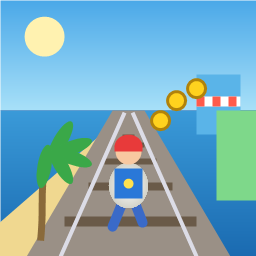
Control a kid in a red baseball cap running endlessly on three seaside railway tracks: switch lanes, jump, and slide to avoid oncoming trains, low-clearance bars, and moving blockades. Features cartoon retro 3D visuals, double scores for perfect runs, daily rewards, achievements, and local high score tracking.
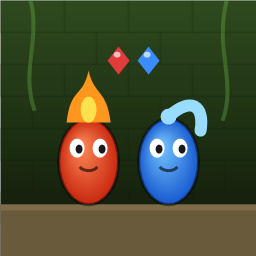
Control Fireboy and Watergirl to cooperate: collect matching gems, trigger buttons, pull levers, push boxes, and ride lifts. 30 handmade puzzle levels across 5 chapters, plus random endless mode. Supports local co-op and dual virtual joysticks.
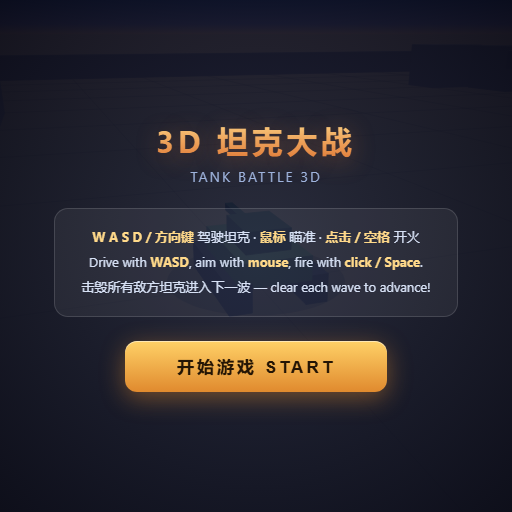
Pilot your combat tank in a 3D battleground: maneuver to dodge artillery fire, aim and destroy enemy tanks in wave-based assault missions.
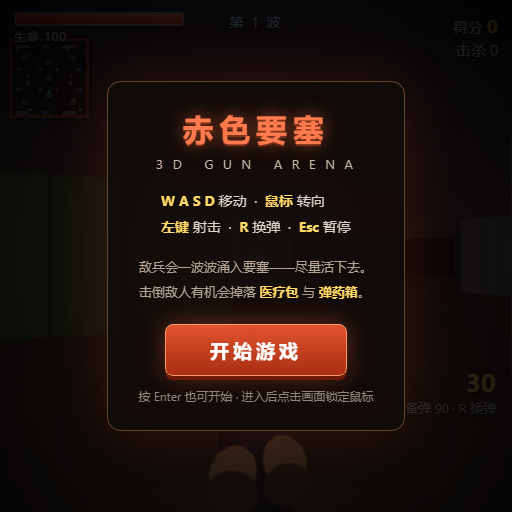
First-person 3D shooter: Navigate through enemy strongholds, shoot hostile units, and clear stages while holding your ground.

Top-down survival shooter: Navigate through endless waves of monsters, select new skills and weapon upgrades upon leveling up, and survive as long as possible.

Miniature MOBA battle: Control your hero, push minion waves, release skills, defeat enemy units/towers, and destroy the enemy base.