Arms Race CSAI · Claude 3.5
Game information
AI generation prompt
Core Game Loop and Mechanics
Auto Merge Mania is a merge puzzle game where players combine identical cars to create better, more valuable vehicles. The core loop consists of:
- Spawning: New cars appear on the grid (starting with low-level 1990s beaters)
- Dragging & Merging: Players drag cars onto identical cars to merge them into the next tier
- Progression: Each merge creates a better car (15 total levels from rusty 1990s sedans to brand new supercars)
- Currency Earning: Merging cars earns coins based on the car's level
- Upgrades: Players spend coins on permanent upgrades that enhance gameplay
- Grid Expansion: Start with 3x3, unlock 4x4, then 5x5 grids for more strategic space
Win Condition: Reach the final level 15 supercar (aspirational goal)
Engagement Drivers:
- Satisfying merge mechanics with visual/audio feedback
- Strategic grid management (limited space creates puzzle tension)
- Progression system with 15 distinct car tiers
- Permanent upgrades that meaningfully change gameplay
- Idle-style mechanics (auto-merge) for accessibility
Starting Scope
First Iteration Must Include:
- Complete 15-car progression system (level 1-15)
- 3x3 starting grid with drag-and-drop merge mechanics
- Basic spawning system (spawns level 1-2 cars initially)
- Coin economy (earn coins from merges)
- Core upgrade shop with 5 essential upgrades:
- Grid Expansion 4x4 (one-time purchase)
- Grid Expansion 5x5 (one-time purchase, requires 4x4)
- Auto-Merge (toggle on/off after purchase)
- Keep Merged Car (percentage chance to duplicate the result)
- Higher Spawn Levels (unlock spawning level 2, then 3, then 4+ cars)
- Visual progression showing car evolution
- Polished UI with coin counter and upgrade menu
- Touch controls for mobile (drag cars, tap to open shop)
- Keyboard/mouse support (click-drag, click to open shop)
Future Iterations Can Add:
- Additional upgrade tiers (faster auto-merge, higher keep chances)
- Prestige/reset system for meta-progression
- Special event cars or limited editions
- Achievements and milestones
- Particle effects and enhanced animations
Game Perspective
Fixed-screen - Single screen view with no scrolling. The entire game takes place on one screen showing:
- The grid (center focus)
- Coin counter (top)
- Upgrade shop button (accessible UI element)
- Next spawn preview (shows what car will spawn next)
Game World and Level Design
Single Screen Layout (720×1280 portrait):
Top Section (0-200px):
- Coin display (large, prominent)
- Shop button (top-right corner, 80×80px minimum)
- Next spawn preview (shows upcoming car icon)
Middle Section (200-1000px):
- Game grid (centered, takes majority of space)
- 3×3 grid initially: each cell ~200×200px with 10px gaps
- 4×4 grid: each cell ~150×150px with 10px gaps
- 5×5 grid: each cell ~120×120px with 10px gaps
- Empty cells have subtle borders
- Occupied cells show car images with level indicators
Bottom Section (1000-1280px):
- Spawn button (large, centered, 200×100px minimum)
- Shows cost to spawn (starts free, increases with higher spawn levels)
Upgrade Shop Overlay:
- Modal that covers the screen when opened
- Close button (top-right)
- Scrollable list of upgrades with:
- Upgrade icon/name
- Description
- Current level/status
- Cost and purchase button
- Visual indication of owned upgrades
Edit Mode Design
Players can customize the following in Edit mode:
Grid Properties:
- Starting grid size (3×3, 4×4, or 5×5)
- Grid background color/pattern
- Cell border style and color
Economy Tuning:
- Base coin rewards per merge level (multiplier)
- Starting coins
- Upgrade costs (global multiplier)
Spawn Settings:
- Initial spawn levels available (1-2, 1-3, etc.)
- Spawn cost progression
- Free spawns per session
Upgrade Parameters:
- Auto-merge speed (seconds between merges)
- Keep merged car base percentage
- Grid expansion costs
Visual Customization:
- Background color/gradient
- UI color scheme
- Grid cell appearance
Constraints:
- Grid size: minimum 3×3, maximum 5×5
- Car levels: always 15 (fixed progression)
- Coin multipliers: 0.1× to 10× (prevent breaking economy)
- Keep merged car chance: 0% to 50% max (prevent infinite loops)
- Auto-merge speed: 0.5 to 10 seconds (prevent too fast/slow)
Control Design
Mobile (Touch):
- Drag & Drop: Touch and drag a car to another cell to move or merge
- Tap Spawn Button: Tap the large spawn button to add a new car to the grid
- Tap Shop Button: Tap the shop icon to open the upgrade menu
- Tap to Purchase: Tap upgrade purchase buttons in the shop
- Tap Close: Tap X or outside modal to close shop
Desktop (Keyboard/Mouse):
- Click & Drag: Click and drag cars to move or merge them
- Click Spawn: Click the spawn button to add a new car
- Click Shop: Click the shop button to open upgrades
- Click to Purchase: Click upgrade buttons to buy
- ESC Key: Close shop modal
- Click Outside: Click outside modal to close
Interaction Details:
- Dragging a car shows a ghost/preview of where it will land
- Invalid merge targets are visually indicated (red tint or shake)
- Valid merge targets highlight (green glow)
- Successful merges play animation and sound
- Grid cells highlight when dragging over them
- All interactive elements minimum 96×96px for touch
Upgrade System Design
5 Core Upgrades:
Grid Expansion 4×4
- One-time purchase: 500 coins
- Unlocks 4×4 grid (7 additional cells)
- Prerequisite: None
Grid Expansion 5×5
- One-time purchase: 2000 coins
- Unlocks 5×5 grid (9 additional cells)
- Prerequisite: Must own 4×4 expansion
Auto-Merge
- One-time purchase: 1000 coins
- Automatically merges identical adjacent cars every 3 seconds
- Toggle on/off after purchase (button in UI)
- Visual indicator when active (pulsing effect on grid)
Keep Merged Car
- Multi-level upgrade (5 levels)
- Level 1: 10% chance (300 coins)
- Level 2: 20% chance (600 coins)
- Level 3: 30% chance (1200 coins)
- Level 4: 40% chance (2400 coins)
- Level 5: 50% chance (5000 coins)
- When triggered, the merged car remains in original position AND creates the new car
Higher Spawn Levels
- Multi-level upgrade (unlocks higher starting cars)
- Level 1: Spawn level 1-2 cars (FREE - starting state)
- Level 2: Spawn level 1-3 cars (400 coins)
- Level 3: Spawn level 1-4 cars (800 coins)
- Level 4: Spawn level 1-5 cars (1600 coins)
- Level 5: Spawn level 1-6 cars (3200 coins)
- Each level increases the maximum spawn level by 1
Upgrade UI Requirements:
- Show current level and next level benefits
- Display cost clearly
- Gray out if insufficient coins
- Show "OWNED" or "MAX" for completed upgrades
- Show toggle switch for auto-merge if owned
Car Progression System
15 Car Levels (1990s beaters → modern supercars):
- 1990 Rusty Sedan - Heavily rusted, missing parts, flat tires
- 1992 Beat-Up Hatchback - Dented, faded paint, cracked windows
- 1994 Old Pickup - Worn out, scratched, oxidized paint
- 1996 Weathered Coupe - Faded, minor rust, worn interior
- 1998 Used SUV - Decent condition, some wear, functional
- 2000 Clean Sedan - Well-maintained, minor scratches
- 2005 Modern Hatchback - Good condition, clean paint
- 2008 Sporty Coupe - Sleek, well-kept, nice rims
- 2012 Luxury Sedan - Premium, polished, leather interior
- 2015 Performance SUV - Powerful, modern, aggressive styling
- 2018 Sports Car - Fast, aerodynamic, racing stripes
- 2020 Electric Coupe - Futuristic, clean lines, LED lights
- 2022 Exotic Convertible - Rare, beautiful, head-turner
- 2023 Hypercar - Extreme performance, carbon fiber, wild design
- 2024 Ultimate Supercar - The pinnacle, stunning, ultra-rare
Coin Rewards (earned when merging):
- Level 1→2: 10 coins
- Level 2→3: 20 coins
- Level 3→4: 40 coins
- Level 4→5: 80 coins
- Level 5→6: 160 coins
- Level 6→7: 320 coins
- Level 7→8: 640 coins
- Level 8→9: 1280 coins
- Level 9→10: 2560 coins
- Level 10→11: 5120 coins
- Level 11→12: 10240 coins
- Level 12→13: 20480 coins
- Level 13→14: 40960 coins
- Level 14→15: 81920 coins
(Exponential growth rewards strategic progression)
Game Flow
Starting State:
- 3×3 empty grid
- 0 coins
- Spawn button available (free)
- Shop button visible
Typical Session:
- Player spawns first car (level 1 or 2)
- Spawns more cars to fill grid
- Drags identical cars together to merge
- Earns coins from merges
- Grid fills up, requiring strategic placement
- Opens shop to purchase upgrades
- Buys grid expansion for more space
- Continues merging toward higher-level cars
- Unlocks auto-merge for idle progression
- Pursues the ultimate level 15 supercar
Strategic Depth:
- Grid space management (limited cells create puzzle)
- Planning merge chains (setting up multiple merges)
- Balancing coin spending (upgrades vs. spawns)
- Deciding when to expand grid
- Optimizing auto-merge placement
Art Style and Visual Theme
Art Style: Colorful, semi-realistic 3D-rendered cars with a polished, modern mobile game aesthetic. Think vibrant, eye-catching visuals with clean UI design.
Visual Theme:
Color Palette:
- Background: Deep blue-gray gradient (garage/showroom feel)
- UI: Bright gold/yellow for coins, white text, blue accents
- Grid: Dark cells with subtle metallic borders
- Cars: Realistic colors progressing from dull/rusty to vibrant/chrome
Mood: Aspirational and satisfying - the visual progression from junkers to supercars should feel rewarding
Asset Sizes:
- Car images: 512×512px (will scale to fit grid cells)
- UI icons: 128×128px
- Background: 720×1280px
Consistency:
- All cars viewed from 3/4 front angle (consistent perspective)
- Lighting: Bright, showroom-style lighting
- All cars on transparent backgrounds
- Progressive visual quality (rust/damage → pristine/chrome)
Rendering Approach:
- Generate Assets: All 15 car images (complex, need consistent style)
- Generate Assets: UI icons (coin, shop, spawn button graphics)
- Generate Assets: Sound effects (merge, spawn, purchase, level up)
- Generate Assets: Background music (upbeat, energetic garage/racing theme)
- Code Rendering: Grid cells, borders, overlays, text, buttons (CSS/Canvas)
Related games
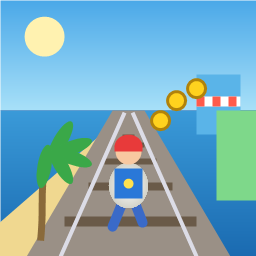
Control a kid in a red baseball cap running endlessly on three seaside railway tracks: switch lanes, jump, and slide to avoid oncoming trains, low-clearance bars, and moving blockades. Features cartoon retro 3D visuals, double scores for perfect runs, daily rewards, achievements, and local high score tracking.
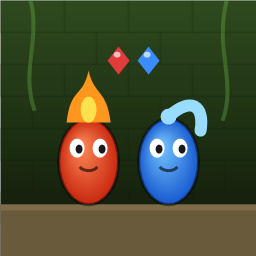
Control Fireboy and Watergirl to cooperate: collect matching gems, trigger buttons, pull levers, push boxes, and ride lifts. 30 handmade puzzle levels across 5 chapters, plus random endless mode. Supports local co-op and dual virtual joysticks.
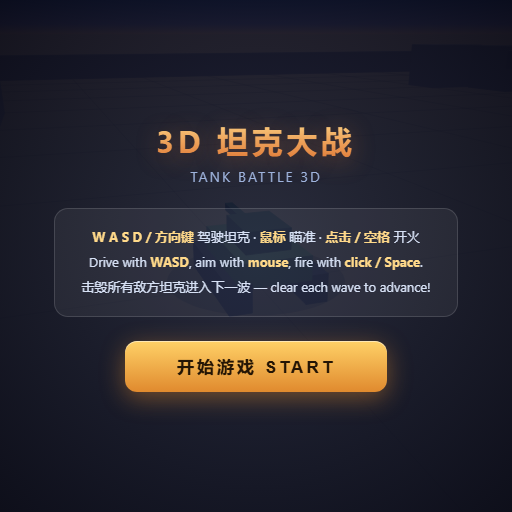
Pilot your combat tank in a 3D battleground: maneuver to dodge artillery fire, aim and destroy enemy tanks in wave-based assault missions.
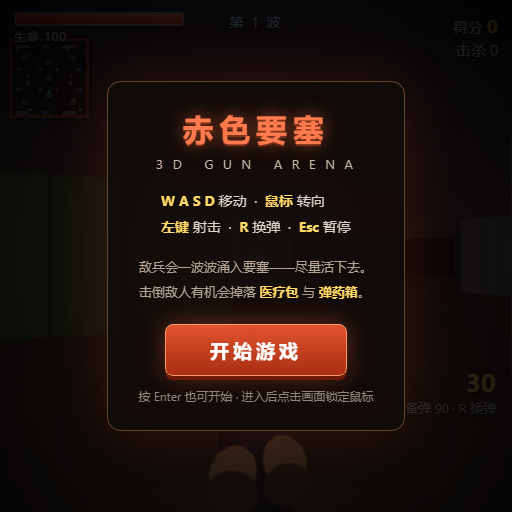
First-person 3D shooter: Navigate through enemy strongholds, shoot hostile units, and clear stages while holding your ground.
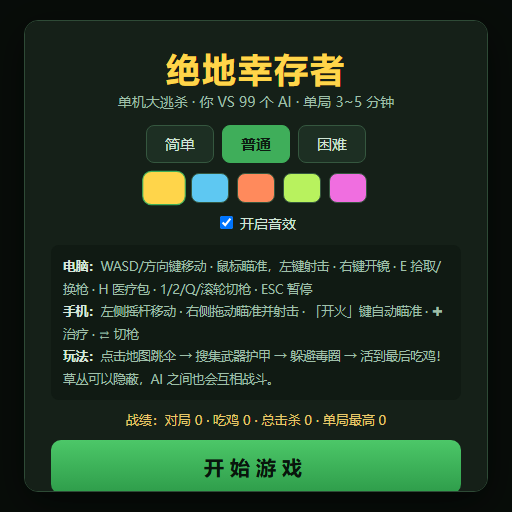
Top-down survival shooter: Navigate through endless waves of monsters, select new skills and weapon upgrades upon leveling up, and survive as long as possible.
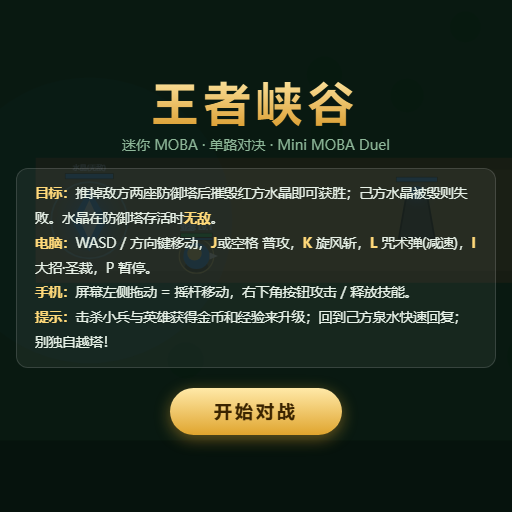
Miniature MOBA battle: Control your hero, push minion waves, release skills, defeat enemy units/towers, and destroy the enemy base.